
Use a tab character and a paragraph tab stop to align short DOCX fields. Repeated spaces are difficult to maintain because their visual width depends on the text and font.
For a small label-and-value block, one consistent tab stop can keep the values aligned. For multiple records with true columns, use a table instead.
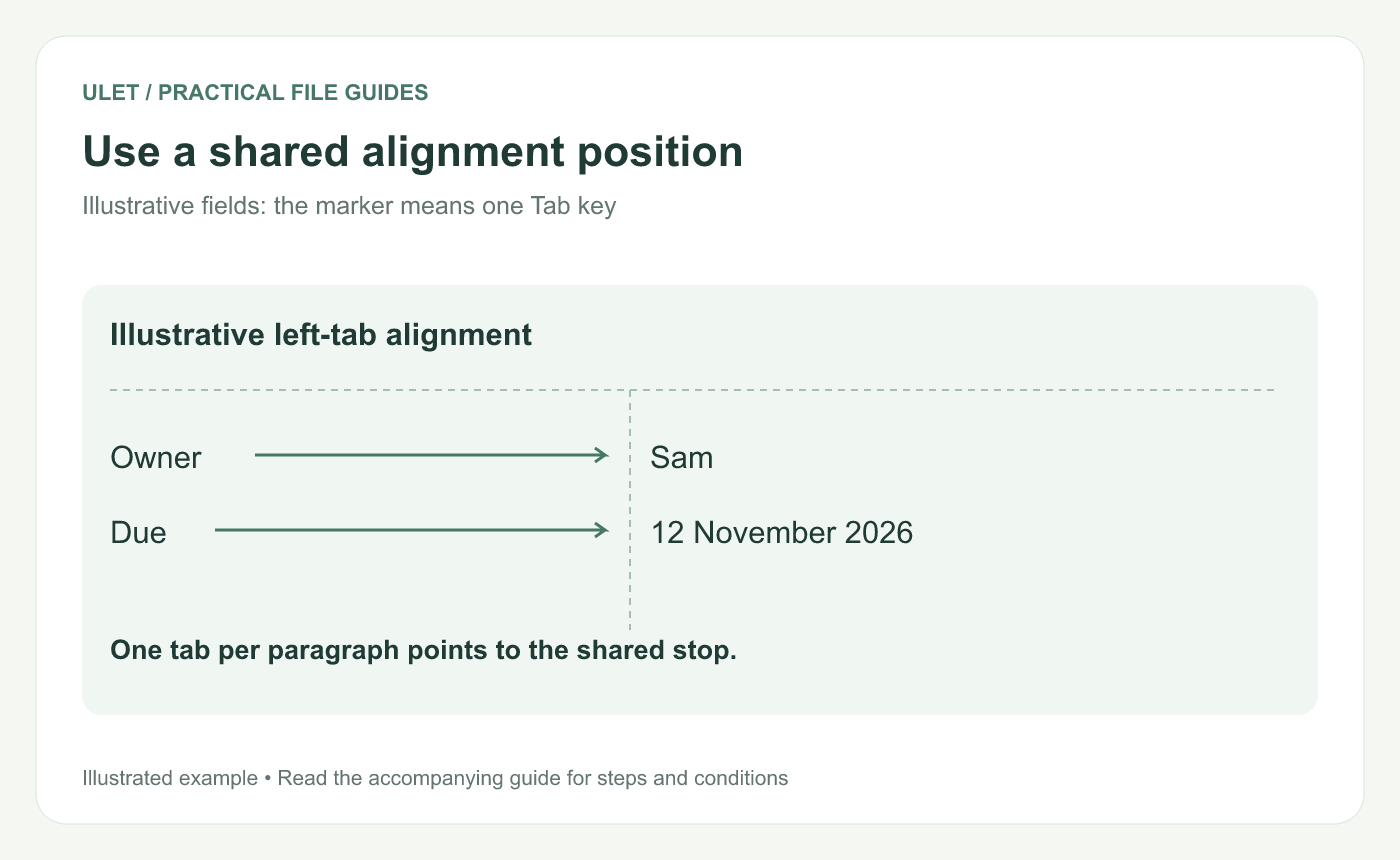
Use a shared alignment position. Original instructional illustration; sample wording and outcomes to check are not software screenshots or observed test results.
Start with a small field block
Try two paragraphs: “Owner [Tab] Sam” and “Due [Tab] 12 November 2026.” The marker [Tab] means press the Tab key once; do not type the brackets and letters.
Keep a working copy while adjusting the layout. If the text already contains many spaces, remove the spacing deliberately and insert the real tab character.
Set the intended stop
Open the DOCX in Ulet and select the relevant paragraph.
Inspect the horizontal ruler and its tab-type selector.
Choose a left tab for values that should begin at one position.
Click the intended position within the ruler's content area.
Check the field and apply the appropriate paragraph formatting to the other field.
Ulet's current ruler includes left, center, right and decimal tab types. Verify the stops on each intended paragraph rather than assuming a change affected every nearby line.
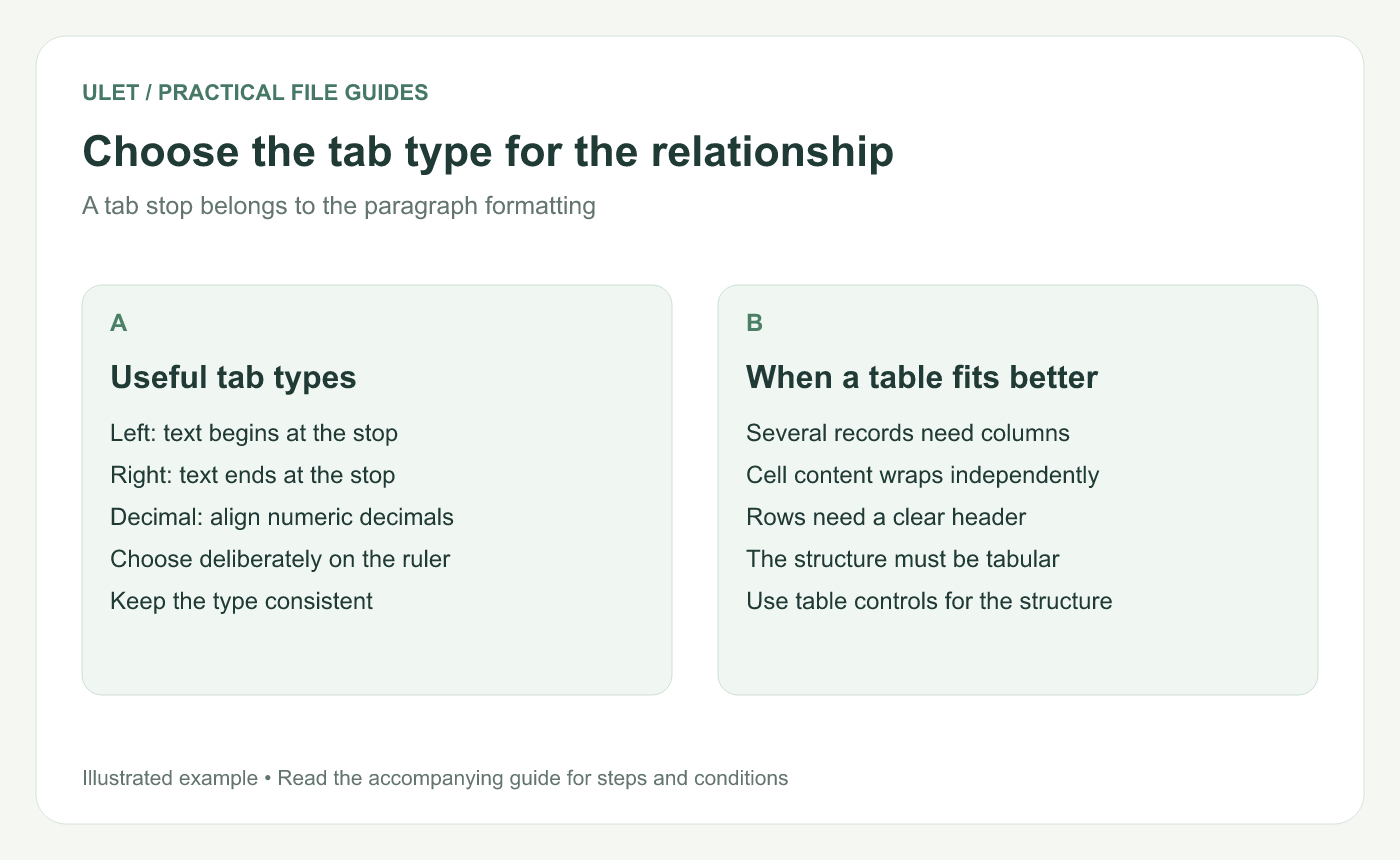
Choose the tab type for the relationship. Original instructional illustration; sample wording and outcomes to check are not software screenshots or observed test results.
Choose the alignment that fits the content
Type | Useful behavior |
|---|---|
Left tab | Text begins at the stop |
Right tab | Text ends at the stop |
Decimal tab | Numeric values align around their decimal point |
Microsoft's ruler guidance explains these tab-stop relationships in Word. Use the equivalent controls available in the editor where you maintain the document. Ruler and tab-stop reference.
Use a table for actual rows and columns
If the block has many records, needs wrapping inside cells or requires column headers, a table gives the content a more appropriate structure.
Tabs are useful for short paragraph relationships. Avoid building a large table-like layout from a mixture of tabs, spaces and line breaks.
Check the saved alignment
Save and reopen the DOCX. Inspect the short and long values, then check any output copy used for printing or delivery.
Ulet provides free basic local document editing on Windows and macOS. Keep the formatting tied to paragraph settings so a later wording change needs less manual repositioning.


