
An inventory reorder worksheet needs more than a stock count. Record what is on hand, what is confirmed inbound and what is already committed. Then compare the resulting inventory position with an agreed target.
The small example below is a planning worksheet. Someone still needs to review delivery timing, stock accuracy and supplier constraints before placing an order.
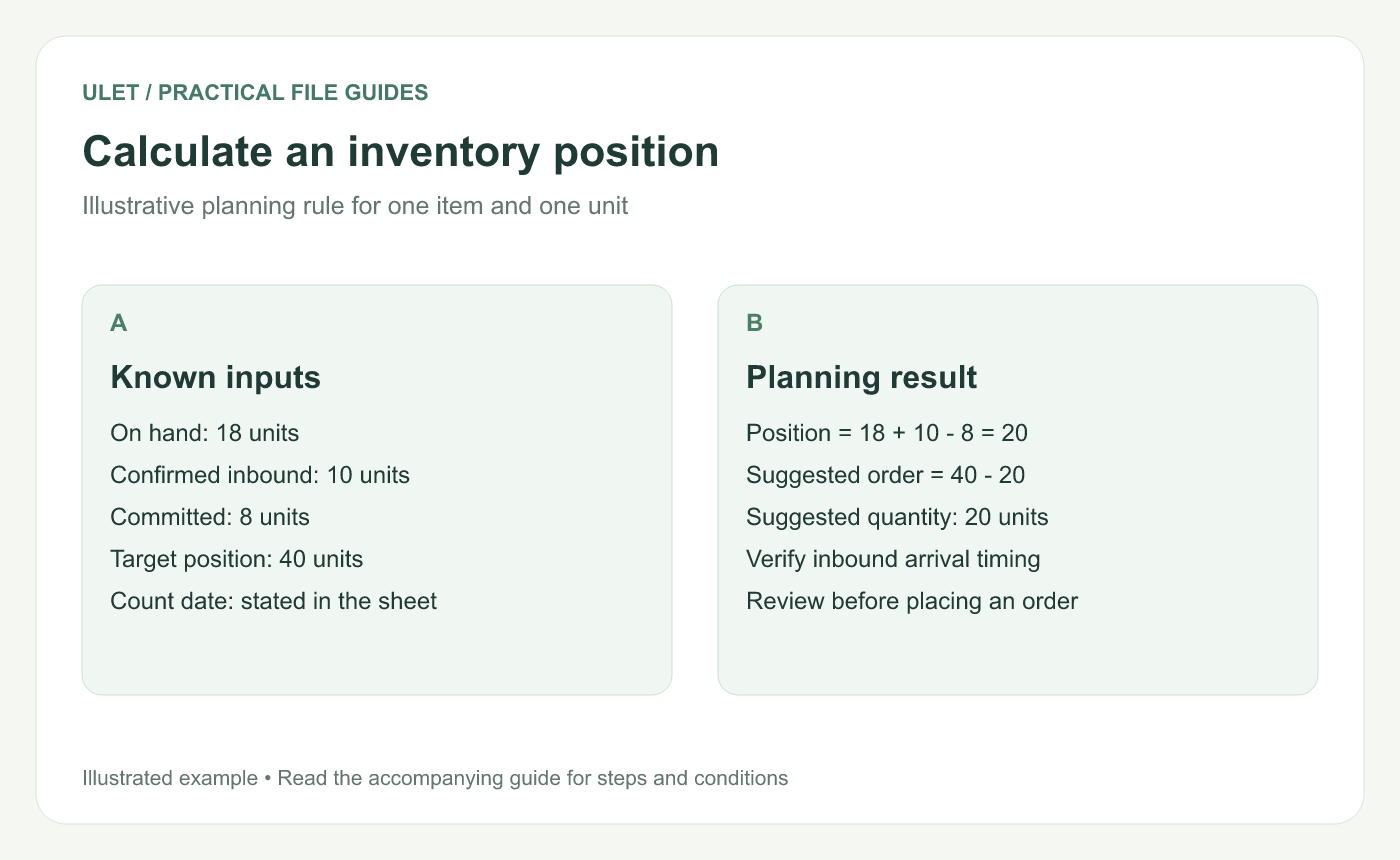
Calculate an inventory position. Original instructional illustration; the examples are not software screenshots.
Give each column one definition
Column | Meaning | Example |
|---|---|---|
A — Item ID | Stable product identifier | BOX-A |
B — On hand | Physical units at the stated count time | 18 |
C — Inbound | Confirmed incoming units | 10 |
D — Committed | Units reserved for unfulfilled demand | 8 |
E — Target | Agreed inventory position to plan toward | 40 |
Use the same unit in every quantity column. If one source counts cartons and another counts individual items, convert deliberately and record the pack size.
Calculate the position and the suggested order
In F2, enter =B2+C2-D2. The example gives 20 units. In G2, enter =MAX(0,E2-F2), giving a suggested order of 20.
The MAX wrapper keeps an above-target position from producing a negative order quantity. It does not decide what to do with excess stock.
This rule assumes the inbound stock can serve the demand included in the plan. If a confirmed shipment arrives after the stock is needed, a single total hides a timing problem. Add arrival dates and review the shortage by date before relying on the suggestion.
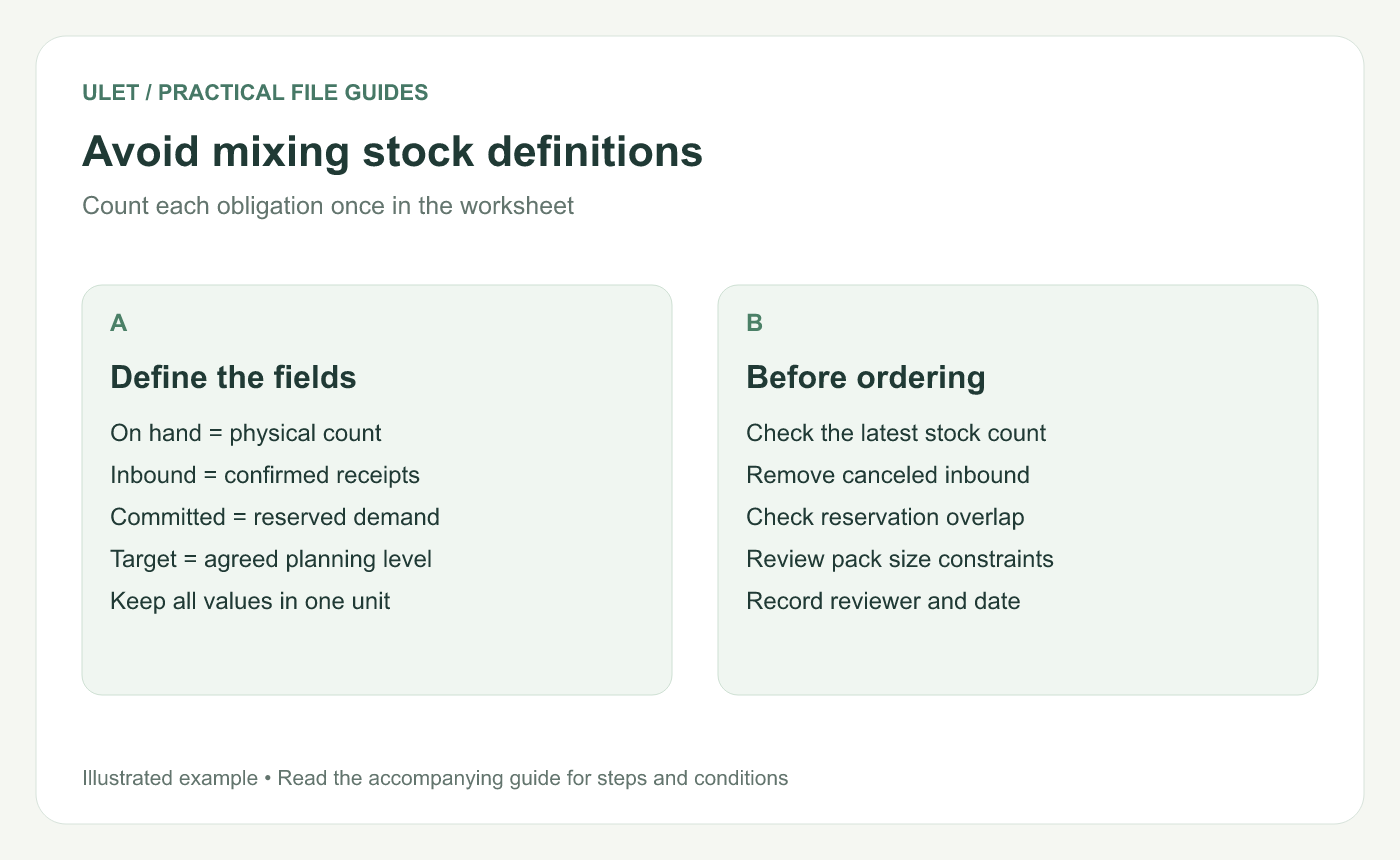
Avoid mixing stock definitions. Original instructional illustration; the examples are not software screenshots.
Prevent double counting
Read the definition of the source balance. If it already subtracts reservations, using it as “on hand” and subtracting committed units again understates availability. Likewise, remove canceled or already received purchase orders from the inbound quantity.
Use a count date and an owner for each update. A correct formula over last month's stock is still the wrong basis for today's order.
Test the rule with clear cases
Check the worked example: position 20, suggested order 20.
Set the target to 20: suggested order becomes 0.
Raise on-hand stock to 50: the suggestion remains 0.
Restore the intended inputs and inspect the next copied row's references.
Review minimum orders, pack sizes and lead times separately. These assumptions belong beside the calculation, where a buyer can see them.
You can build and maintain this XLSX in Ulet using free basic local editing. Keep the sheet alongside the stock and order records used to update it.


