
The field kit checklist looks right on the PDF page: flashlight, spare battery and radio. The tag tree tells you whether those lines are represented as one list or as unrelated paragraphs.
Find the tags for the checklist
Open the exported PDF in Acrobat Pro and show its Accessibility tags panel. Locate the section that corresponds to the checklist. A list usually has an L parent and one LI per item. An item can contain Lbl for the bullet and LBody for its text. If you find three P tags instead, the visible bullets alone do not establish a list structure.

Example structures for the same visible text. Look for the list container and its items.
Verify the repaired export, item by item
If you have the editable source, apply its bulleted-list control to the three lines and export a fresh tagged PDF. Open the new file and match the LI entries to flashlight, spare battery and radio in that order.
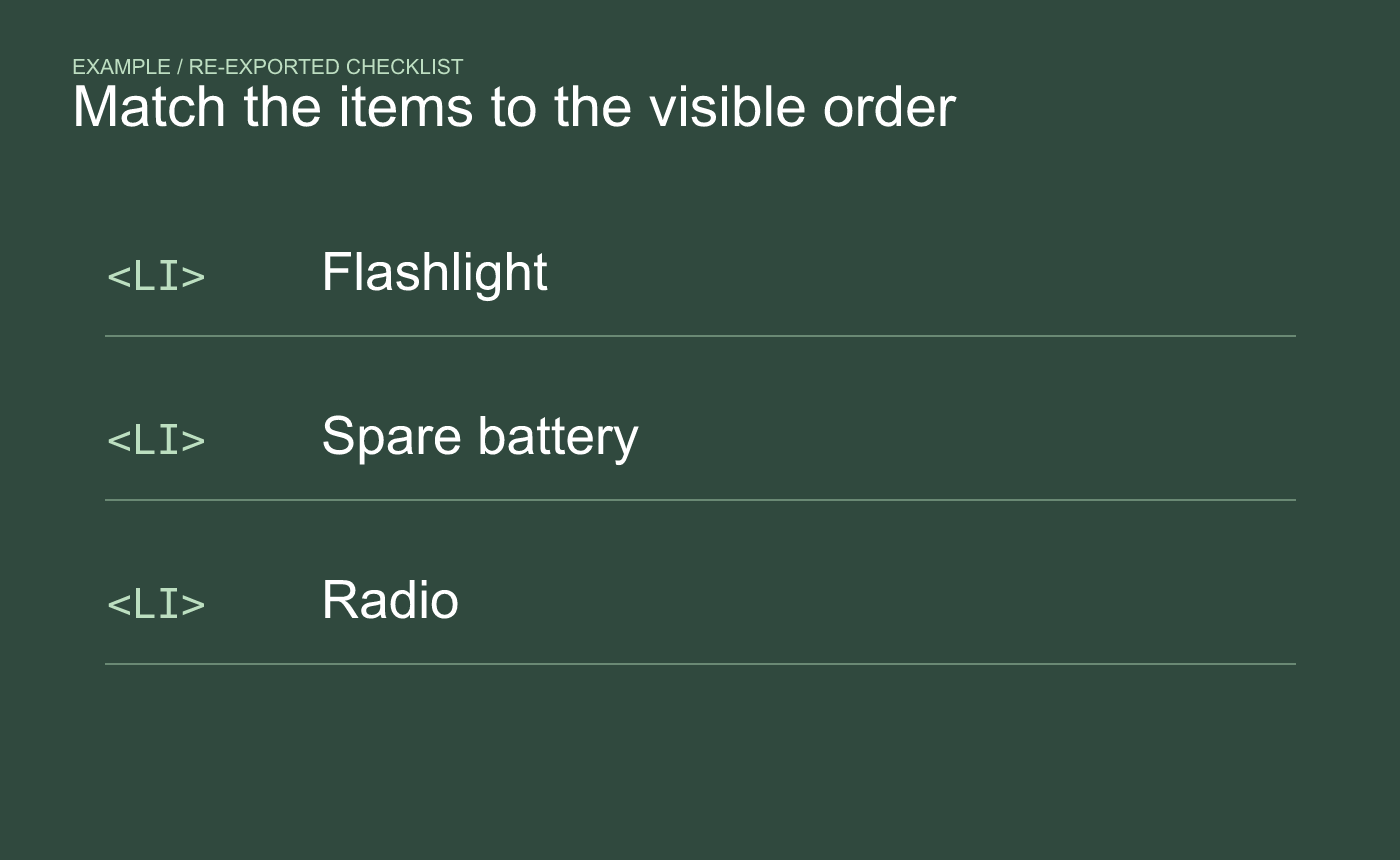
Example after re-export. Match the list items with the content and order on the page.
If the checklist has nested items, inspect a nested branch separately. Where possible, read the passage in the screen reader and viewer your audience uses and confirm that the item grouping is understandable there.



