
Five equipment labels need an even row height on a printed inventory sheet. Set the rows together, then look at the label most likely to wrap.
In Ulet Sheets, select row headers 6–10. Keep the taller section heading in row 5 outside the selection. On Home, find Cells > Format > Row Height. Enter 30 points for the selected rows.
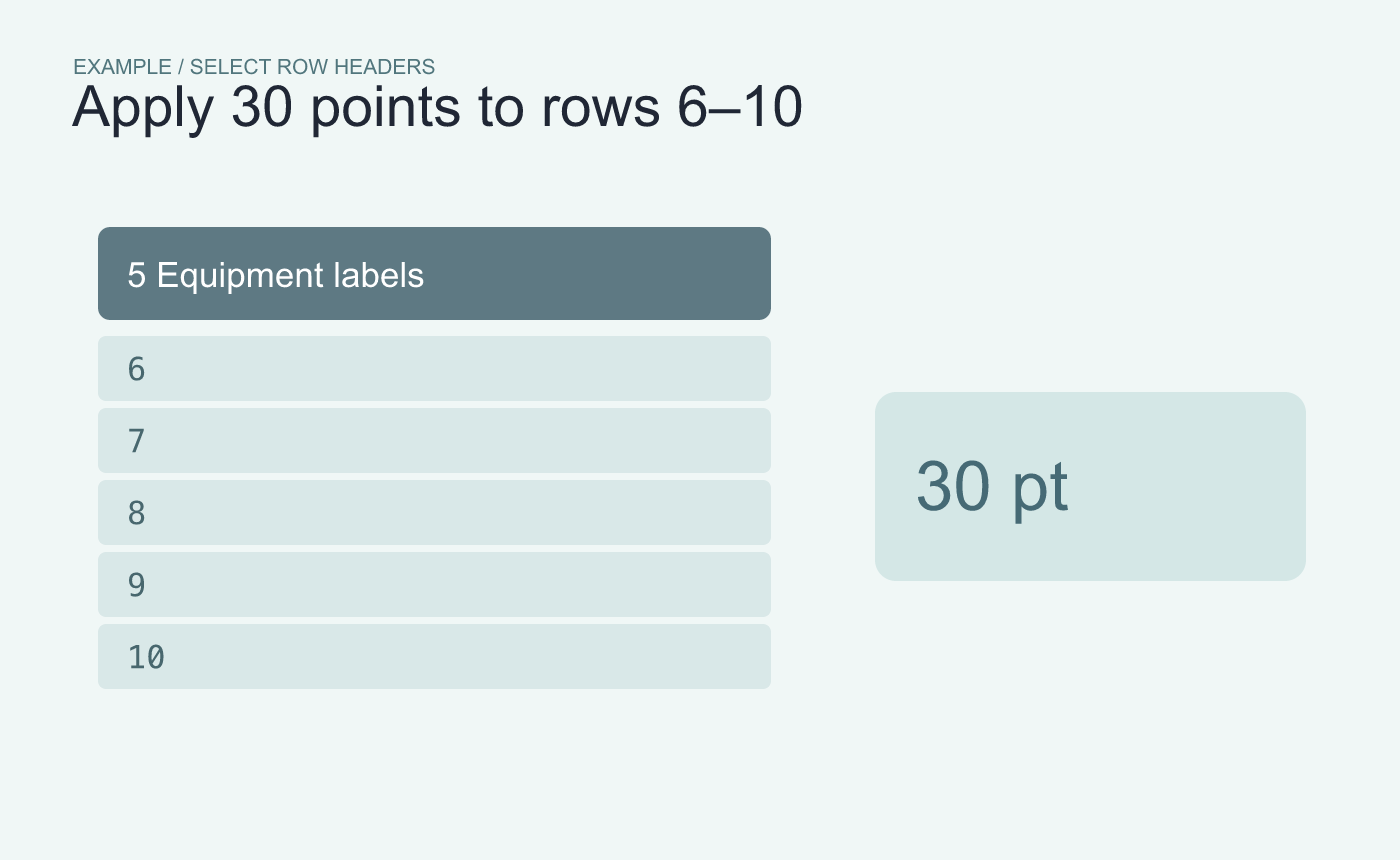
Example row band. Leave row 5, the section heading, outside the selection.
Inspect the row that needs the most room
Check that row 5 kept its original height. In the selected band, read the longest label, such as “Spare extension lead, loading bay.” If a second line is cut off, raise the selected rows together or revise the label layout.
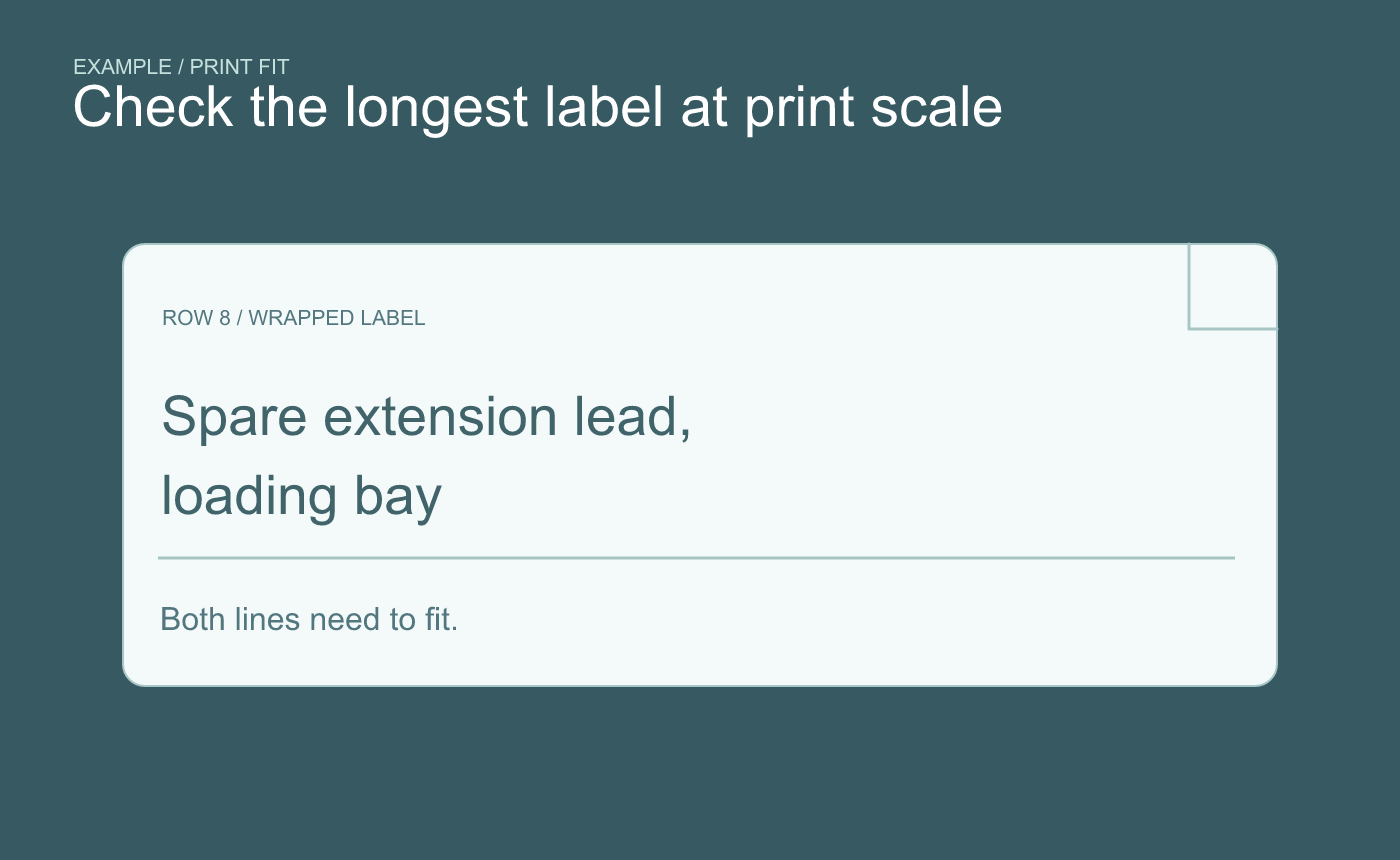
Example fit check. Look for clipping at the bottom of the longest label.
Save and reopen the XLSX. Check the label band again in the preview at the intended print scale. The numeric setting gives the rows equal height. The proof tells you whether the text is readable at that height.



