
When a process needs several slides, keep a small, stable overview visible and highlight the stage each slide explains. Use the same names, numbers and direction throughout the sequence.
This lets the audience follow the detail without having to reconstruct the whole process on every slide.
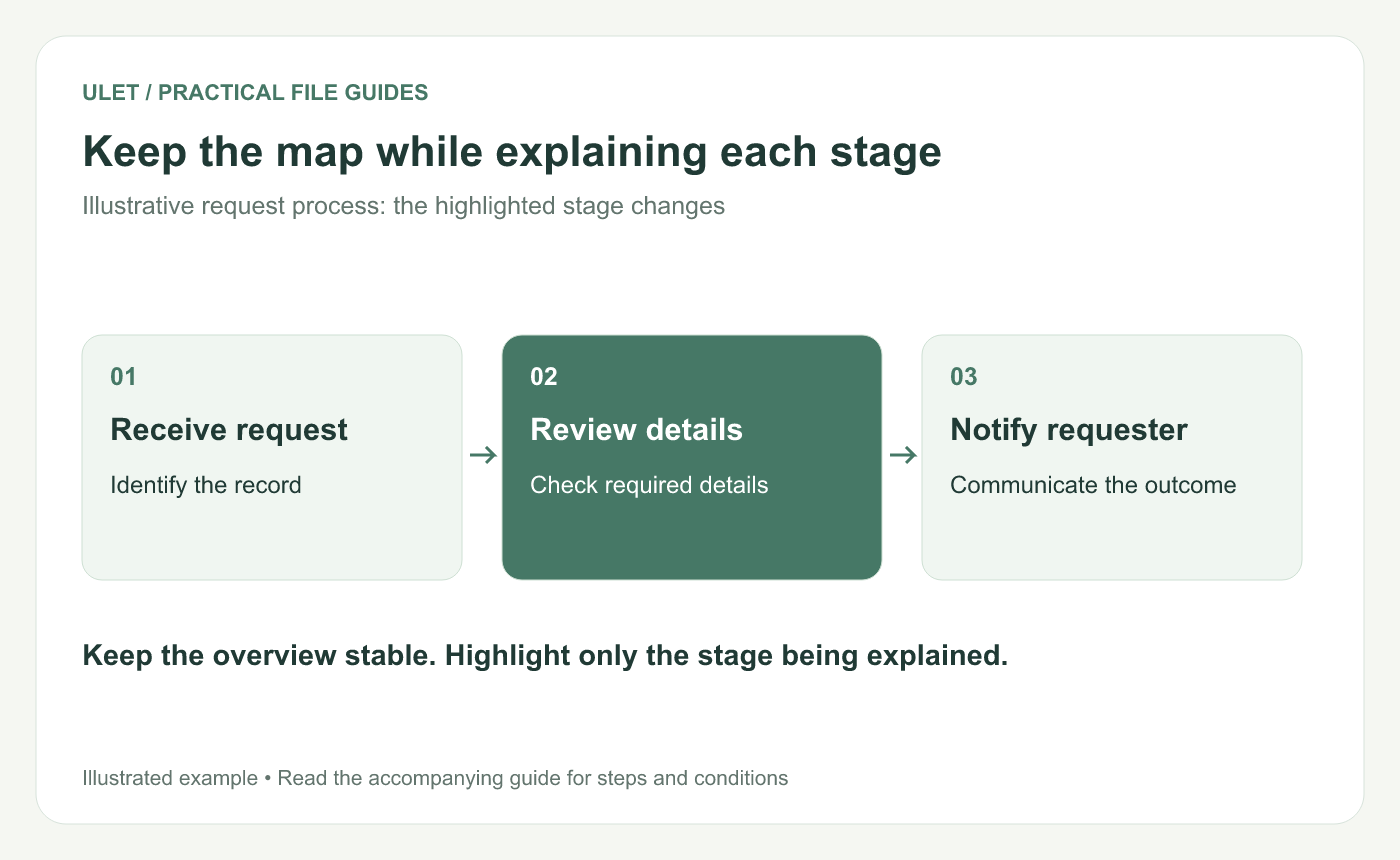
Keep the map while explaining each stage. Original instructional illustration; sample records and layouts are examples, not software screenshots.
Draw the simplest useful overview
For an illustrative request process, start with three stages: Receive request, Review details and Notify requester. Keep those exact labels until there is a real reason to change the process.
Choose a direction and use it consistently. If the process includes a loop, show where it returns. Do not draw a straight line that suggests every request always moves forward.
Give each detail slide a place on the map
Use a clear stage title such as “2 — Review details.” Keep the three-stage overview in the same position and visually emphasize Review details. Add a written stage label so the distinction does not depend on color alone.
Avoid renaming that stage “Validation” on the next slide unless the difference matters and you explain it. Two names for one step can make the audience think there are two different actions.
Show what crosses the handoff
Part of a stage | Example for Review details |
|---|---|
Input | A request with an identifiable record |
Action | Check the required information |
Output | A recorded decision and a named next owner |
Exception | Ask for missing information and return to the stated check |
Replace these labels with your actual approved process. The example explains a presentation technique, not a policy for handling real requests.
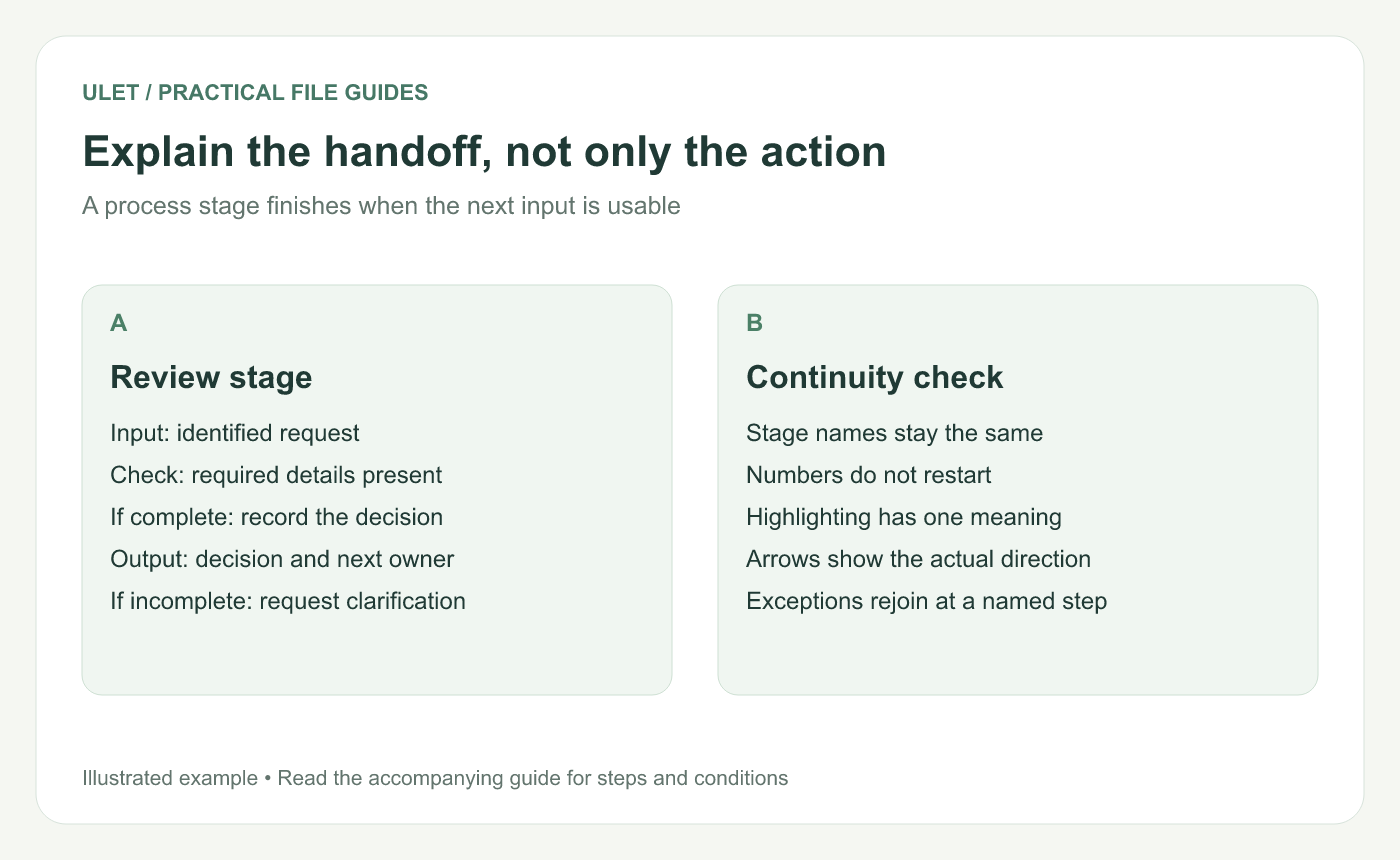
Explain the handoff, not only the action. Original instructional illustration; sample records and layouts are examples, not software screenshots.
Give exceptions enough space
Explain a complicated exception on its own slide while retaining the overview. Name the condition that triggers it and the point where work rejoins the main path.
If there are many branches, first show the main route, then introduce the branch needed for the audience's task. Adding every possible arrow at once can hide the useful structure.
Review the sequence as a whole
Move through the slides and check that the overview stays consistent. Verify stage numbers, arrow direction and the meaning of the highlight. Ask a reader where the process is now and what the next stage receives.
You can maintain the local PPTX's text and shapes in Ulet with free basic presentation editing. Keep a master wording list beside the deck so a later edit does not quietly introduce new names for the same stage.


