
A consistent spreadsheet date column needs two things: the right calendar dates and a clear display format. Resolve ambiguous entries first. Changing how a cell looks cannot tell you whether 03/04/2026 originally meant March 4 or April 3.
Keep the original source column while you work. Put corrected dates in a separate column until the sample checks make sense.
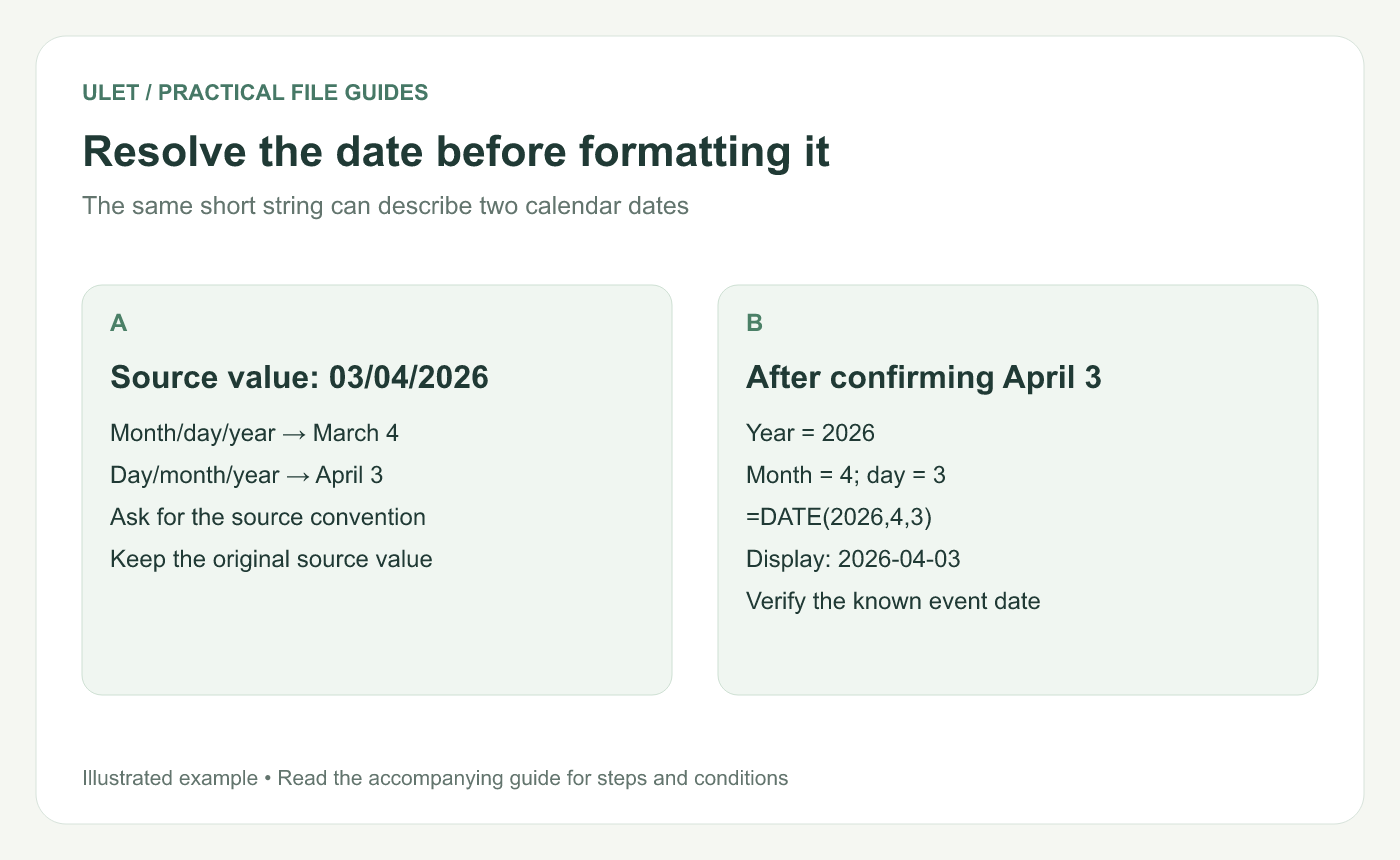
Resolve the date before formatting it. Original instructional illustration; the examples are not software screenshots.
Ask what the source meant
Find the export specification or ask the person who supplied the data. Record whether the source uses day/month/year, month/day/year or another convention. A date containing a day above 12 can provide a clue, but it does not prove every row follows the same convention.
Flag unresolved values for review. Guessing can produce a perfectly valid date in the wrong month, which is harder to spot than a visible error.
Build an unambiguous sample date
For a confirmed date of 3 April 2026, try =DATE(2026,4,3) in an empty cell. Excel's DATE function takes year, month and day and returns a date serial value. Use a four-digit year. Microsoft's DATE reference.
If your source already supplies year, month and day in separate numeric columns, use references to those cells. Check the components before combining them: Excel can roll an out-of-range month or day into another date, so a returned date is not proof that the input was valid.
Choose one display for the reader
For a cross-region report, a display such as 2026-04-03 makes the order explicit. Apply an appropriate date format to the actual date values. In Excel, the custom code yyyy-mm-dd gives that arrangement. Date formatting guide.
Typing those characters as text is a different operation. Check that values you intend to calculate with are usable dates in the editor receiving the file.
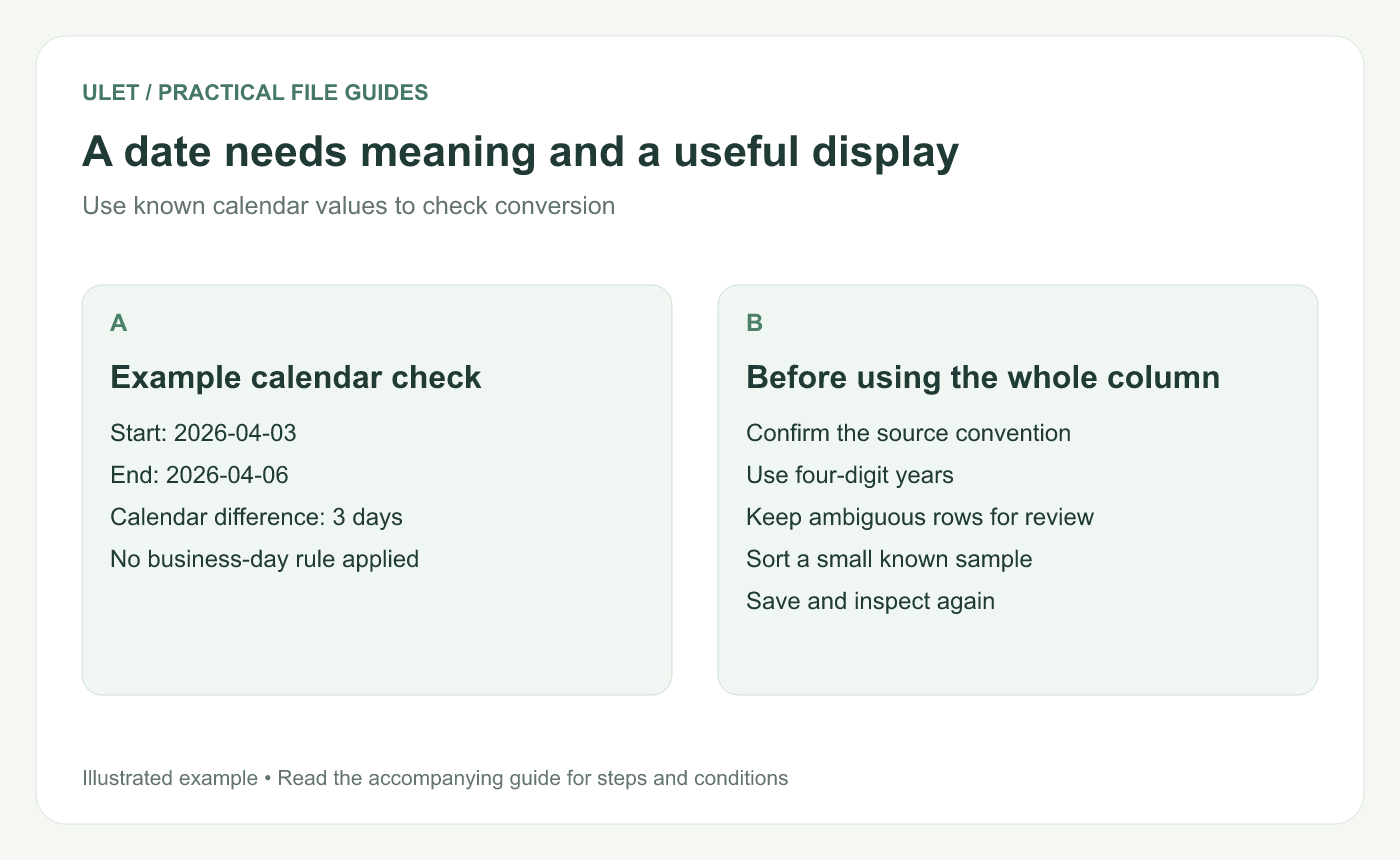
A date needs meaning and a useful display. Original instructional illustration; the examples are not software screenshots.
Use a calendar check you can verify
Put 3 April 2026 in B2 and 6 April 2026 in B3. In a spare cell, =B3-B2 should give 3 when both cells are valid dates under this example. This is elapsed calendar days; working days and inclusive day counts need their own definitions.
Next, sort a small sample containing dates you already know. Confirm the sequence and inspect one ambiguous original against its corrected value.
You can maintain the local XLSX in Ulet with free basic editing. Save the intended version, reopen it and check the dates that mattered to the sample before replacing the source column.



