
Set a first-line indent with the paragraph-format controls instead of starting each paragraph with spaces. The opening line moves inward while wrapped lines keep the paragraph's normal left boundary.
Use a paragraph long enough to wrap while testing. A one-line sample does not show whether only the first line moved.
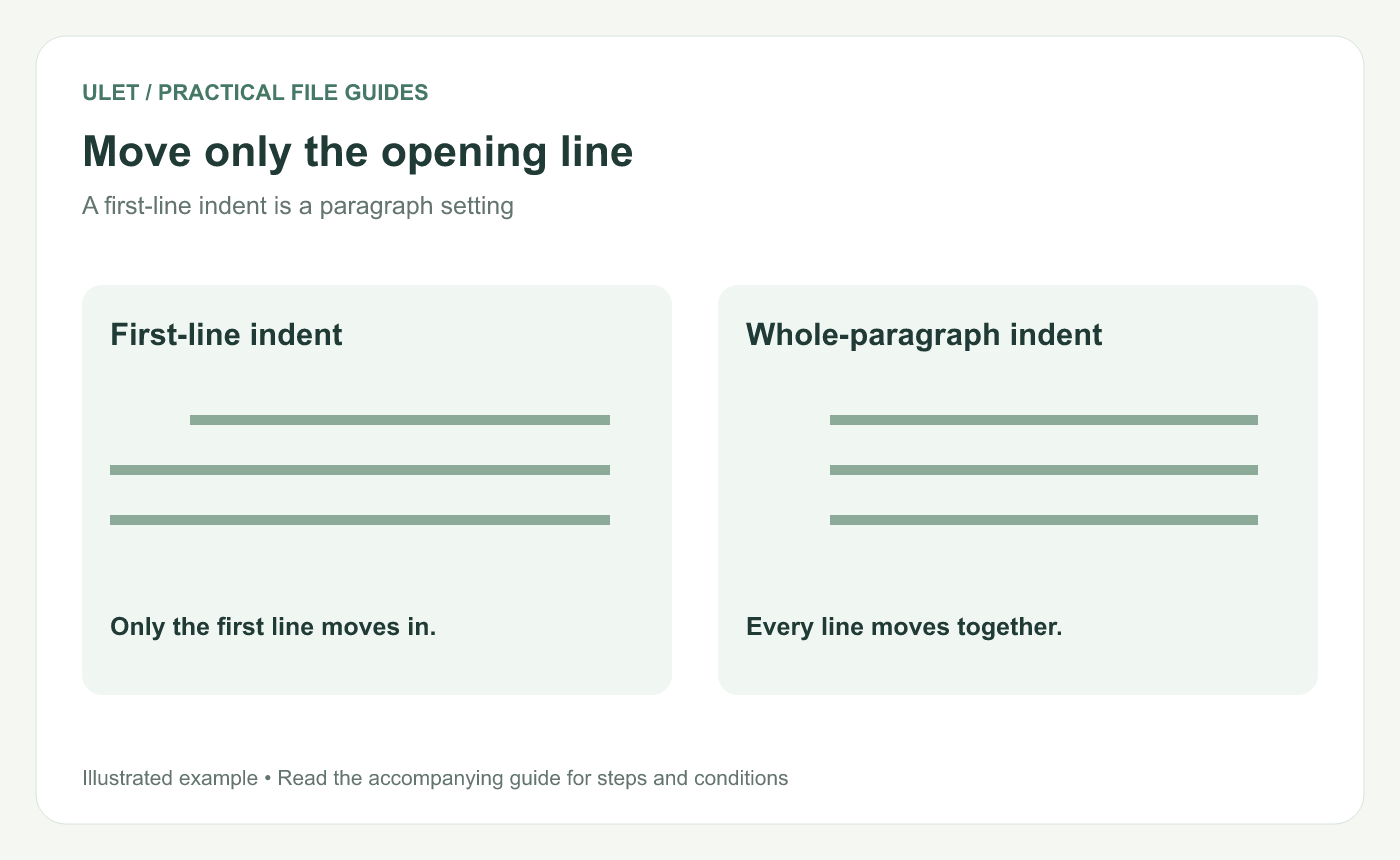
Move only the opening line. Original instructional illustration; fictional examples are not software screenshots or measured product results.
Separate the two indentation questions
A left indent moves the whole paragraph. A first-line indent changes the opening line relative to that paragraph boundary. Decide which result the document needs before changing either value.
If a template specifies the amount, follow it. Otherwise, try a modest sample value and review the resulting appearance rather than assuming one value fits every document.
Apply the first-line setting
Open a working DOCX in Ulet.
Place the cursor in the paragraph or select the intended paragraphs.
Open the paragraph-format controls.
Adjust First line while keeping the other indents unchanged for the test.
Inspect the opening line and the wrapped lines below it.
Ulet's current paragraph controls expose left, right and first-line indentation. Microsoft likewise distinguishes first-line and other paragraph indentation settings. Indentation reference.
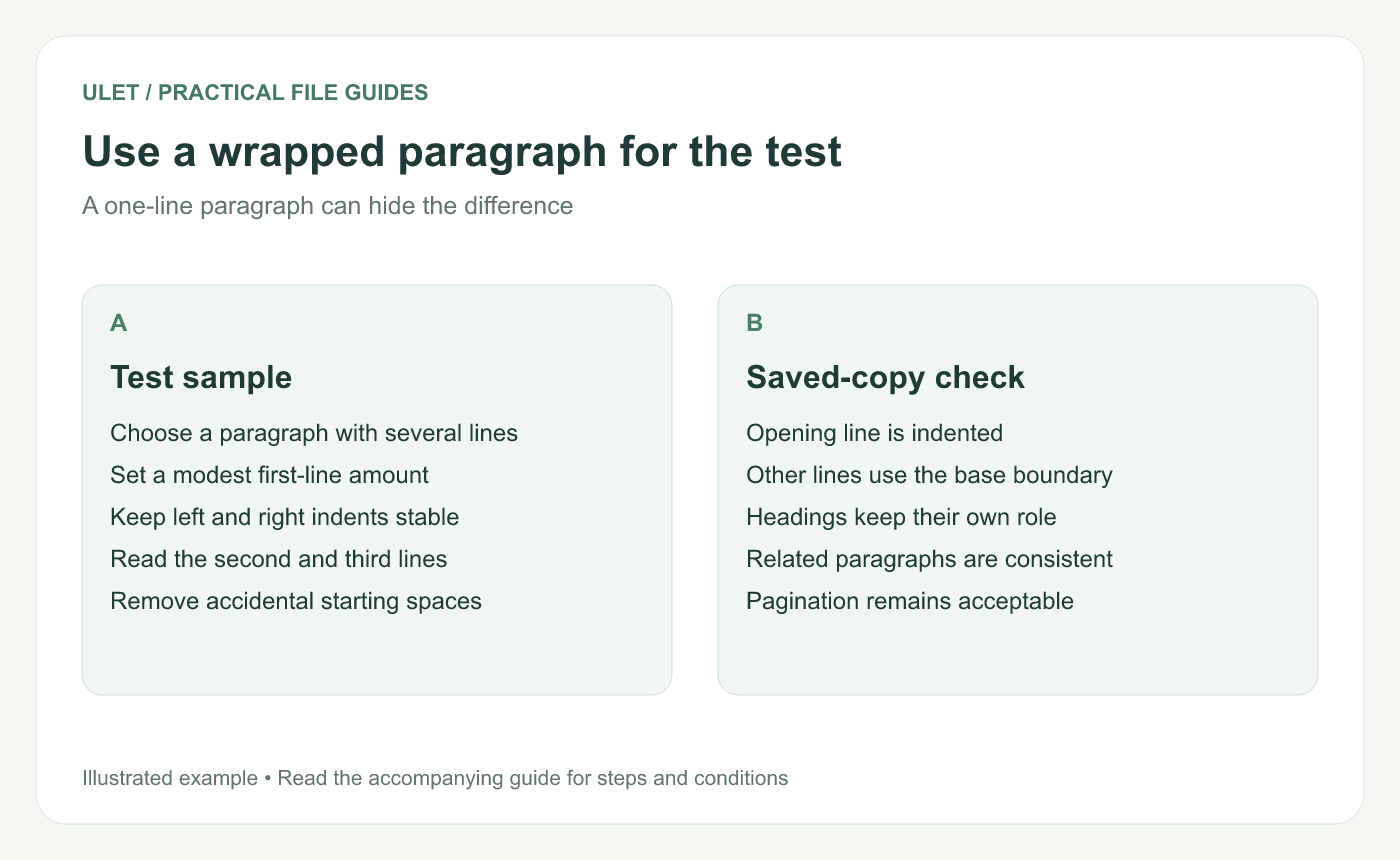
Use a wrapped paragraph for the test. Original instructional illustration; fictional examples are not software screenshots or measured product results.
Remove accidental manual positioning
If the paragraph starts with spaces or a tab inserted only to push the text inward, inspect whether those characters are still needed. Leaving them alongside the first-line setting can create a larger gap than intended.
Change a working copy and compare the result. A tab can have another purpose, such as a label-and-value field, so do not remove every tab across the document automatically.
Keep paragraph roles separate
Body paragraphs, headings, captions and reference entries can have different requirements. Apply the first-line rule to the intended role rather than selecting the entire document indiscriminately.
For several related paragraphs, inspect their style or formatting consistency. A local visual correction is harder to maintain if the same paragraph role keeps using different settings.
Review the saved result
Save and reopen the DOCX. Check a long paragraph, a short one and the boundary near a heading. Review pagination if the layout changed.
Ulet supports free basic local document editing on Windows and macOS. Keep the paragraph setting as the source of alignment so later wording changes require less manual adjustment.


