
Prepare for offline work by storing the required documents and resources on the computer, confirming a writable save location and trying a small edit without a connection. Open and save the files you actually plan to use.
A filename visible in a cloud-managed folder may still be an online-only placeholder. Check its download state before leaving a working connection.
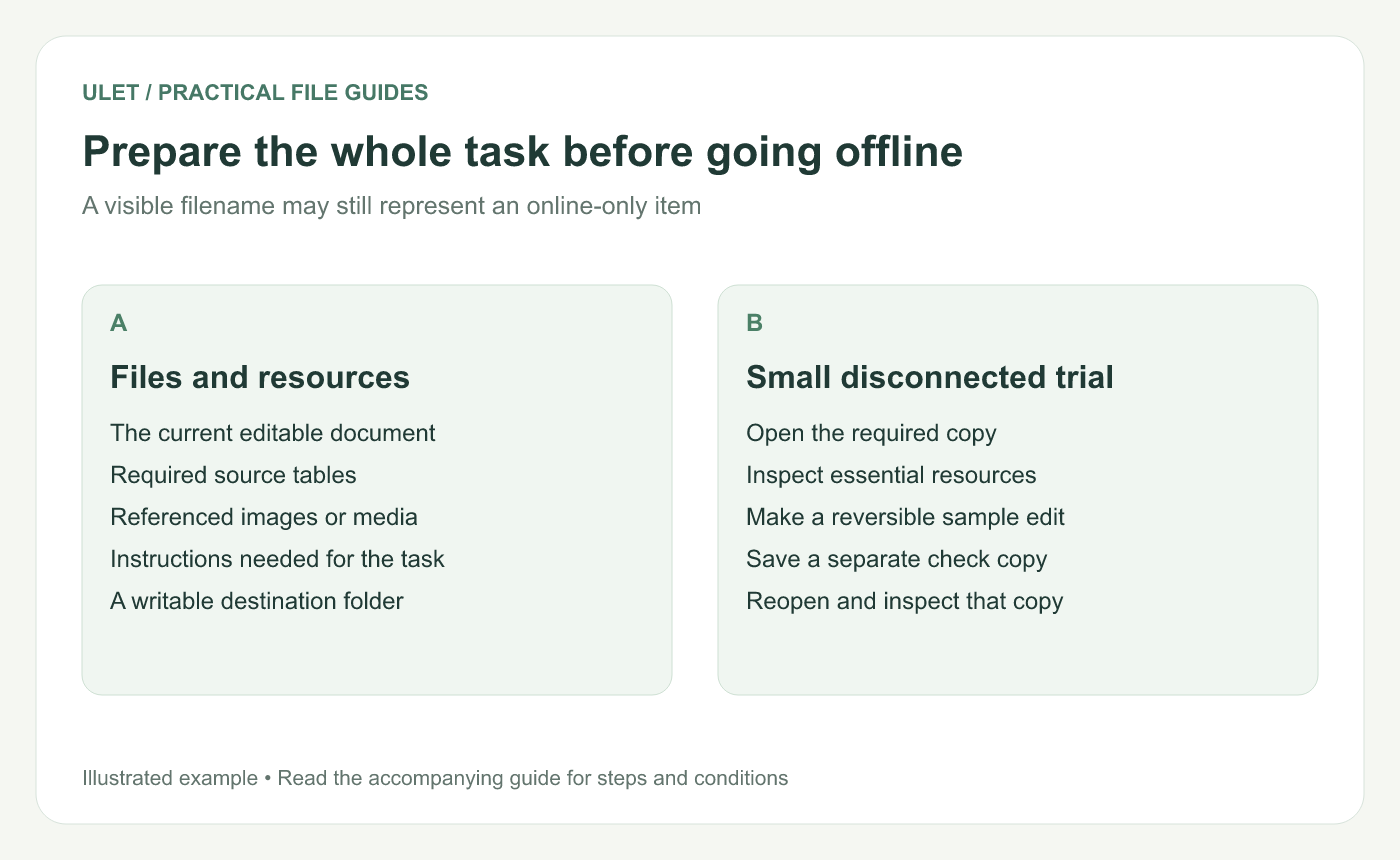
Prepare the whole task before going offline. Original instructional illustration; sample records are examples, not product screenshots or observed test results.
List the inputs for the task
Include the editable file, reference tables, linked images, media and any instructions needed to finish the work. A local document can still point to a resource that is only available online.
Confirm the intended version now. Offline work on an older copy can create avoidable reconciliation later.
Download cloud-managed files deliberately
For OneDrive on Windows, Microsoft documents Always keep on this device for files and folders that should remain locally available. Wait for the required items to download. OneDrive offline availability.
For iCloud Drive, use the current Finder controls to download the needed items and keep them downloaded where that option is available. Apple's iCloud Drive file guidance.
These are storage-service settings. They are separate from which editor you use to change the file.
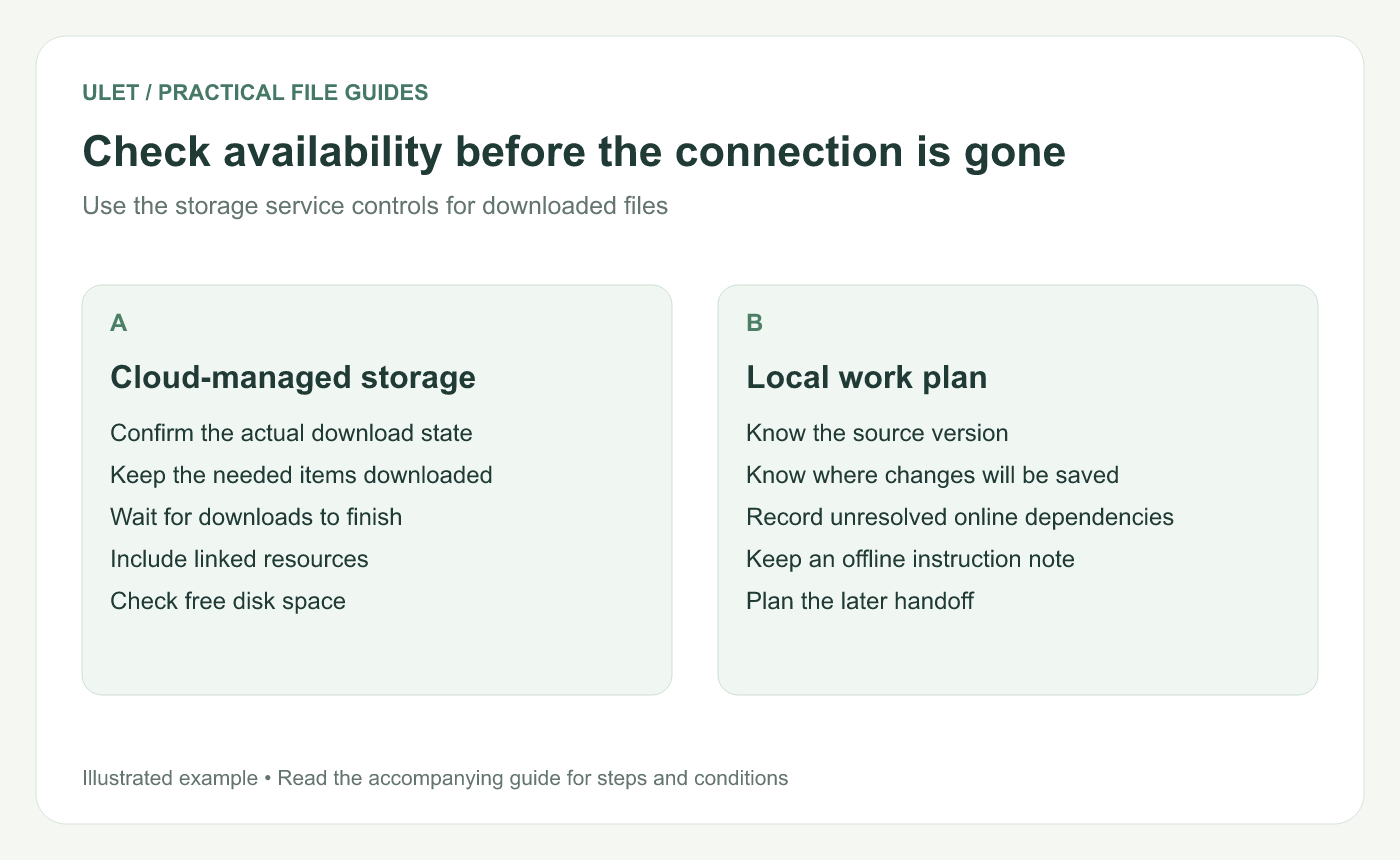
Check availability before the connection is gone. Original instructional illustration; sample records are examples, not product screenshots or observed test results.
Run a small disconnected trial
Finish the downloads and save open work.
Temporarily disconnect when doing so will not interrupt another required task.
Open the actual document and inspect essential resources.
Make a small change in a noncritical copy.
Save it to the intended local destination.
Close and reopen the saved copy.
Check a calculation, annotation or media item if it is essential to the offline task. One successful text edit does not establish every dependent feature.
If you use Ulet on Mac, follow the Ulet offline guide for Mac to check your sign-in session, then save and reopen the same file while still disconnected.
Record what still needs a connection
List references, shared systems or approvals that will remain unavailable. Decide what you can complete locally and what must wait, rather than discovering that boundary midway through the session.
Keep enough free disk space for saved copies and any required output. Confirm you can find the destination folder without relying on an online shortcut.
Keep the later handoff clear
When connected again, identify the edited copy and follow the team's normal merge or sync process. Do not assume a local save proves the recipient has received the update.
Ulet supports local document, spreadsheet, presentation, PDF and Markdown work on Windows and macOS, with free basic editing. Prepare the files and run the task-specific trial before relying on that offline session.


