
To check whether a copied document matches its source, calculate a SHA-256 checksum for each file and compare the full values. Use the same algorithm on both sides and keep the source unchanged during the comparison.
This is useful when a transfer or copied version is in doubt. It checks file integrity; you still need to open the document and review its contents for the actual task.
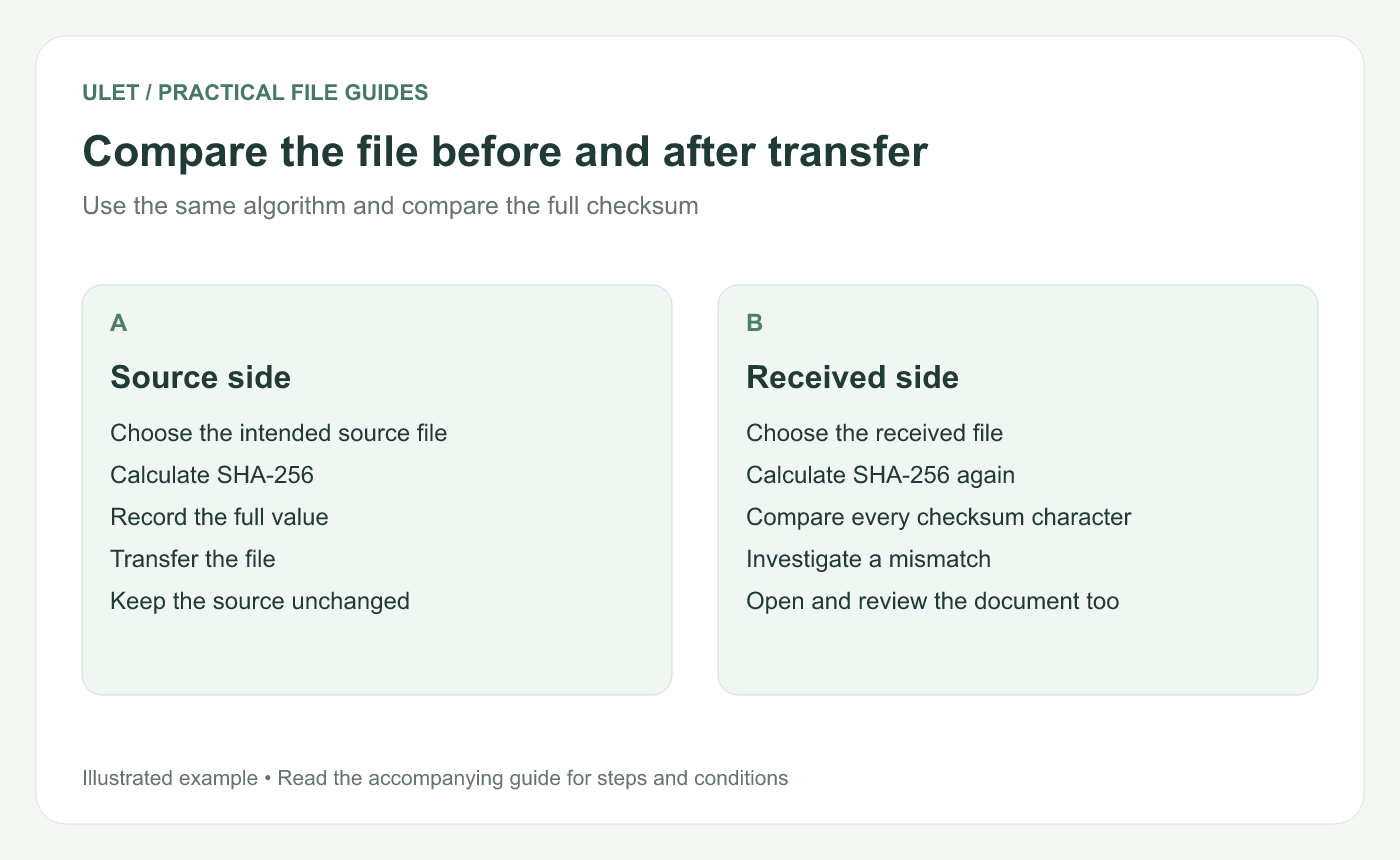
Compare the file before and after transfer. Original instructional illustration; sample records are examples, not product screenshots or observed test results.
Choose the intended source first
Confirm the filename, location and revision before calculating anything. Matching the wrong source perfectly would still deliver the wrong document.
Keep a short record with the source filename, algorithm and complete checksum. Do not compare a few leading characters alone.
Calculate SHA-256 on Windows
In PowerShell, use Get-FileHash with the actual document path. This example path is a placeholder; replace it with your file.
Get-FileHash -LiteralPath 'C:\Users\YourName\Documents\source.docx' -Algorithm SHA256Compare the Hash value in the result. Microsoft documents the algorithm option and the returned path, algorithm and hash fields. Get-FileHash reference.
Calculate SHA-256 on macOS
In Terminal, use the actual document path with shasum -a 256. Quotes keep a path containing spaces together.
shasum -a 256 '/Users/yourname/Documents/source.docx'Compare the checksum value preceding the filename. Apple demonstrates this SHA-256 command form in its developer documentation. Apple hash-command example.
These commands are reading checks. No example output is shown here because it would depend on the exact bytes of your file.
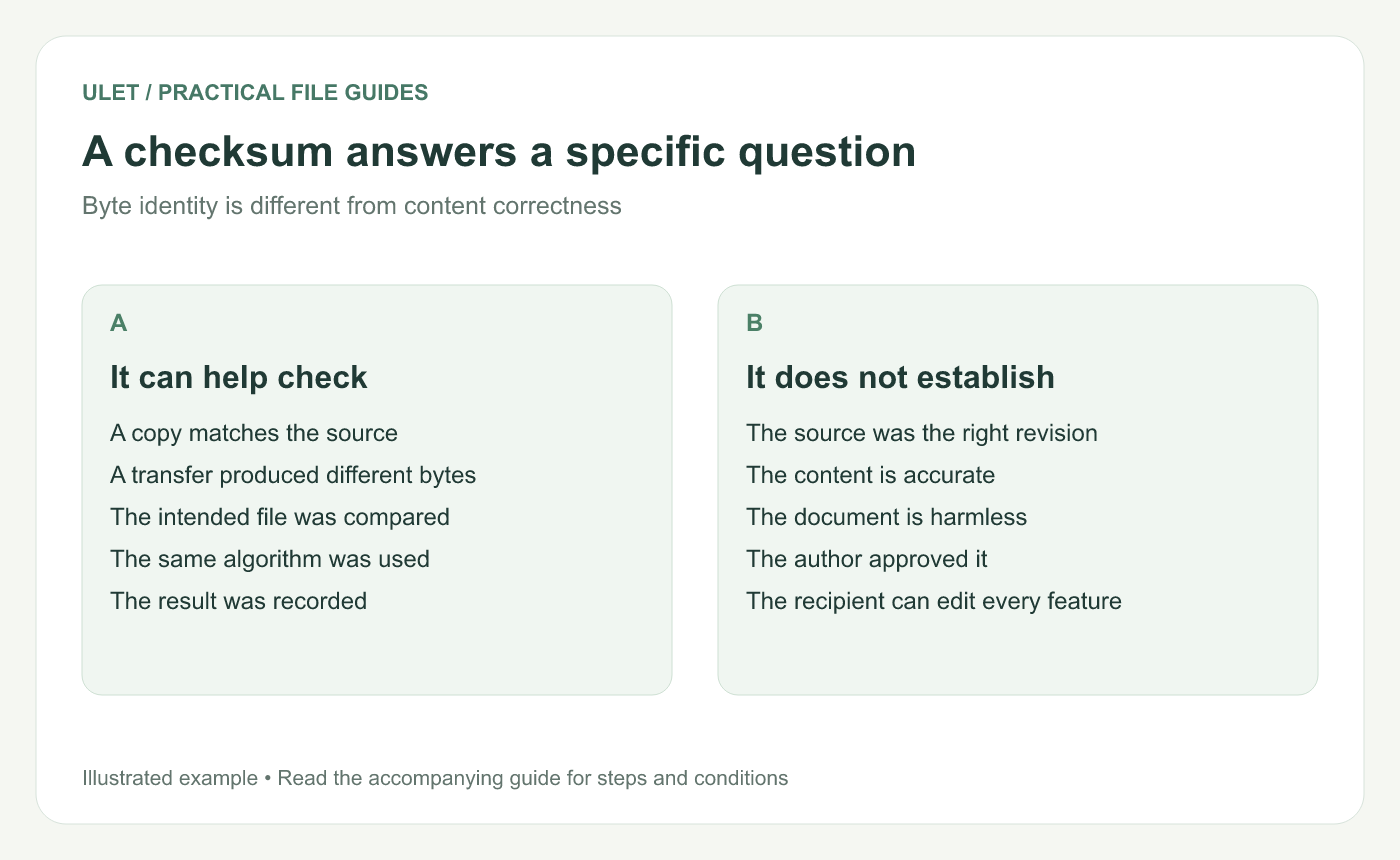
A checksum answers a specific question. Original instructional illustration; sample records are examples, not product screenshots or observed test results.
Interpret the comparison
Matching SHA-256 values provide strong evidence that the compared files have the same bytes. A mismatch means you should inspect the selected paths, whether the source changed and whether the transfer delivered the intended copy.
A normal document save can change file bytes, even when the visible text looks similar. Calculate the source checksum after the final save and compare it before further edits.
Keep the document review separate
A matching checksum does not establish the author's identity, content accuracy or suitability of the source. Keep those checks tied to the actual handoff and document requirements.
After the integrity check, open the received copy and inspect the content that matters. Ulet supports local office-file work on Windows and macOS; the checksum comes from the operating-system tools, while the document review happens in the appropriate editor.


