
Use a Markdown blockquote to distinguish a source passage from your own writing. Start the quoted lines with >, keep a clear boundary after the quote and include a usable source reference.
Formatting alone does not tell a reader who wrote the words. Treat attribution and exact wording as part of the quote, not an optional finishing touch.
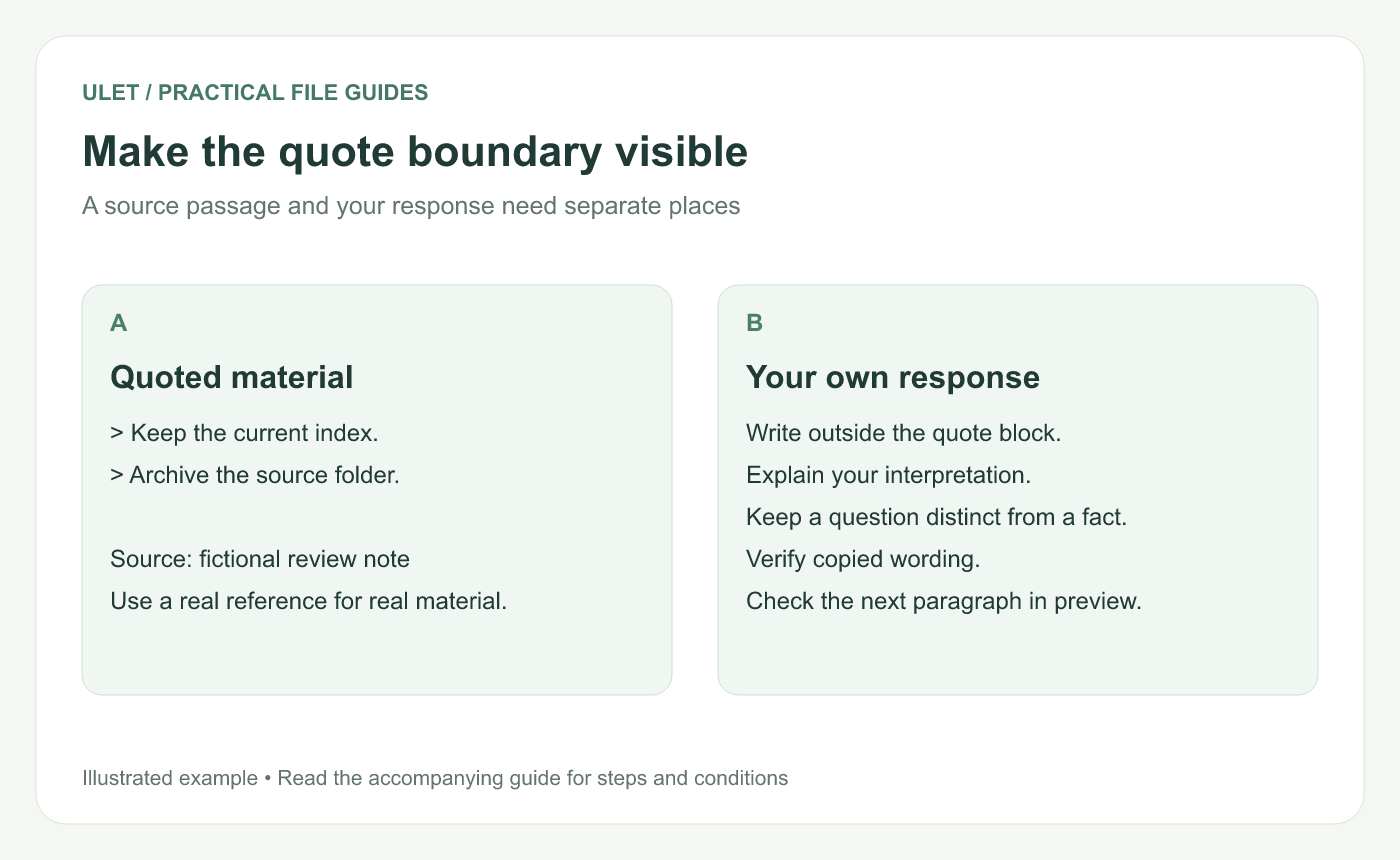
Make the quote boundary visible. Original instructional illustration; examples are not software screenshots or product test results.
Start with a short example
## Request
> Keep the current index with the packet.
> Archive the source folder after review.

Source: fictional review note, used only as an example.

## My response
I will confirm the index version and the archive owner.
The two quoted lines are invented for this tutorial. In real notes, replace the fictional source label with the document, message or other reference that identifies the passage.
The original Markdown syntax guide documents the greater-than marker for blockquotes. Markdown blockquote syntax.
Keep paragraph boundaries deliberate
For two paragraphs inside one quotation, place a line containing > between them. Put a blank line after the quote before returning to your own prose.
> First quoted paragraph.
>
> Second quoted paragraph.

My response starts here.
Explicit markers make the source easier to inspect than relying on a renderer's continuation rules. Check the preview to confirm the response is outside the quoted block.
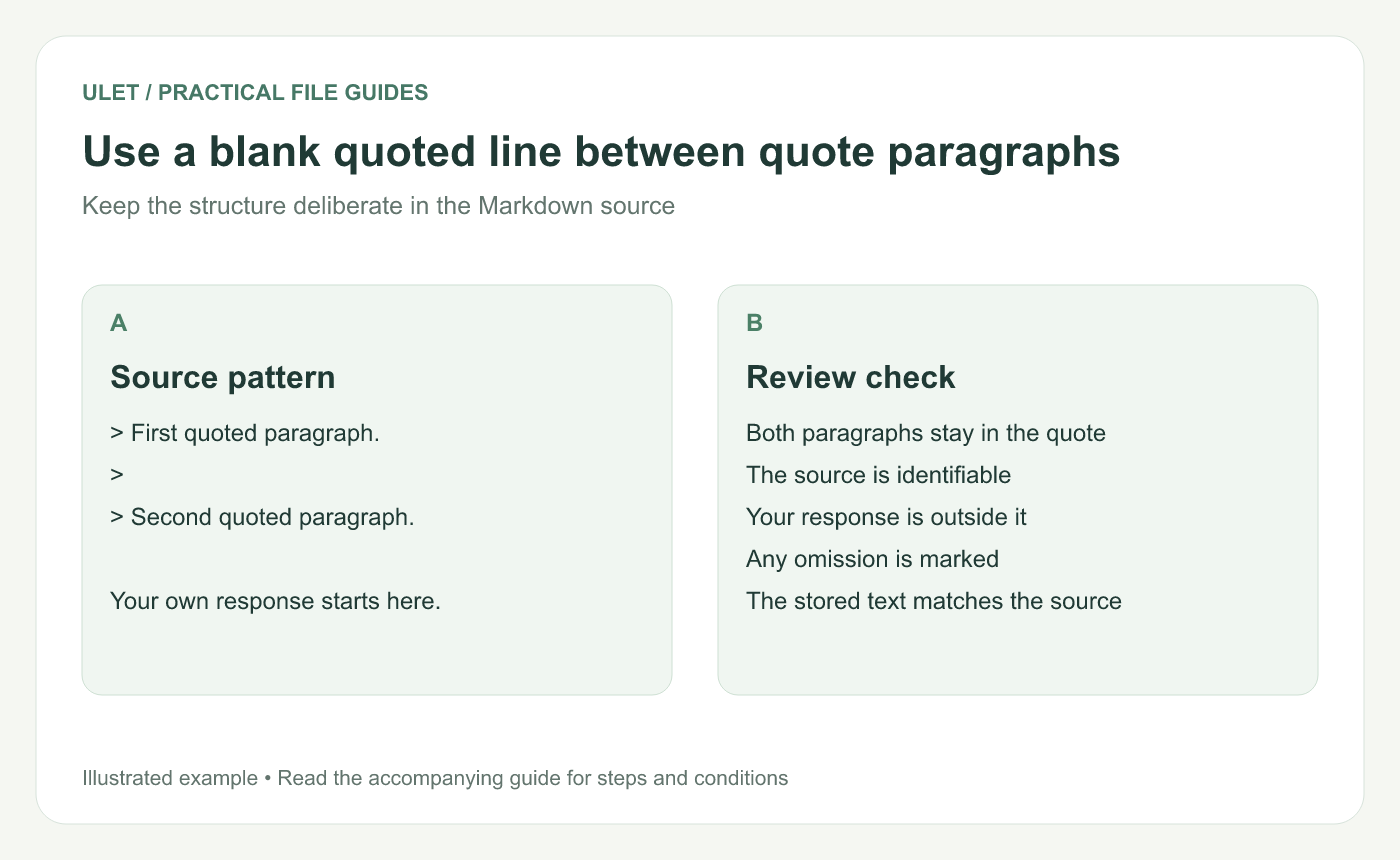
Use a blank quoted line between quote paragraphs. Original instructional illustration; examples are not software screenshots or product test results.
Verify what the quotation says
Compare copied text with the source, especially after extraction from a PDF. Preserve wording and punctuation when presenting a passage as exact.
If you shorten the passage, mark omissions using the convention required for the document. Do not remove a condition that changes the meaning while still presenting the result as the source's complete point.
Keep your interpretation in your own voice
After the quote, explain why it matters or what you plan to ask. In the sample, “current index” may need a version reference; that clarification is the reader's response, not part of the original fictional request.
A blockquote can also be used visually for other purposes by particular tools. Avoid presenting your own reminder in a style that makes it appear to be an attributed statement unless the distinction is clear.
Check the receiving format
Inspect the source markers and paragraph breaks.
Confirm the quote and response render separately.
Check the source reference.
Review any export independently.
Save and reopen the Markdown note.
Ulet offers free local Markdown editing on Windows and macOS. Use the source and preview together to inspect the boundaries without losing the reference alongside the passage.


