
A clean CSV is one that matches the receiving system's field rules. Get its sample file or import specification first, then match the headers, delimiter, encoding and value formats before exporting the full dataset.
Keep the editable workbook as your source. Use a separate CSV as the delivery file so the import requirements do not become accidental changes to your working data.
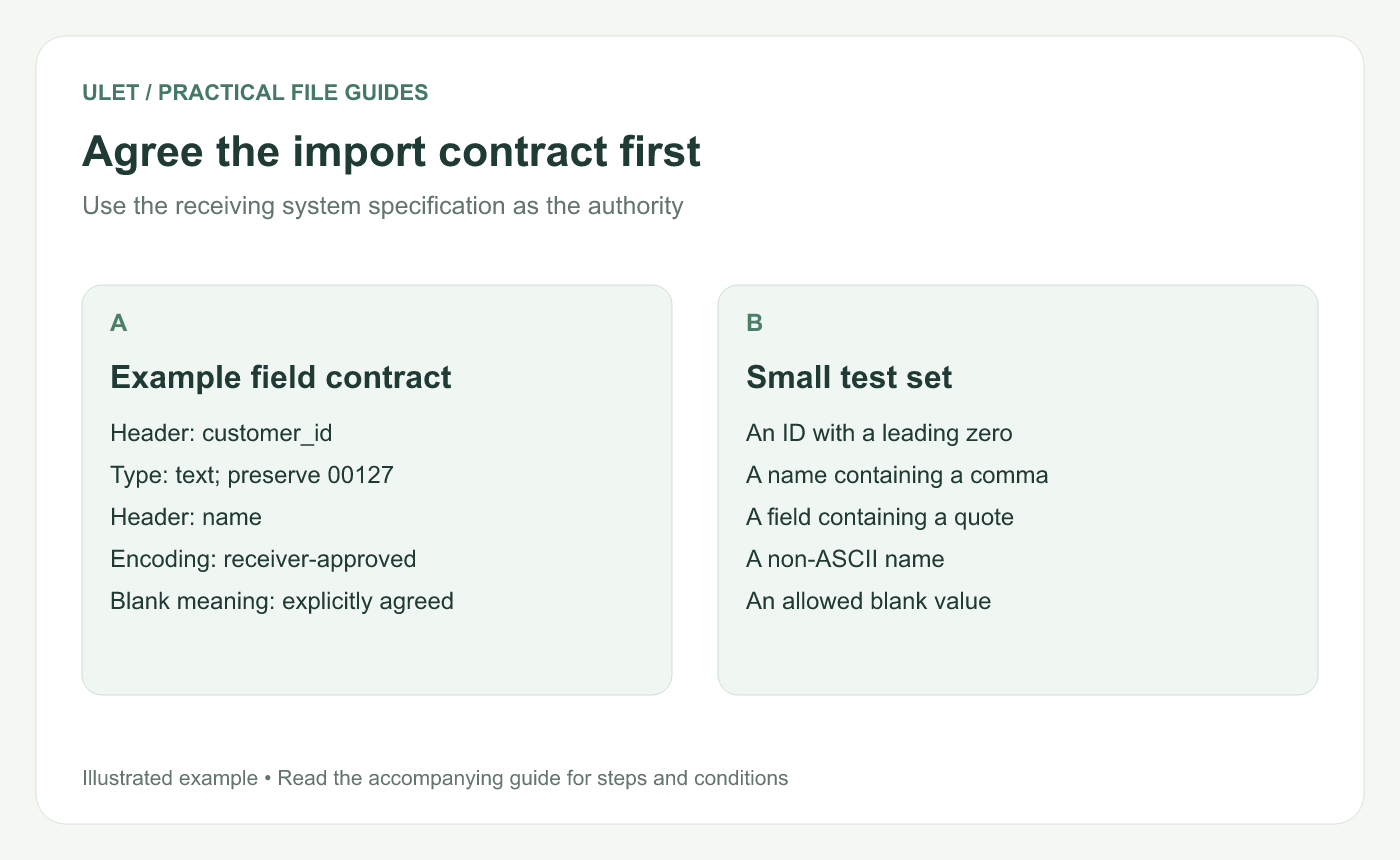
Agree the import contract first. Original instructional illustration; the examples are not software screenshots.
Write down the field contract
For each column, record the exact header, whether it is required, its expected type and what an empty field means. Include allowed status values, date formats and decimal conventions where relevant.
Do not assume that a blank means “leave unchanged.” An importer may treat it as missing, invalid or an instruction to clear a field. Use the receiving system's documented behavior.
Keep one record in the expected shape
Use a single header row and consistent fields. Remove workbook titles, subtotals and commentary from the delivery table. Decide how formulas become the values the receiver expects.
For comma-separated files following the conventions in RFC 4180, fields containing commas, line breaks or double quotes are quoted. A double quote inside a quoted field is doubled. RFC 4180 format description.
customer_id,name
00127,"Patel, Mira"
00128,"Ana ""AJ"" Lee"
This illustrative file has two data records and two fields per record. The quotes around the second field keep each name together; the doubled quotes preserve the quotation marks around AJ.
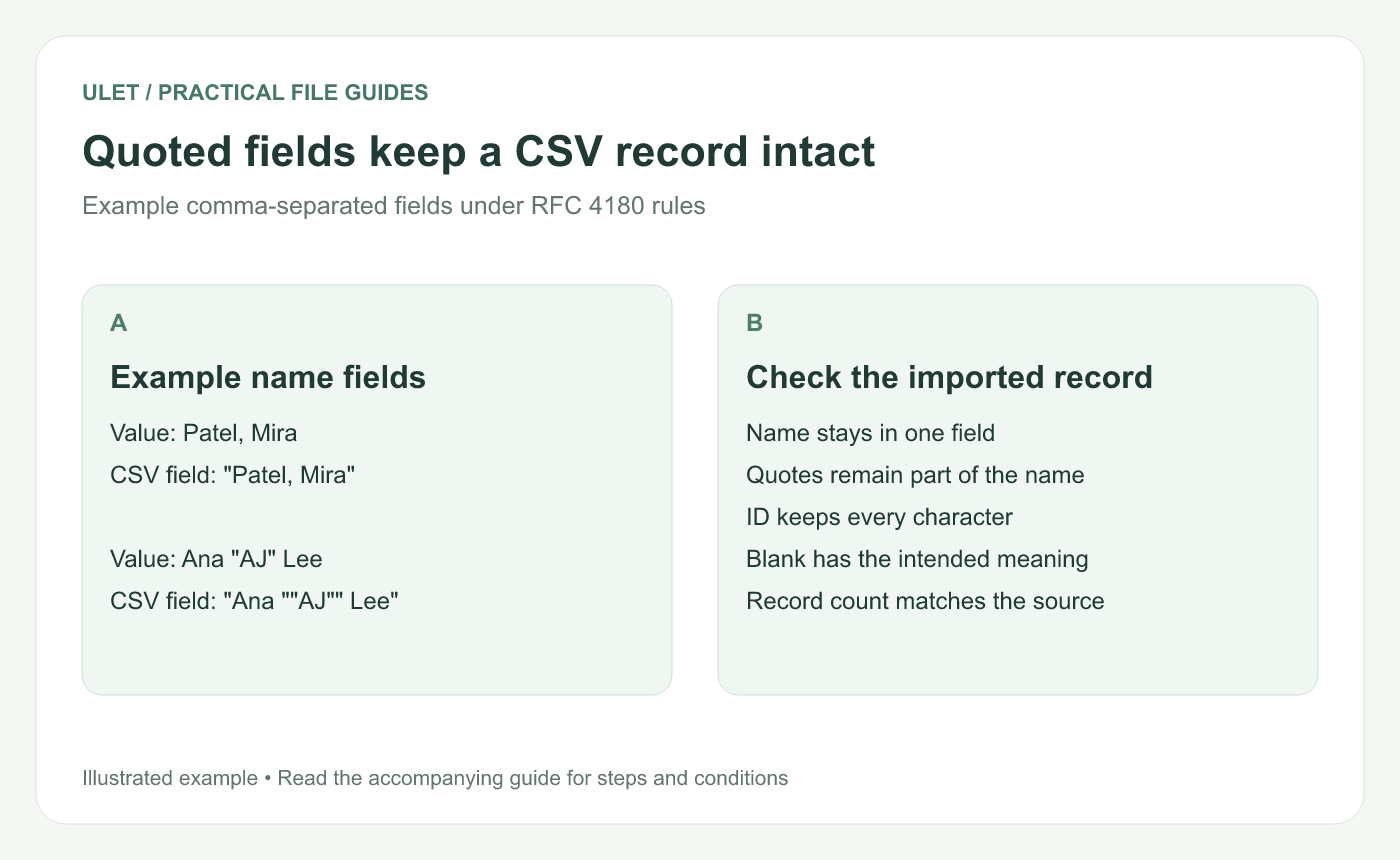
Quoted fields keep a CSV record intact. Original instructional illustration; the examples are not software screenshots.
Try a deliberately varied sample
Include an identifier with a leading zero, a name with a comma, a quoted nickname, a non-ASCII name and an allowed blank. Check the exported file using a text viewer and the actual importer.
If an editor offers several CSV encodings or delimiters, choose the one the receiver requires. Do not assume the CSV filename extension specifies those details. Reopening the file in a spreadsheet can also reinterpret its values, so inspect the receiving records directly.
Reconcile the result
Import into the receiver's available preview or test area.
Compare the accepted and rejected record counts with the source.
Inspect each unusual sample field character by character.
Resolve any rejects before importing the full set.
Check the final count and a meaningful control total afterward.
Count parsed records rather than physical text lines when fields can contain line breaks.
You can clean the local workbook in Ulet with free basic spreadsheet editing. For background on what belongs in each file, see CSV versus XLSX.


