
A filter creates a view of records that meet your criteria. Write down the question first, such as “Which open tasks belong to Maya?” Then check the visible rows against that question.
Keep the complete source table available. A filtered view can hide records that still matter to someone using the file later.
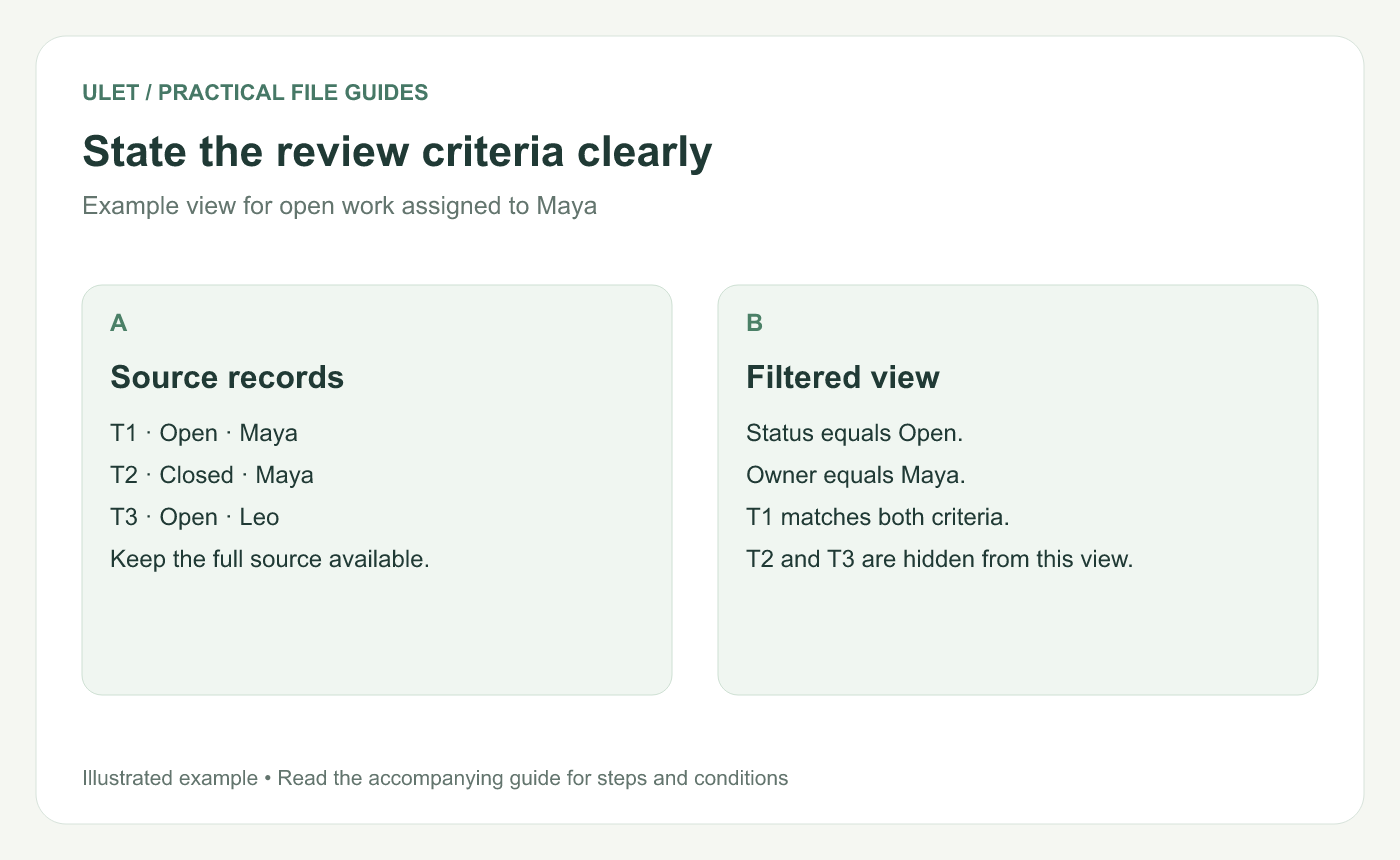
Example view for open work assigned to Maya. Original instructional illustration.
Try two criteria on three records
ID | Status | Owner |
|---|---|---|
T1 | Open | Maya |
T2 | Closed | Maya |
T3 | Open | Leo |
Filter Status to Open and Owner to Maya. T1 matches both criteria. T2 fails the status criterion, while T3 fails the owner criterion.
Apply the filter to the intended table
Identify the complete range and its header row before using the editor's filter controls. Check for blank separators or merged cells that could complicate the range.
Filtering changes which rows you see. It does not, by itself, delete the nonmatching records. If you need a separate extract, decide how that copy will be created and labeled.
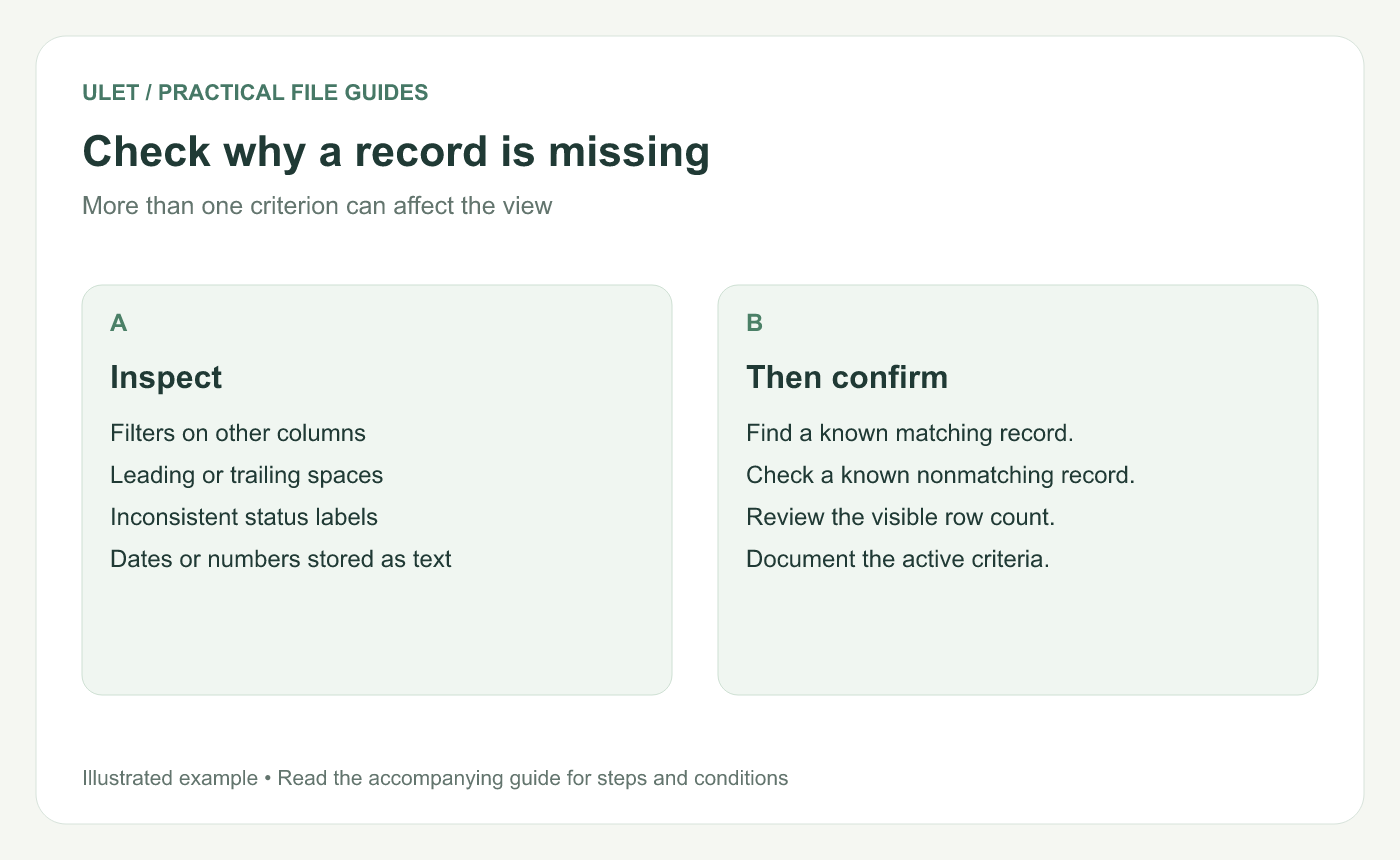
More than one criterion can affect the view. Original instructional illustration.
Investigate a missing record
Look at filters on every relevant column. An older filter can remain active while you add a new one.
Then check the actual values. Extra spaces, inconsistent labels or dates stored in a different form can prevent an expected match. Compare a known matching record and a known nonmatching one with the displayed results.
Check totals separately
A total may include more rows than the view displays, depending on its formula. Label the total according to what it includes and verify it with a small sample. Do not infer its definition just from the rows currently visible.
Prepare the view for handoff
Record the active criteria and reporting date.
Confirm a few known records and the visible count.
Explain whether the recipient should see the filtered view or the complete table.
Reopen the saved file and check the intended view.
Ulet lets you review and organize local spreadsheets on Windows and macOS. Use Ulet Spreadsheet Editor.


