
Turn meeting notes into a task workbook by extracting the agreed actions, keeping a source reference and confirming any missing owner or date. Do not make every sentence a task.
Decisions, questions and repeated summaries need different treatment. Classifying them first prevents a clean-looking spreadsheet from inventing commitments the meeting never made.
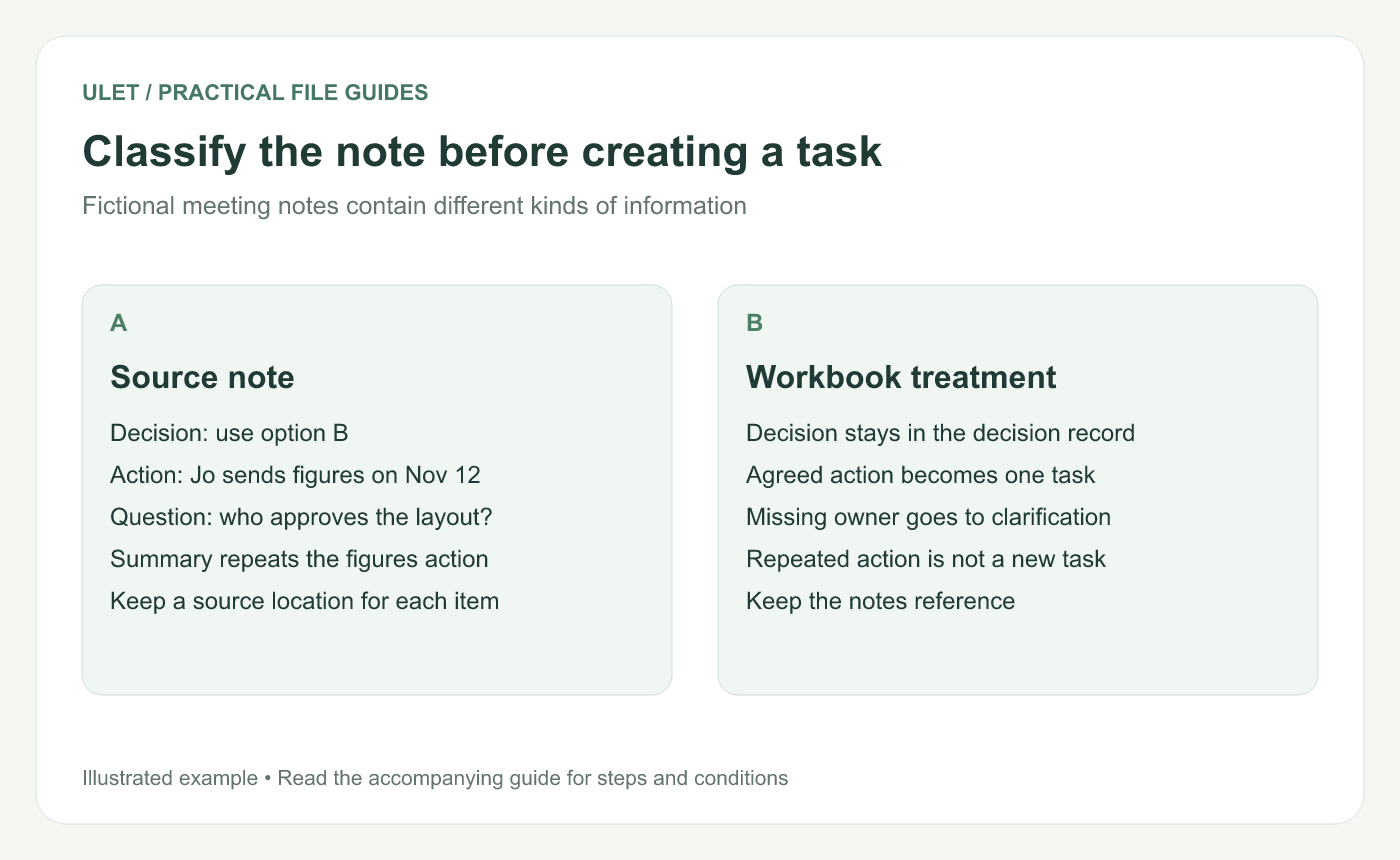
Classify the note before creating a task. Original instructional illustration; sample records are examples, not product screenshots or observed test results.
Classify the source statements
Fictional note | Treatment |
|---|---|
Decision: use option B | Keep in the decision record; identify any separately agreed implementation action |
Jo sends reviewed figures on 12 November 2026 | Create one action row |
Who approves the layout? | Clarify ownership before assigning a commitment |
Summary repeats the figures action | Link to the same action rather than creating a duplicate |
These are illustrative statements. Use the approved notes or confirmed meeting record for real extraction.
Keep the task and the source together
Give the action a stable ID such as T-201. Record the action statement, owner, explicit date, current state and a reference to the note's meeting date and section.
The source reference lets another person check what was agreed when the wording becomes shorter in the workbook. Keep the original meaning while making the next action easy to understand.
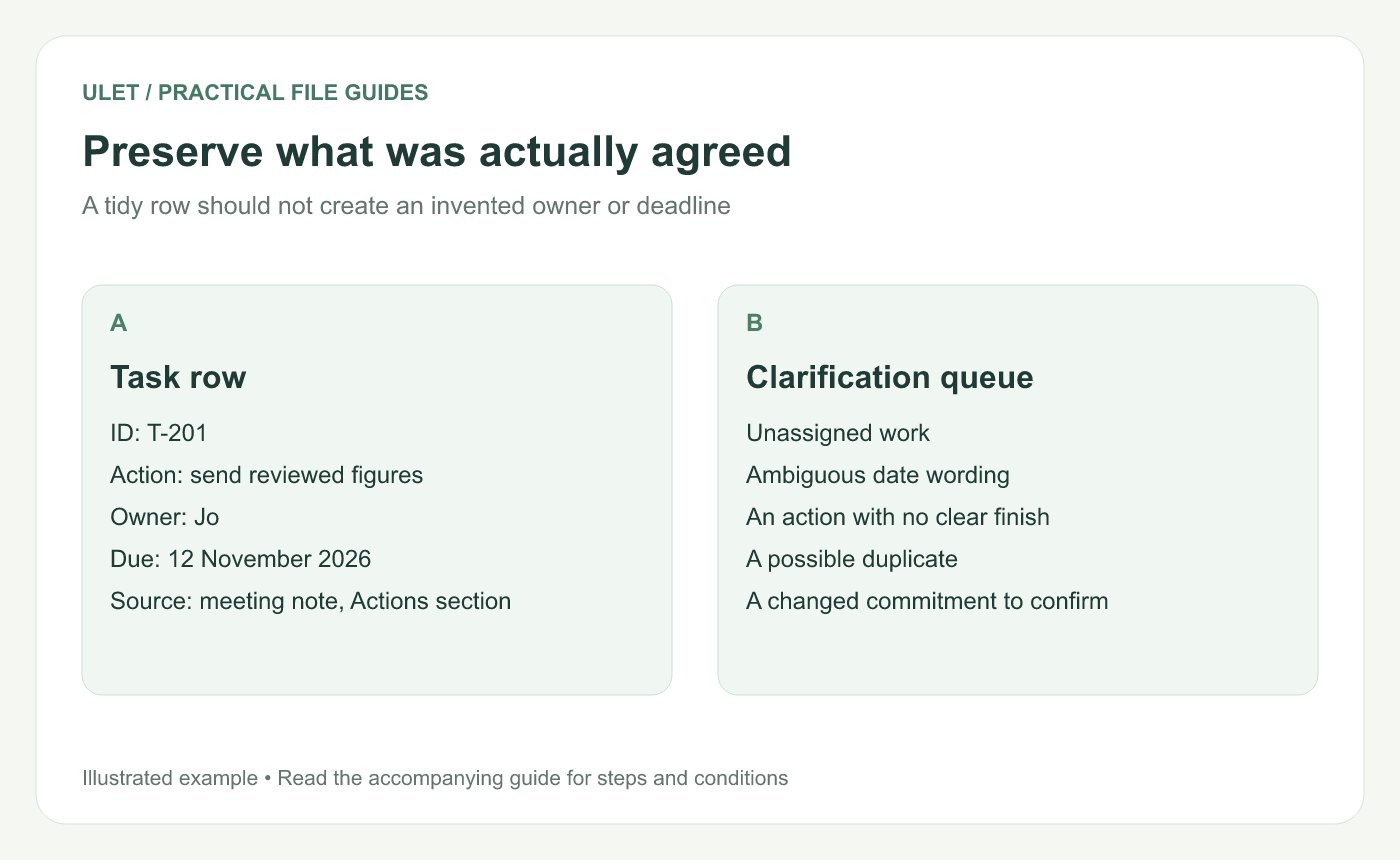
Preserve what was actually agreed. Original instructional illustration; sample records are examples, not product screenshots or observed test results.
Put uncertainty in a clarification queue
If the notes say “next Friday,” confirm the calendar date before entering a deadline. If they say “the team,” confirm who is responsible for the next response.
Record unresolved items visibly. An empty field with a clarification note is more honest than a guessed name or date that later looks authoritative.
Reconcile repeated actions
Compare the owner, output and intended date when an action appears in several sections. If they describe the same commitment, keep one task with the useful source references.
If the wording reflects a genuine change, confirm the latest agreement and retain enough context to understand it. Do not silently discard a conflicting date.
Check the extracted set
Trace each task back to an agreed source statement.
Confirm every agreed action is represented once.
Resolve or explicitly list missing commitments.
Check date values and identifiers in the workbook.
Save the reviewed starting register.
Ulet keeps local notes and spreadsheets in one app on Windows and macOS. After extraction, use the task-register guide to maintain updates and completion evidence.


