
Change a DOCX page orientation through its layout controls, then inspect which pages changed and how the content fits. Choose landscape for a wider page only when that shape suits the document's task.
Keep a working copy. A wider page also provides less vertical space at the same paper dimensions, so tables and paragraphs can paginate differently.
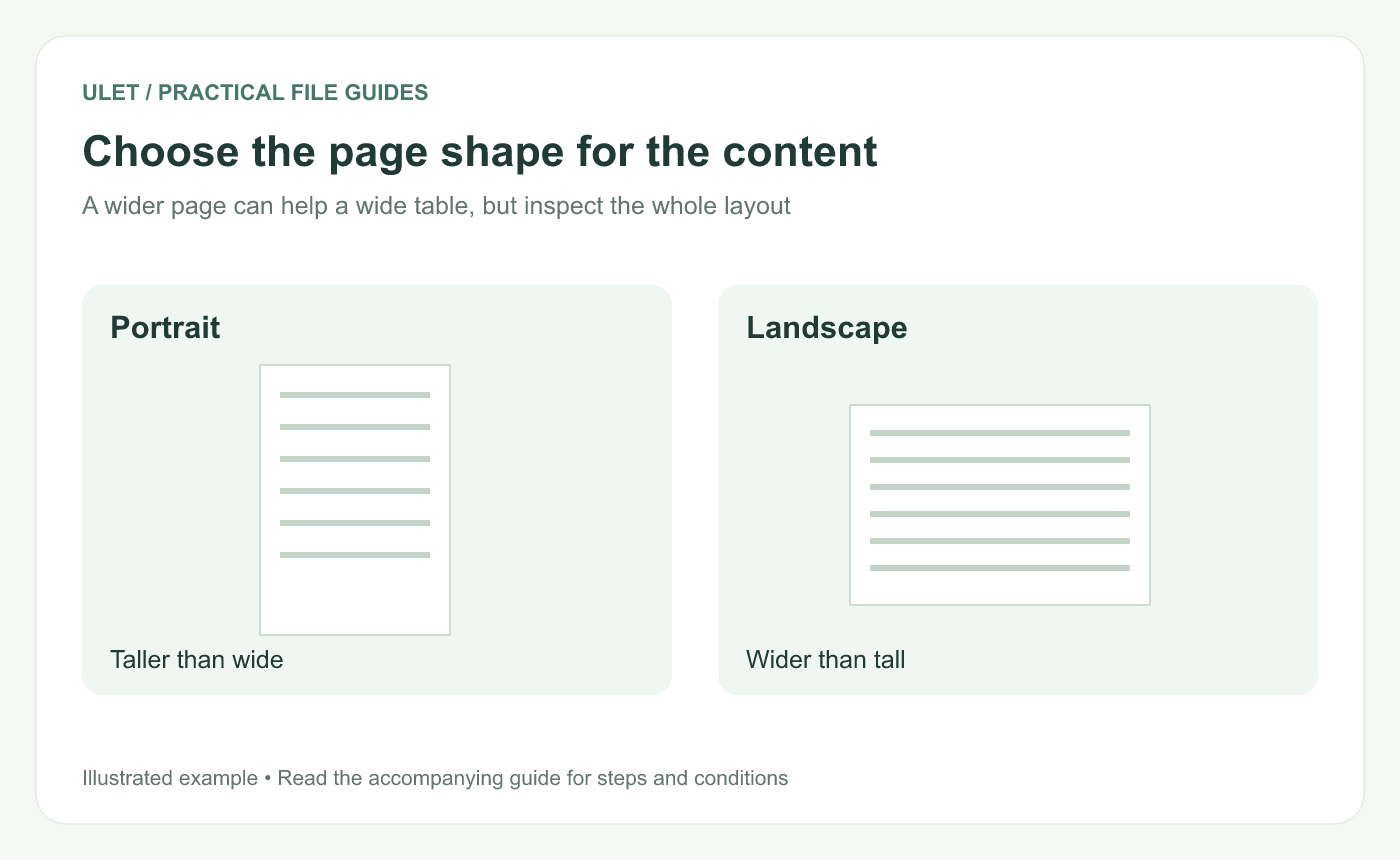
Choose the page shape for the content. Original instructional illustration; fictional examples are not software screenshots or measured product results.
Check the requirement before changing the layout
Confirm whether the document must follow a template or a particular paper size. For a wide table, first check whether all columns are needed and whether labels can be shorter.
Do not reduce the font until the table becomes difficult to read merely to preserve a page shape that is not required.
Use the orientation control
Open the working DOCX in Ulet.
Inspect the intended layout or section scope.
Open Layout and its Orientation controls.
Choose Portrait or Landscape.
Inspect the actual affected pages.
Ulet's current layout controls expose portrait and landscape orientation through the section settings. For a single-section document, review the whole document after the change.
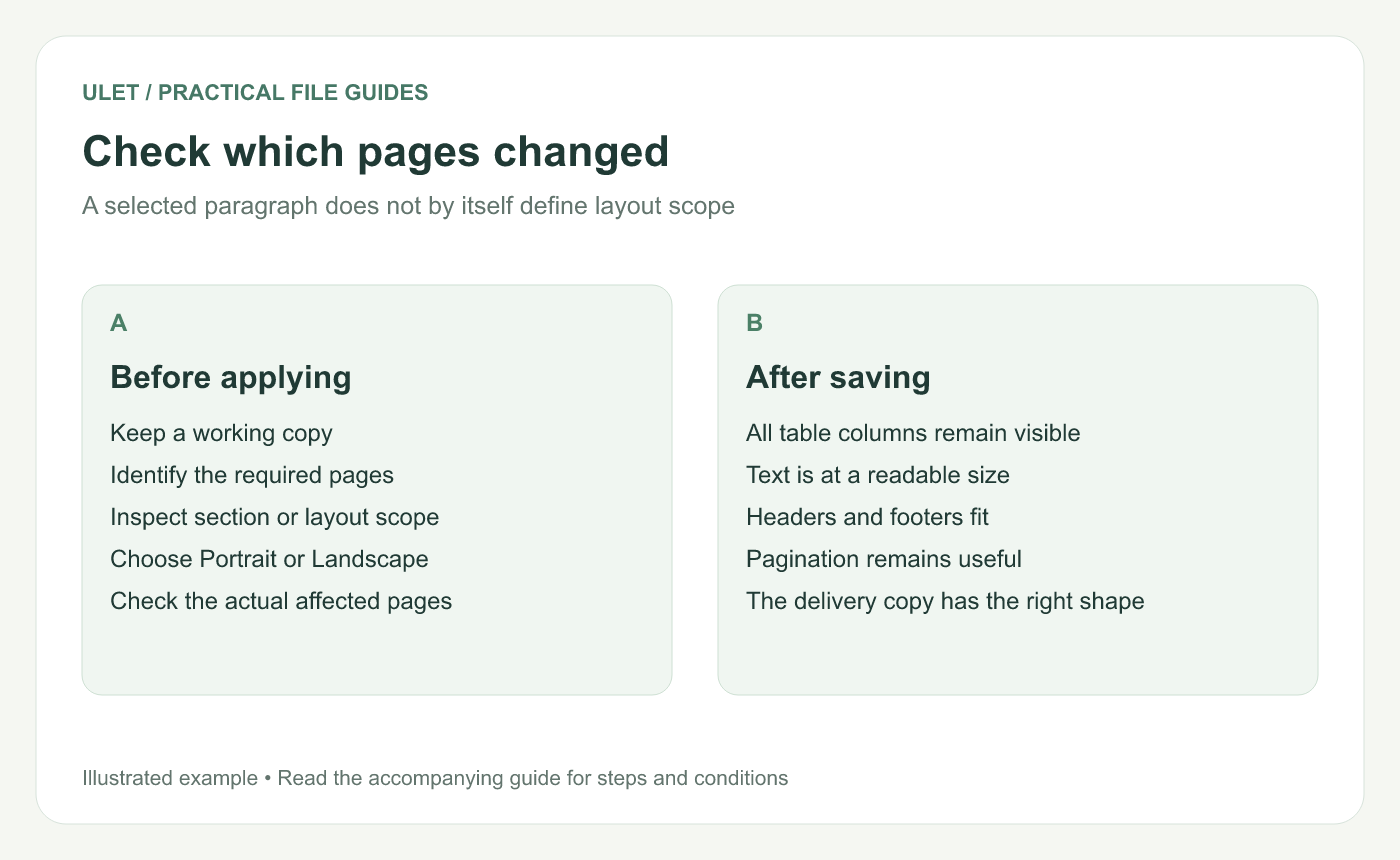
Check which pages changed. Original instructional illustration; fictional examples are not software screenshots or measured product results.
Keep a mixed-orientation requirement explicit
If only one part should be landscape, the workflow needs the appropriate section boundaries and scope controls. Selecting a paragraph alone is not proof that only its page will change.
Microsoft's Word guidance distinguishes changing the whole document from changing part of it. Those exact steps should not be assumed to exist in every editor. Confirm the supported workflow in the version you use. Page-orientation reference.
Inspect the content after the change
Content | What to check |
|---|---|
Wide table | All columns and labels are visible |
Body text | The line length and size remain comfortable |
Header and footer | Repeated content stays within the intended area |
Page boundary | No important heading or explanation is stranded |
Review images and captions too. A change that helps one table can move a figure to another page.
Check the saved and issued result
Save and reopen the DOCX. Inspect its page shape and the affected content again. Check PDF export or print preview separately if those are part of the handoff.
Ulet supports free basic local document editing on Windows and macOS. Use the actual delivery copy for the last orientation and layout check.


