
To show a Markdown punctuation mark literally, put a backslash before the character when it would otherwise act as formatting. For a short syntax example or literal token, an inline code span can be clearer.
Check the preview after the change. Markdown punctuation depends on its position and surrounding text, so escaping every symbol indiscriminately can make the source harder to read.
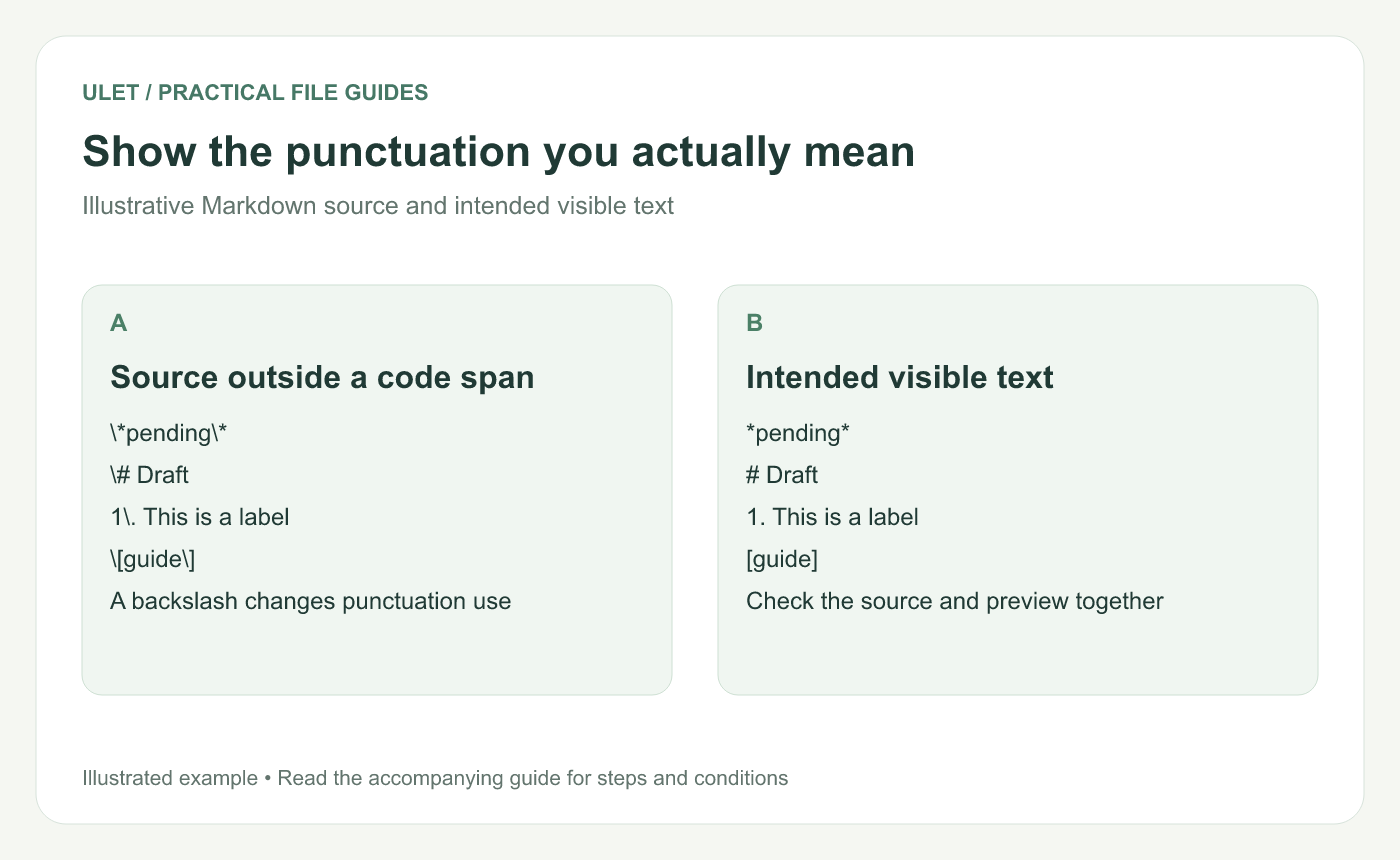
Show the punctuation you actually mean. Original instructional illustration; example text and diagrams are not software screenshots.
Try a few small examples
Source outside a code span | Intended output |
|---|---|
| The visible text *pending*, including both asterisks |
| A literal # Draft line, rather than a heading |
| A literal numbered label, rather than an ordered-list item |
| Visible square brackets around guide |
The CommonMark specification describes backslash escaping for ASCII punctuation and explains that the escaped characters lose their normal Markdown function. Backslash escape reference.
Inspect the source, not only the visual editor
If a line keeps turning into a heading or a list, open the source view and inspect the punctuation at its start. Look for an actual backslash before the intended character.
A visual editor may manage some escaping while you type. The important result is the source that is saved and the preview that a reader sees.
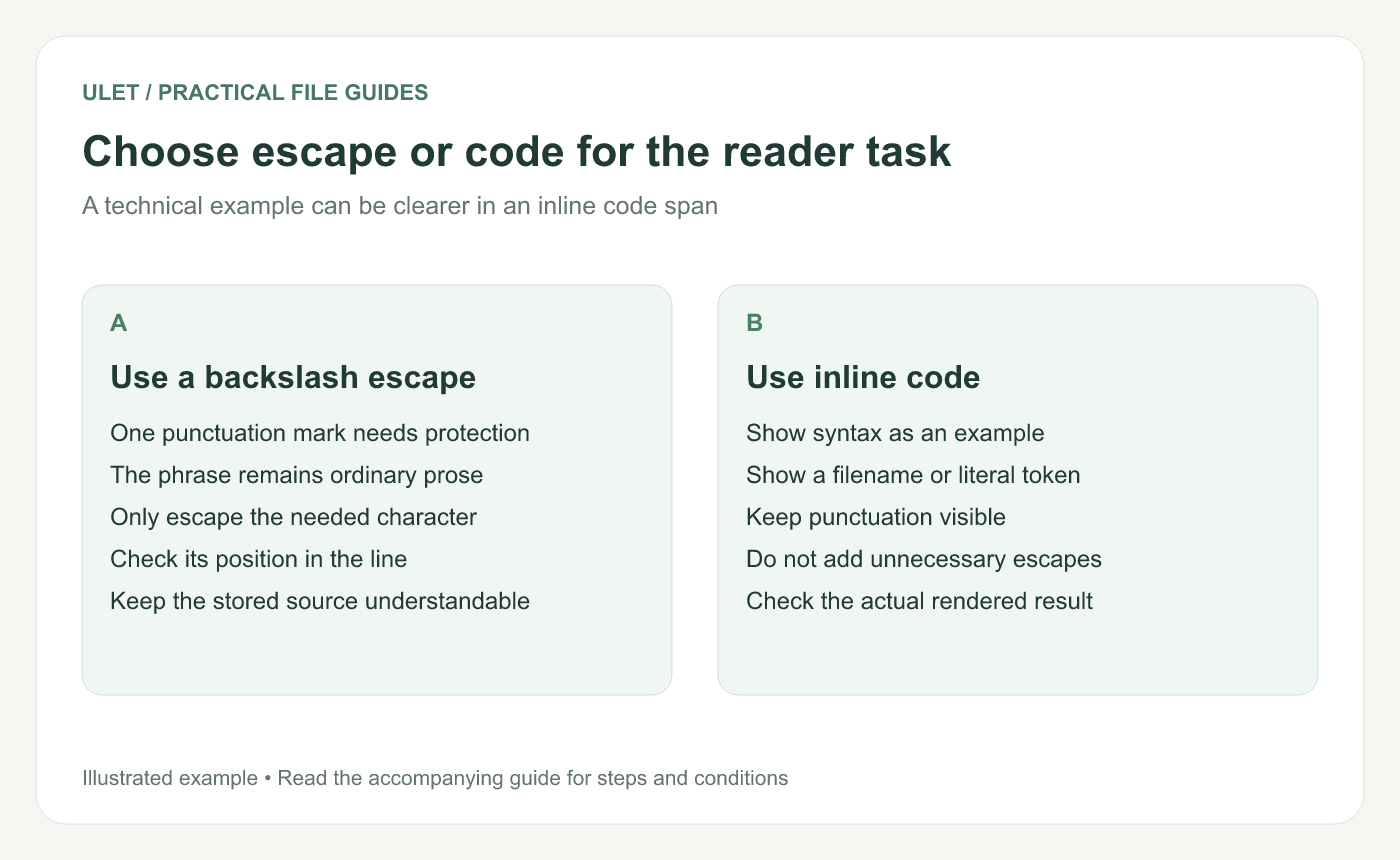
Choose escape or code for the reader task. Original instructional illustration; example text and diagrams are not software screenshots.
Use inline code for syntax examples
Wrapping a short example in backticks displays it as inline code. For example, the source `*pending*` displays the asterisks as part of the code value.
Inside a code span, backslash escapes are not processed in the same way as ordinary prose. Adding backslashes there can display characters you did not intend. Choose either a prose escape or an appropriate code example based on what the reader needs.
Keep the example small while troubleshooting
Copy the troublesome line into a short test note.
Identify the punctuation that changes its meaning.
Add the minimum escape or use inline code.
Compare source and preview.
Save and reopen the note to inspect the stored result.
Test the renderer that will receive the file when moving between Markdown tools, particularly for extensions beyond basic syntax.
Ulet offers free local Markdown editing on Windows and macOS with source and preview views. Use those views together to check literal characters before applying the same change across a longer note.


