
A useful presentation appendix answers questions you reasonably expect from the audience. Start with those questions, then prepare one supporting slide for each answer that needs a table, calculation or other evidence.
Give every backup slide a descriptive title and a short reference such as A1 or A2. The aim is to find the right evidence while the question is still fresh.
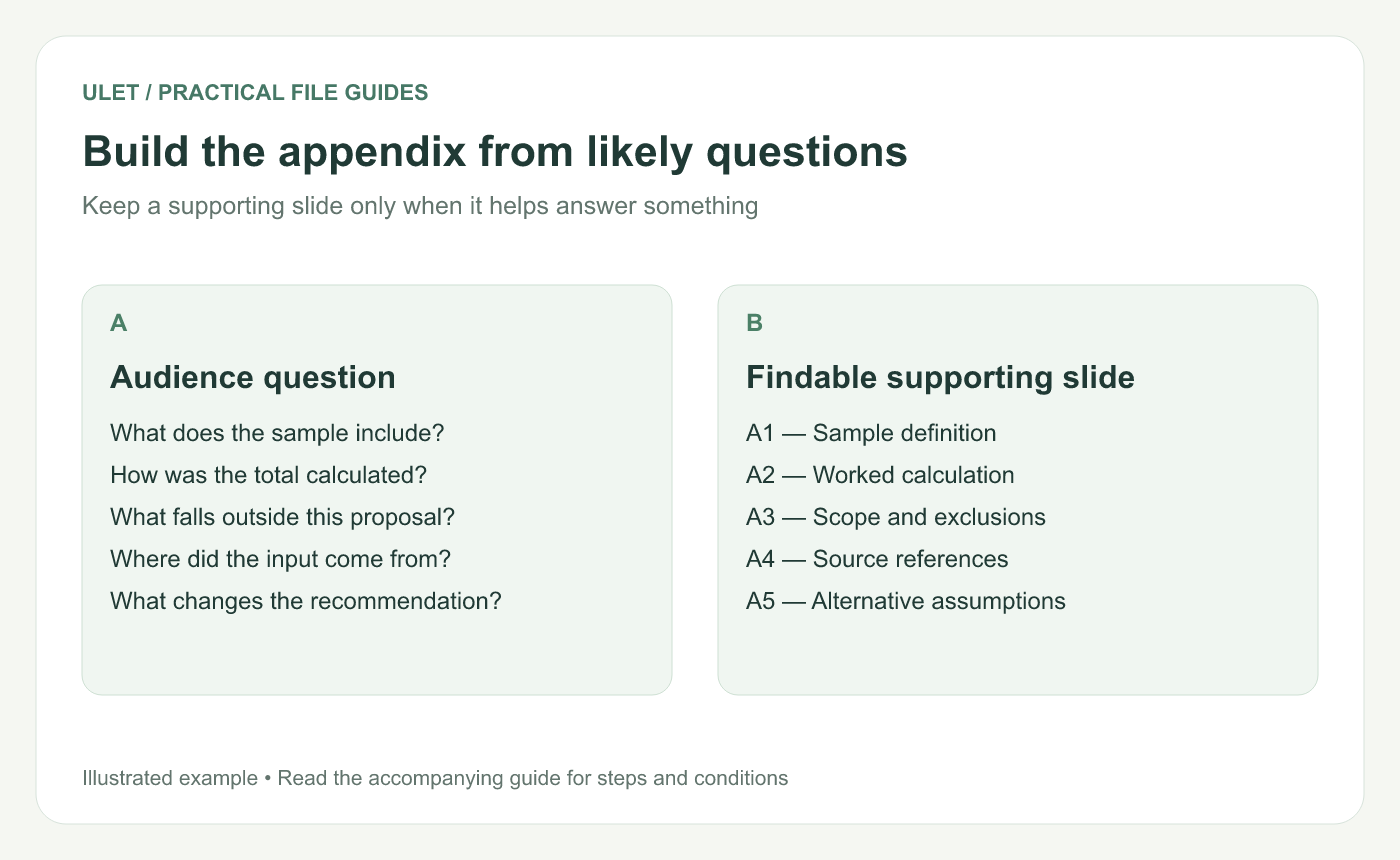
Build the appendix from likely questions. Original instructional illustration; example values and layouts are illustrative, not software screenshots.
List questions that could change the discussion
Ask what a reviewer would need to verify. Typical questions include “What is in the sample?”, “How did you get that total?” and “What happens if the assumption changes?”
Prioritize questions that affect the decision. A stack of unused screenshots makes the appendix longer without making the explanation stronger.
Match the question with the right evidence
Question | Useful appendix content |
|---|---|
What was included? | Dates, selection rule and exclusions |
How was the number calculated? | Inputs, method, result and units |
What is outside the proposal? | Explicit scope boundaries and their implications |
Where can we verify this? | Source name, version and usable reference |
Write the answer in the slide title where practical. “The sample covers completed October requests” tells the audience more than “Appendix 1.” Keep the supporting table readable enough to inspect.
Keep important conditions in the main story
An appendix is a place for additional depth. If a condition changes what your headline means, state that condition with the headline too. For example, a result drawn from one small sample should not be presented as universal while its scope appears only at the back.
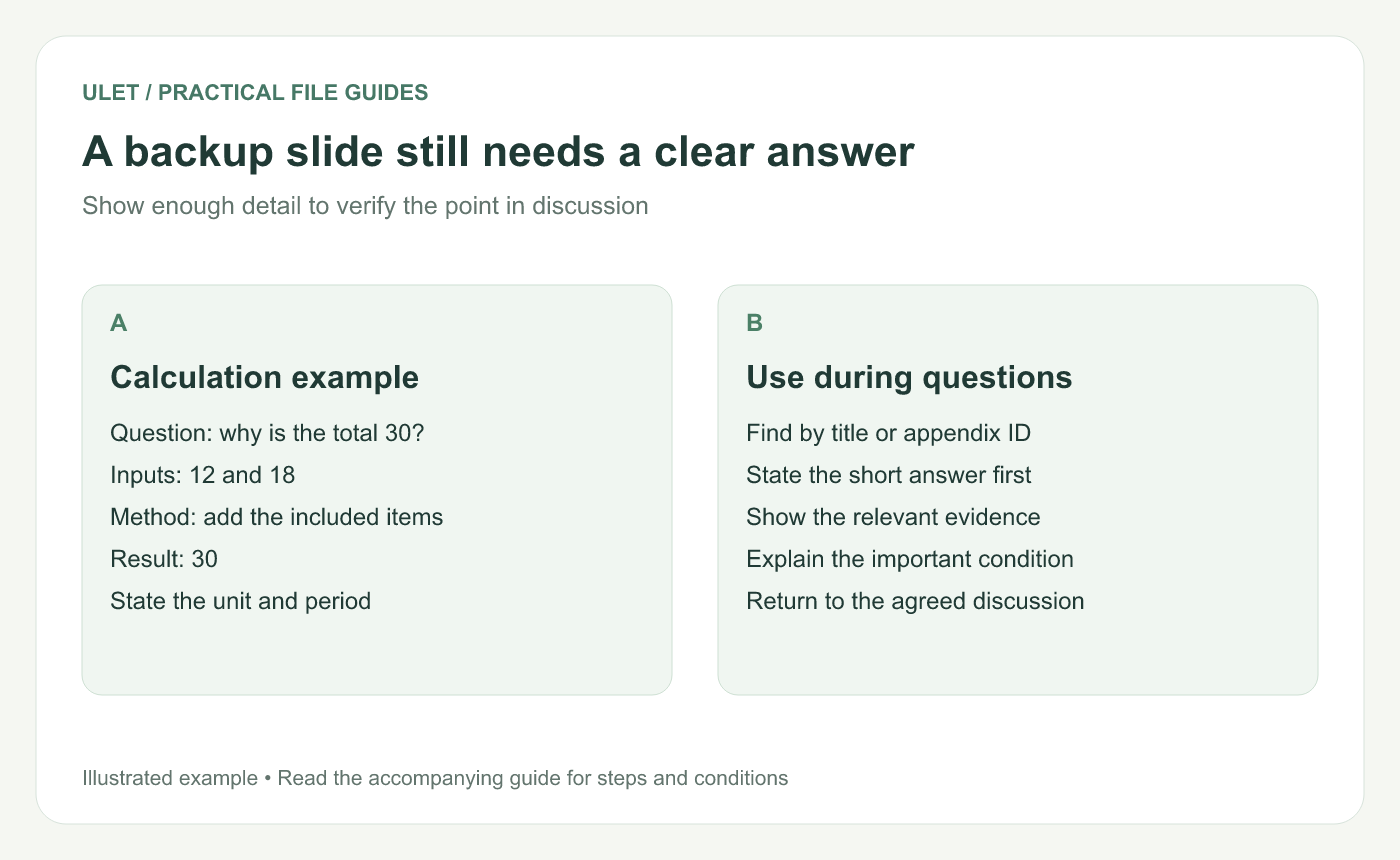
A backup slide still needs a clear answer. Original instructional illustration; example values and layouts are illustrative, not software screenshots.
Prepare a short index
Keep a list of appendix IDs and titles where you can find it while presenting. If you reorder the deck, update any slide-number references. Check the presentation controls in your actual setup before relying on a navigation shortcut or link.
A separate report can hold very detailed material. Add enough reference information to locate the relevant section rather than squeezing an unreadable page onto a slide.
Practice one question from start to finish
Ask a colleague to choose a likely question.
Find the supporting slide without searching every thumbnail.
Give the short answer, then explain the evidence.
Confirm the source and any condition that affects the answer.
Return to the intended discussion point.
You can maintain the local PPTX and source documents together in Ulet. Keep the appendix current when you revise the main deck; an old backup calculation can undermine an otherwise clear presentation.


