
You can open and edit a PPTX without installing desktop PowerPoint. Use Ulet for local presentation editing on Windows or macOS, or use PowerPoint for the web if you want a browser workflow with an online copy.
Start with a copy of the presentation and make one small change before editing the whole deck. That gives you a quick check of the file's text, objects and save behavior.
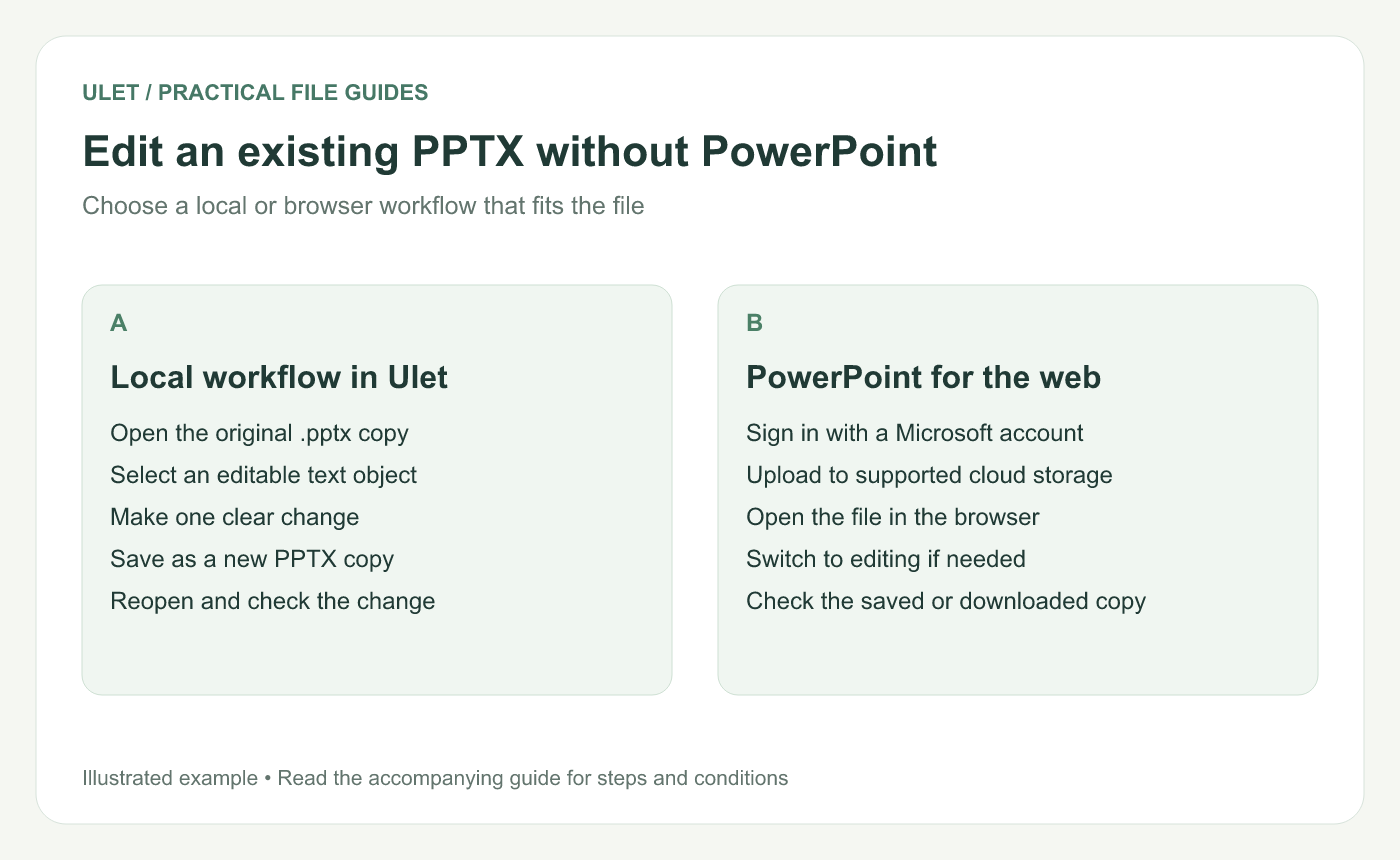
Edit an existing PPTX without PowerPoint. Original instructional illustration; example values and layouts are illustrative, not software screenshots.
Open the PPTX locally in Ulet
Use Ulet's Open command to choose the
.pptxfile from your computer.Inspect the slide thumbnails and find the slide you want to change.
Select an editable text object, place the cursor in its text and change a short phrase.
Review the title's wrapping and the objects around it.
Use Save As to keep a separate edited PPTX, then reopen that saved file.
For a simple trial, change “Review draft” to “Review copy — 12 November 2026.” Check that the longer wording still fits and remains present after reopening.
Ulet's basic editing is free, and the editing happens locally. If the file lives in a synchronized folder, that folder's separate sync settings still determine whether copies move elsewhere.
Check whether the words are editable
A PPTX can contain ordinary text boxes, pictures, diagrams and other objects. If selecting the words only selects one large picture, those words may be part of an image. Opening the file successfully does not turn picture content into editable text.
Ask for an editable source when you need to change that content. For a small correction you may choose to rebuild the relevant text, but compare it with the reference carefully.
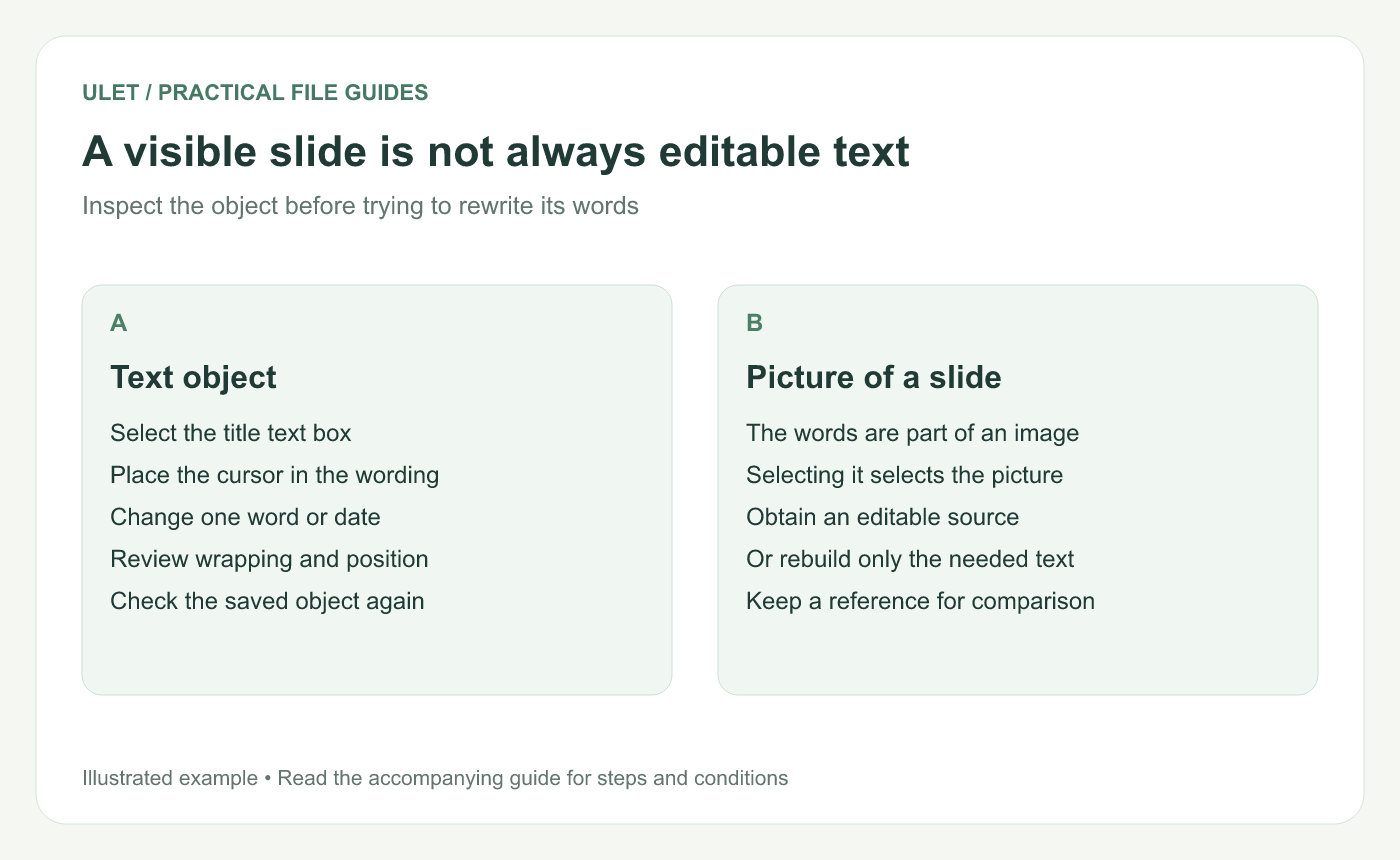
A visible slide is not always editable text. Original instructional illustration; example values and layouts are illustrative, not software screenshots.
Use PowerPoint for the web when an online copy fits
Microsoft says a Microsoft account can be used to view and edit presentations for free in a browser. Upload the presentation to supported cloud storage and open it in PowerPoint for the web. Microsoft's browser option.
If the file opens in Reading view, choose the editing option. Microsoft's guide explains the upload and editing flow. Edit a presentation on the web.
Review the presentation you will use
Inspect slides with dense text, unusual fonts, charts or media. Check any required playback behavior in the actual presenting setup; one successful text edit does not establish every feature's compatibility.
For changed line breaks or missing characters, use the font troubleshooting guide. Keep the source PPTX until the edited copy has passed your review.


