
Use XLSX when someone needs to keep working with a workbook's formulas, sheets and formatting. Use CSV when another system asks for a plain table of data. If you need both, keep an XLSX working copy and make a separate CSV for the import.
The important question is what happens to the file next. A tidy-looking export can still lose something the next person needs.
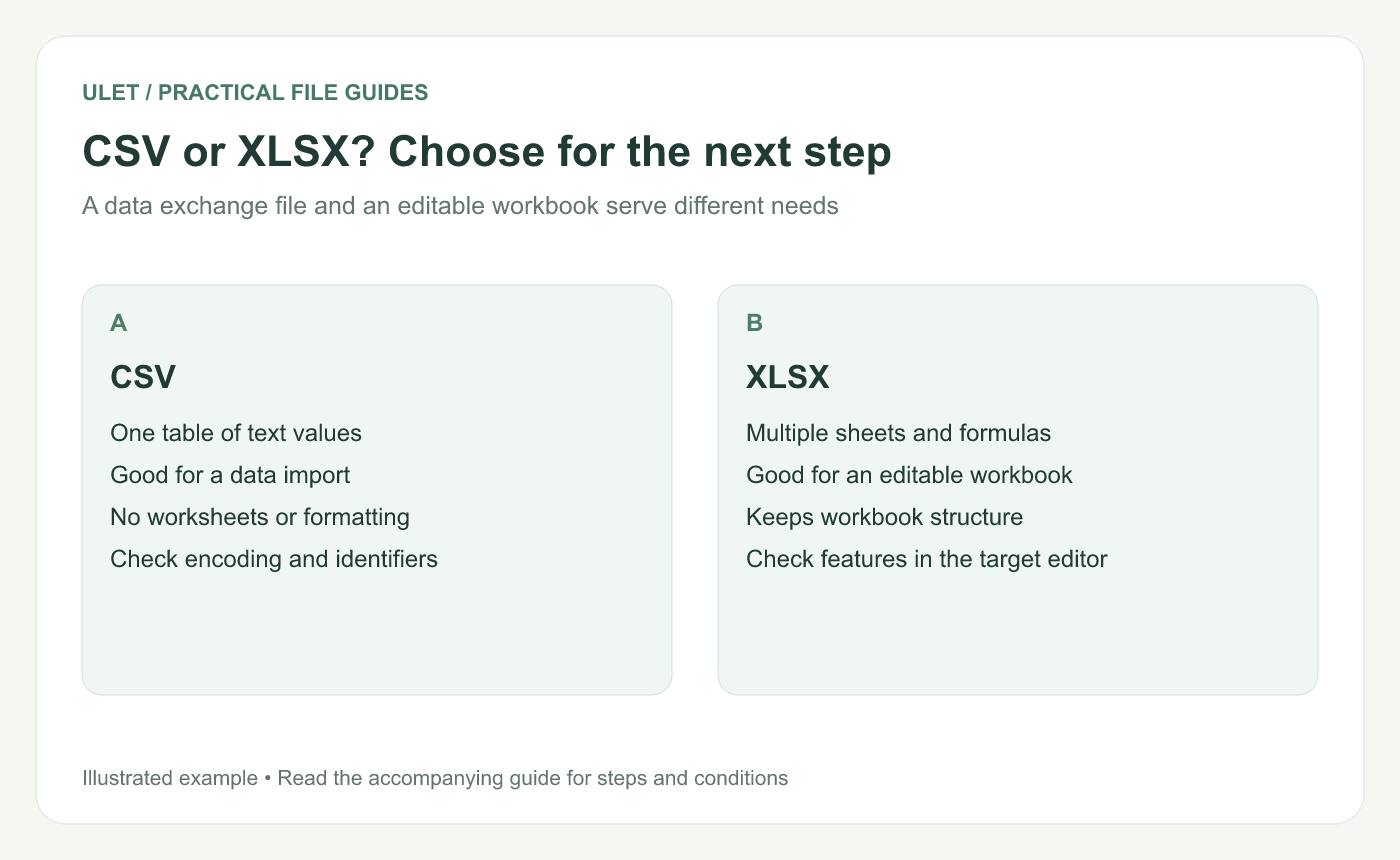
Choose the format for the next step in the workflow.
What each format keeps
What you need | CSV | XLSX |
|---|---|---|
One rectangular table of values | Yes | Yes |
Several named worksheets | Use separate files | Kept in one workbook |
Working formulas and cell styles | Not preserved as workbook features | Can be stored in the workbook |
A file for a system import | Often requested by the receiving system | Use it when that system supports it |
In Excel, CSV export saves the active sheet's displayed text and values, while workbook features such as formatting do not carry over. Other exporters may offer different options, so check the file your own editor produces. Microsoft's format-export guide.
Try this before exporting a large table
Make a small test sheet with an ID, a quantity, a unit cost and a calculated total. Use 00127 as the ID, 3 as the quantity and 8 as the unit cost. The calculated total is 24.
Save the workbook, then create the CSV using the saving or export options available in your editor. Open the CSV in the actual system that will receive it. Check the ID, the number of rows, the headings and the total.
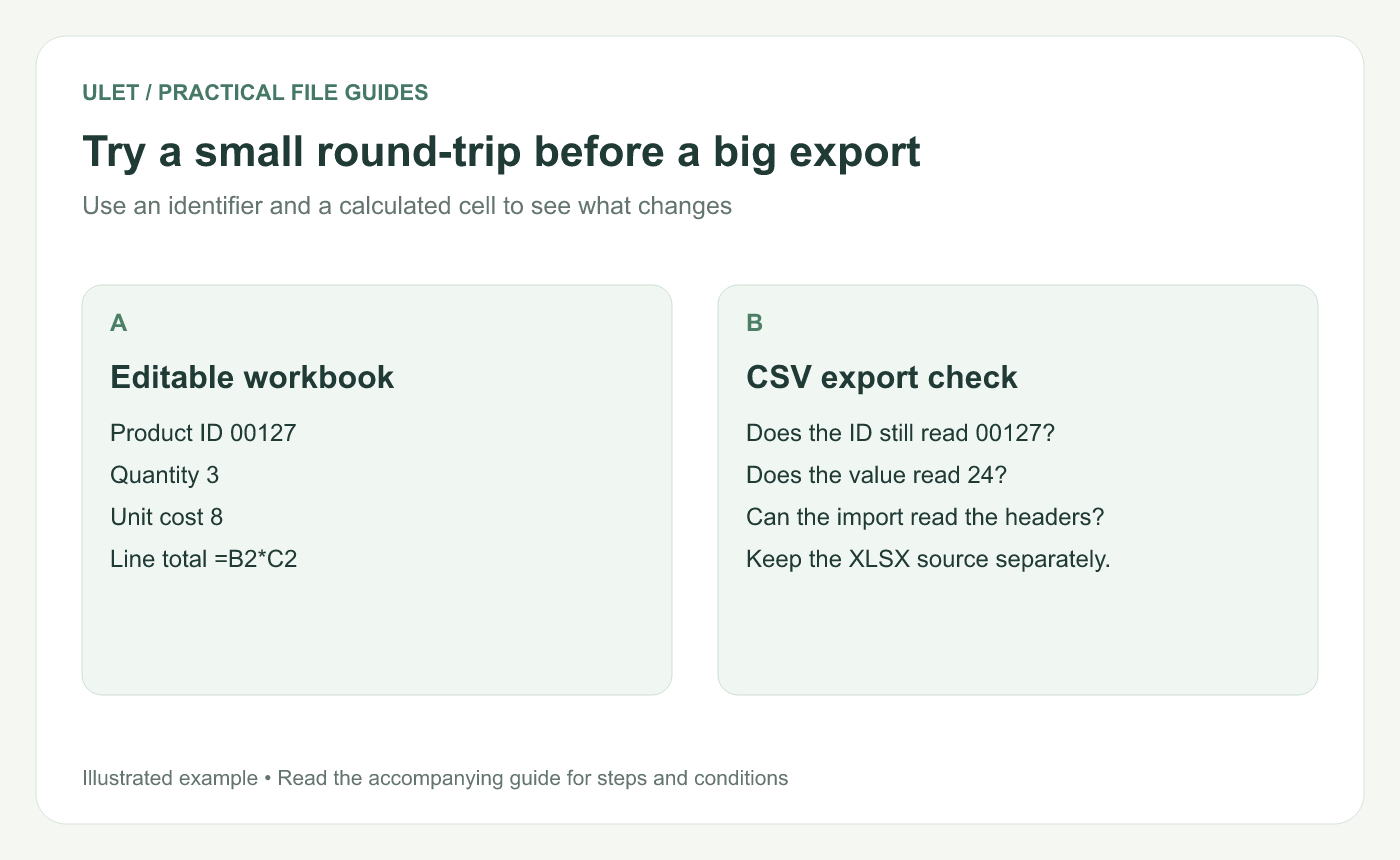
A short test can reveal import behavior before you send the complete table.
Watch product IDs and dates
A CSV can contain the characters 00127. The trouble often starts when an importer decides that column contains numbers and turns the value into 127. Tell the receiving system to treat identifiers as text when its import controls allow it.
Dates deserve the same attention. 03/04/2026 can be read two ways. Follow the receiving system's documented date format and include one unambiguous test date in the trial import.
Keep the working file separate from the delivery file
Names such as stock-working.xlsx and stock-import.csv make the purpose clear. The workbook is where you keep formulas and review the data. The CSV is the specific table you prepared for another system.
Ulet lets you work with local spreadsheets on Windows and macOS. Open the workbook, check the values you want to deliver, and keep an editable copy before creating an exchange file. Ulet Spreadsheet Editor.
A quick check before sending
Does the recipient want a workbook or a data import?
Have you selected the right sheet or table?
Do identifiers, dates and non-English characters survive the import?
Does the row count match the source?
Can you find the editable source if someone asks for a correction?
When you're unsure, ask for the import requirements. Choosing the right format is much easier once you know how the file will be used.
If you already have a workbook to update, start with the steps for opening and editing an XLSX file without Excel.


