
The handoff folder contains signed.pdf, but a filename and extension say nothing about whether the file has content. Check for empty files before you package the folder. A separate .keep file may also be empty by design.
Scan only the project you are sending
In PowerShell, replace the example with the actual project folder. This command lists files and their lengths without changing them.
Get-ChildItem -LiteralPath 'C:\Work\Board packet' -File -Recurse -Force -ErrorAction Stop |
  Where-Object { $_.Length -eq 0 } |
  Select-Object FullName, Length
-LiteralPath treats the folder name as written. -Recurse includes subfolders, and -Force can include hidden files that your account can access. If an error interrupts the scan, resolve the error and run it again before treating the results as complete.
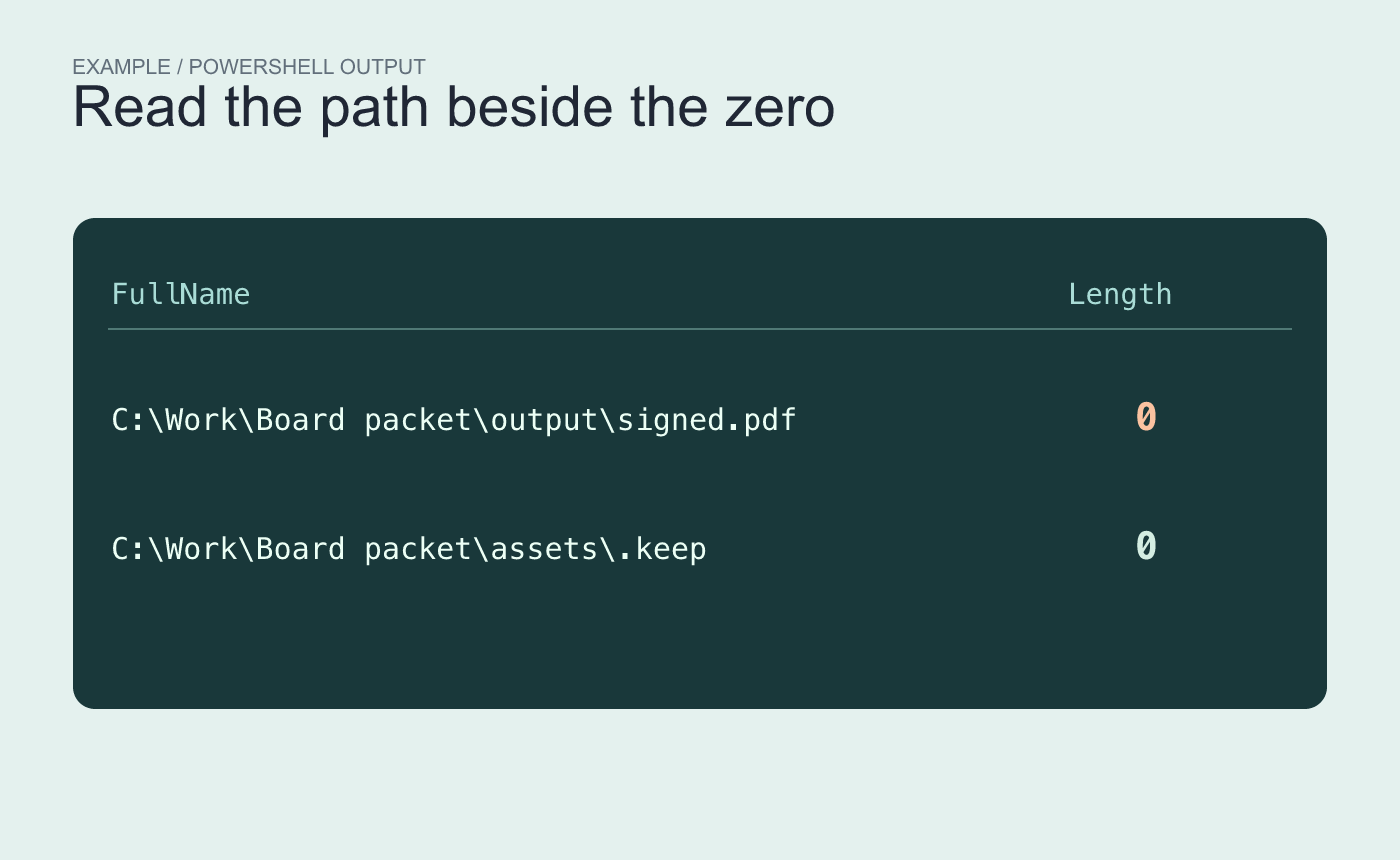
Example output. The scan surfaces both files for review without deciding whether either is expected.
Decide what each result should contain
In this fictional packet, output\signed.pdf should be a readable PDF. Replace it from the authoritative source or export it again, then open the replacement and verify the signature page. The empty assets\.keep may be intentional. Confirm its role before removing anything.
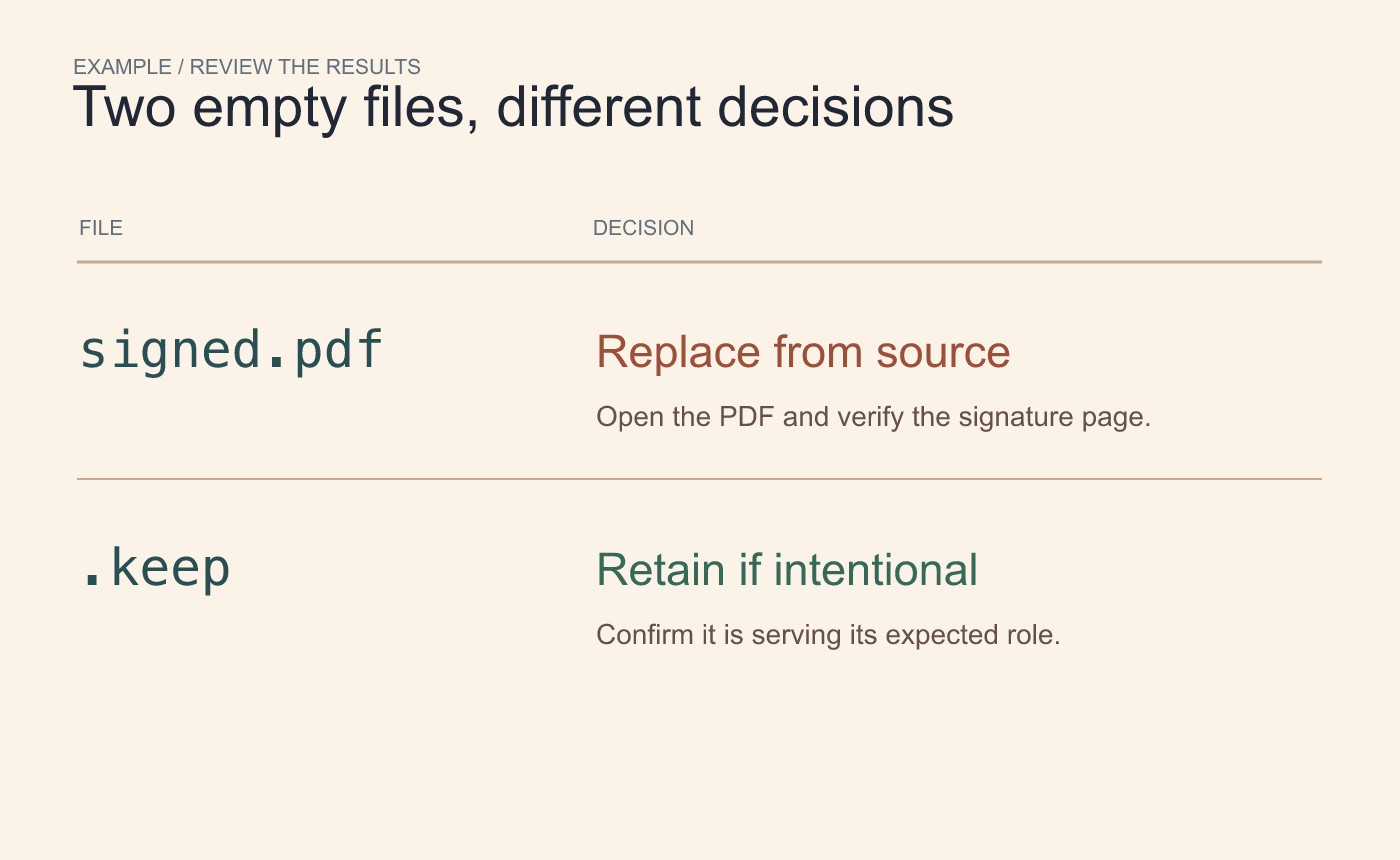
Example triage. Recheck the recovered PDF by opening it and rerun the scan.
Run the scan on the final delivery folder again. Confirm the required files are readable even if their sizes are nonzero. The scan catches one specific failure mode, and the reopen check confirms the expected content.
Reference Microsoft’s Get-ChildItem reference.



