
Prepare a presentation for another computer by opening the delivery copy on that computer and rehearsing the parts the audience must see or hear. Check the display, media and controls as well as the slide content.
Copying the PPTX successfully is the start of the check. It does not establish that every required part of the presentation works in the destination setup.
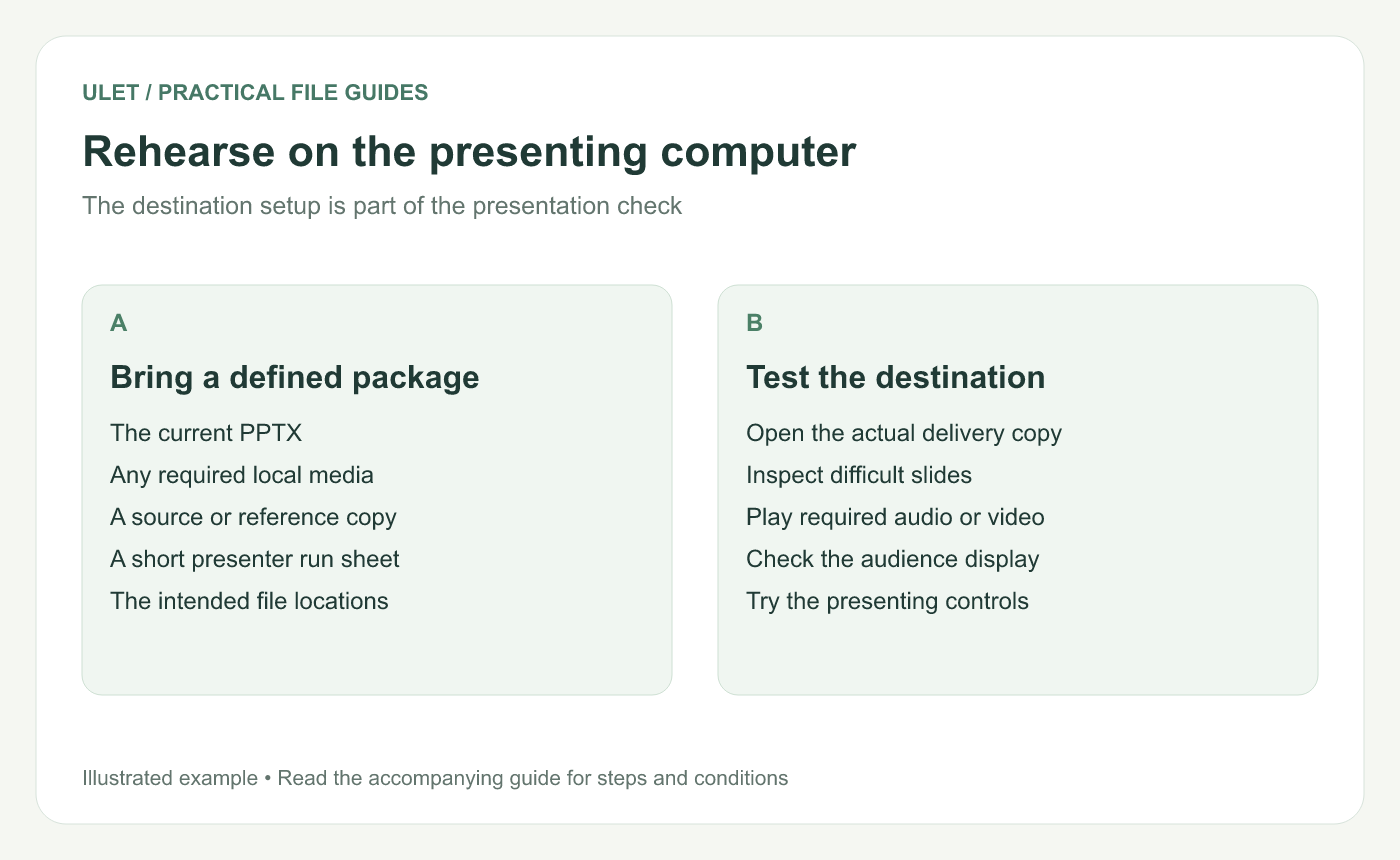
Rehearse on the presenting computer. Original instructional illustration; sample records and layouts are examples, not software screenshots.
Bring a defined delivery package
Keep the current PPTX, required local media and a short presenter run sheet in an identifiable folder. If something is linked rather than stored inside the deck, preserve the location the presentation expects or repair the link using the presenting editor's controls.
Give the folder and deck a clear version. Remove uncertainty about which copy was rehearsed before making more changes.
Inspect the slides most likely to change
Look at slides with tight text boxes, unusual characters, diagrams and media. Compare their appearance with a reference copy. When the difference points to fonts, use the Office font troubleshooting guide rather than adjusting every line separately.
Microsoft's presentation guidance specifically recommends checking the presentation on the other computer and reviewing the projector setup. Presentation delivery guidance.
Run the audience path
Open the actual copy you plan to present.
Start the presentation using the destination editor.
Advance through the intended sequence.
Play required media and listen through the selected sound output.
Check framing, text and diagrams on the audience display.
Try the keyboard, clicker or other control you will use.
If two displays are involved, check what each one shows. Confirm this before the session rather than assuming the audience sees the same window you do.
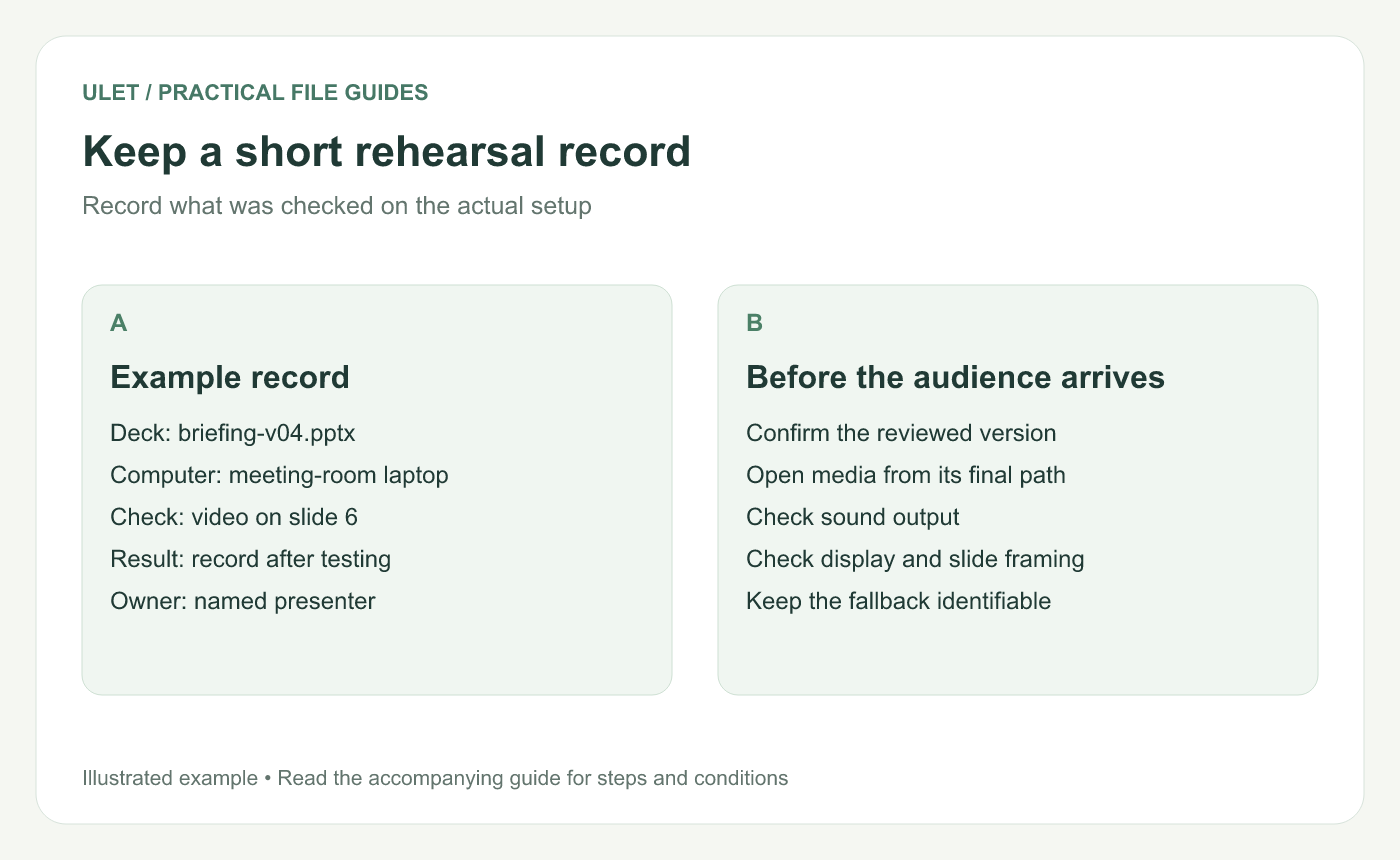
Keep a short rehearsal record. Original instructional illustration; sample records and layouts are examples, not software screenshots.
Prepare a usable fallback
A reference PDF can provide static slide content if the deck cannot be presented as intended. Check that copy separately and explain what it omits, such as live interactions or media.
For a media-dependent explanation, prepare a short spoken description or still image that preserves the essential point. Keep it available locally when the session needs to work without a connection.
Record the final check
Write down the deck version, computer, presenting application and any unresolved issue. Repeat the relevant checks after a change that affects the tested content.
Ulet supports local PPTX editing on Windows and macOS with free basic editing. Keep the reviewed source and delivery copy together, and verify the actual presenting workflow you intend to use.



