
A local task workbook works best when each row identifies one piece of work, one accountable owner and a visible finish. Add a stable task ID so the row remains recognizable when you sort it or change its wording.
For a small project, start with one task sheet and a short instruction section. Add more structure only when the team has a use for it.
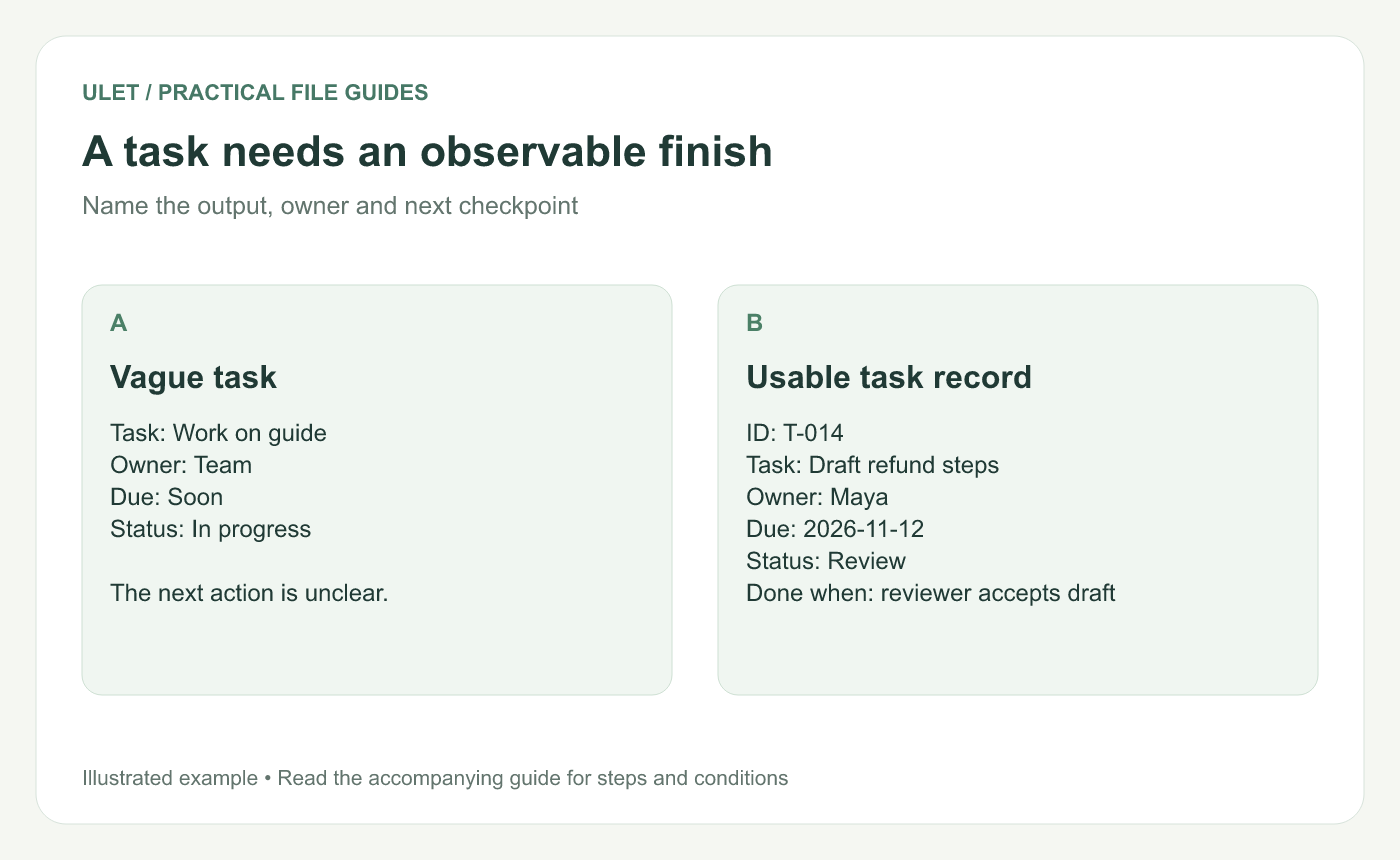
A task needs an observable finish. Original instructional illustration; the examples are not software screenshots.
Start with a record people can update
ID | Task | Owner | Due | Status | Done when |
|---|---|---|---|---|---|
T-014 | Draft refund steps | Maya | 2026-11-12 | Review | Reviewer accepts the draft |
T-015 | Supply example receipt | Leo | 2026-11-10 | Blocked | Approved example reaches Maya |
These are sample records. In your workbook, include the real year, a useful file reference and the latest update date. If a task has several contributors, keep one person responsible for reporting its state.
Agree what each status means
For example, use Open for work that has not started, In progress for active work, Review for work awaiting acceptance and Done for an accepted result. A blocked flag can sit alongside the status if work can be blocked at several stages.
Avoid using a percentage complete when nobody can explain how it was measured. A named remaining step is often easier to act on.
Record the next action on blocked work
“Waiting” is incomplete. Write “Leo supplies the approved receipt example by 10 November; Maya checks it the next morning.” Add the dependency's task ID when it exists.
Keep the current due date and explain a revised commitment in a note. Quietly overwriting dates makes a late task look as though it was always planned that way.
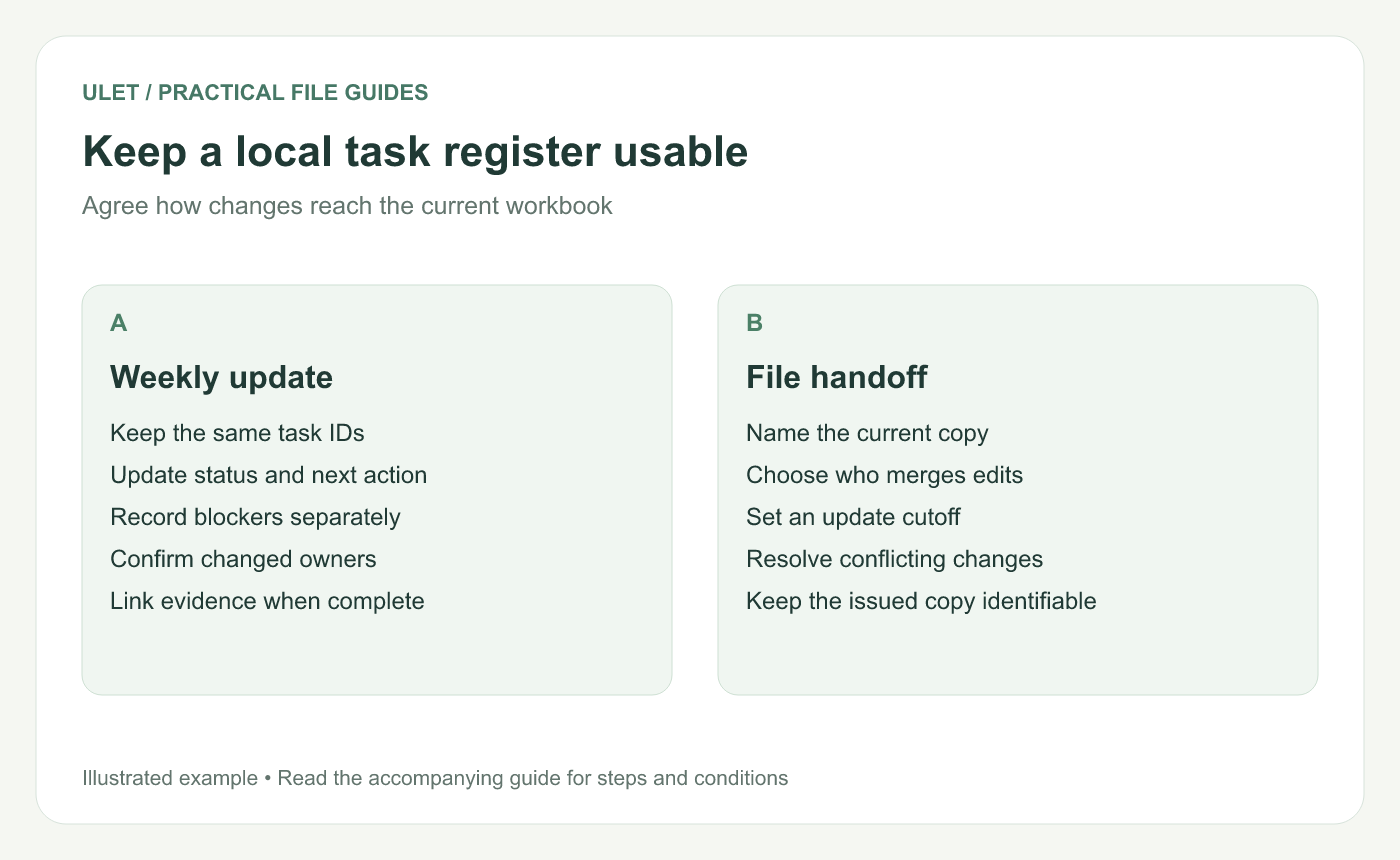
Keep a local task register usable. Original instructional illustration; the examples are not software screenshots.
Choose a workable local update routine
Nominate the person who maintains the current workbook and agree when updates are due. If people send separate copies, decide who merges them and how conflicting changes are resolved. A local file alone does not tell the team which competing copy to trust.
Ulet provides free basic local spreadsheet editing on Windows and macOS. You can keep the task register beside the project documents in the same all-in-one workspace; the file-sharing arrangement is still something the team needs to agree.
Close a task with evidence
Record the accepted file or result, its acceptance date and any follow-up task. Check links after moving the project folder. Keep IDs unchanged even after tasks are completed.
For the meeting that reviews this register, the decision-focused agenda guide helps keep the discussion tied to specific decisions.



