
The copied project index opens in your browser. So does the brief it links to. Before you call the move finished, check where the brief actually opened. A working link can still point to the old project.
Test a complete copy
Copy the full folder to a different local location. In this example, index.html is at the root and the brief is in references/brief.pdf. Leave the original available during the test and open the copied index from its new location.
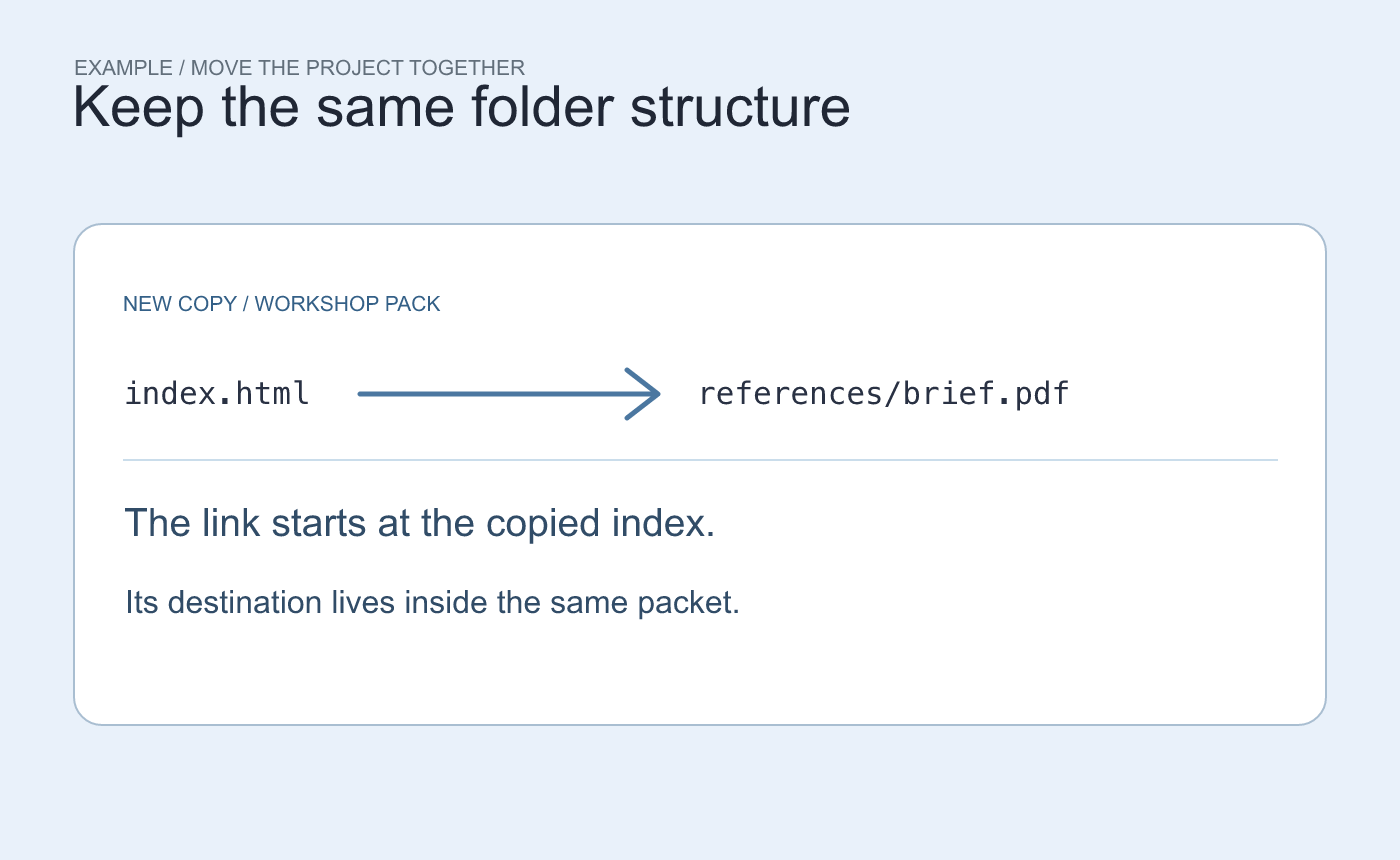
The copied index and its reference PDF keep the same relative structure.
Look at the resolved destination
Open a link, then inspect the resulting location in the browser address bar or the app that opened the document. A link written as references/brief.pdf can resolve within the copy. A link written as an absolute file: URL to the old folder still targets that location.
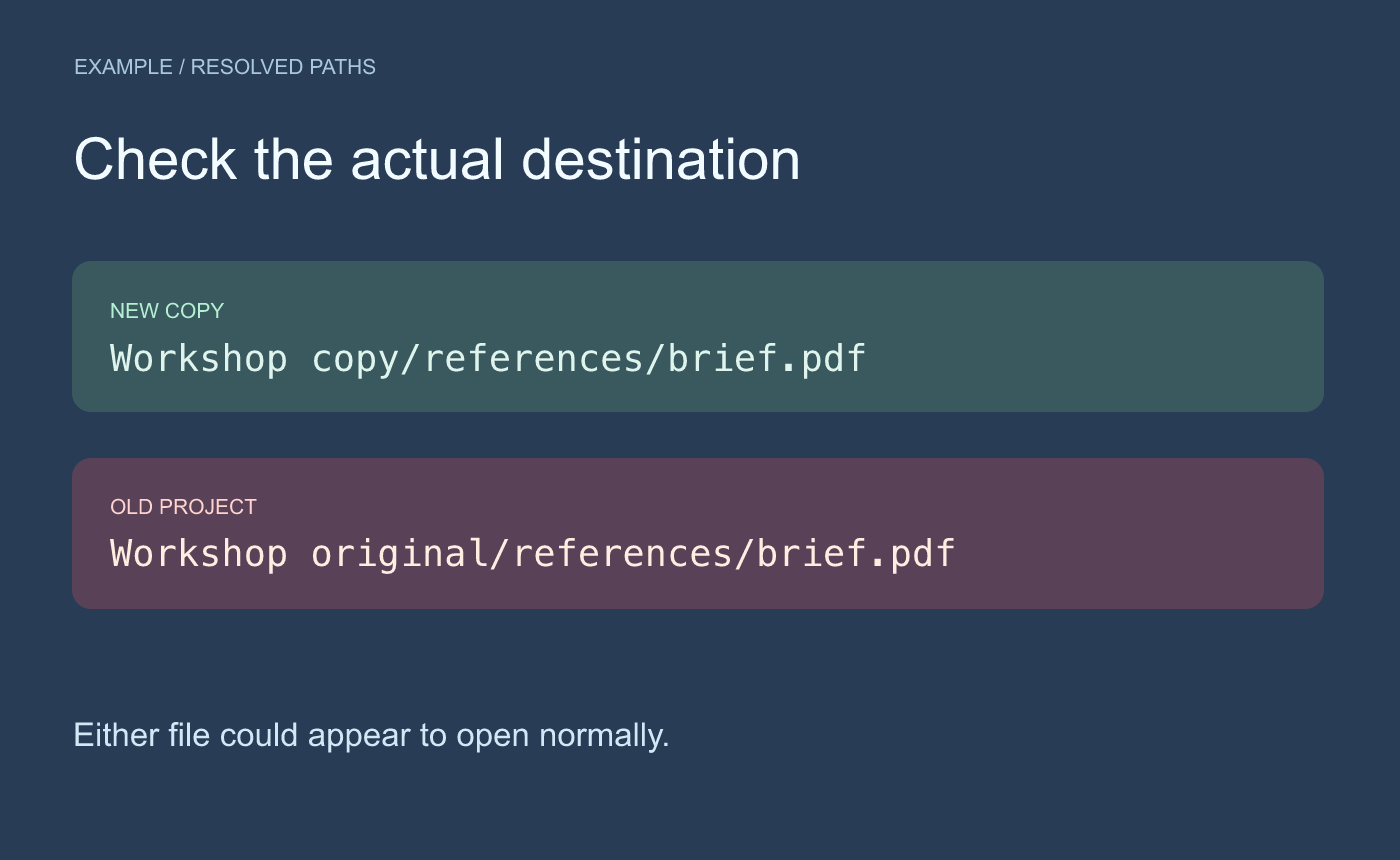
Example destination check. The file can open successfully while coming from the wrong folder.
Correct the link in the copied index if it points to the original. Then reopen the index from the copy and test again. Repeat with other local dependencies, such as a linked workbook or image, especially if different people added the links. Keep the original until the links needed for the handoff all resolve inside the copy or to their documented external locations.



