
Replace a repeated term by searching first, reviewing the matching contexts and trying one replacement before applying a wider change. Check capitalization and whole-word options when they affect the intended scope.
A document can contain the same words in current instructions, a quotation and a historical note. Those occurrences do not necessarily need the same edit.
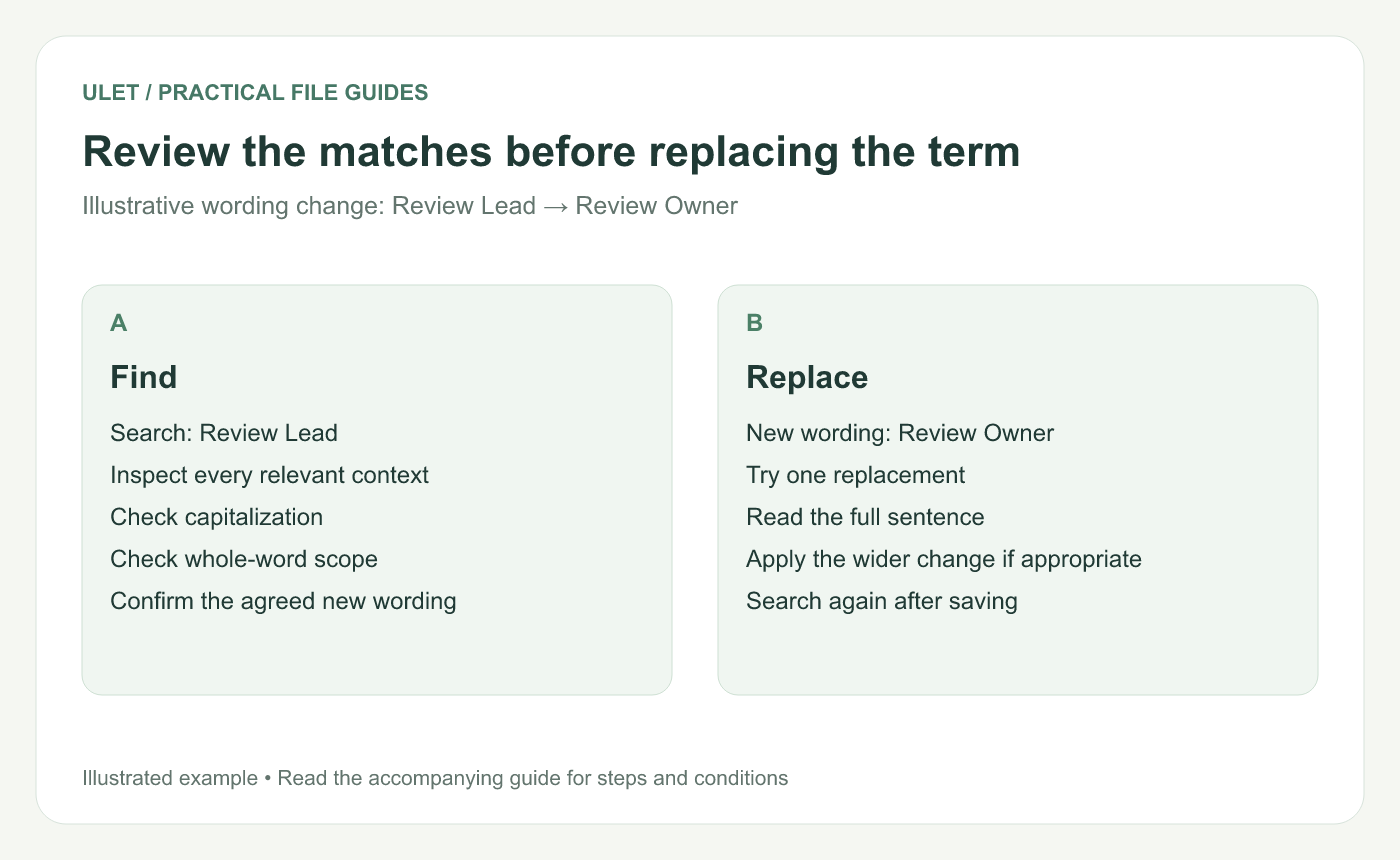
Review the matches before replacing the term. Original instructional illustration; sample wording and outcomes to check are not software screenshots or observed test results.
Define the exact wording change
For an illustrative example, the current role name “Review Lead” is changing to “Review Owner.” Confirm that this is the approved wording and identify any sections that should retain the old label.
Use a working copy. Keep the previous version available so the scope of the change can be reviewed.
Find and inspect the matches
Open the DOCX in Ulet and open Find and Replace.
Enter the existing term in Find.
Inspect the matches in their sentences or table cells.
Use Match case or Whole words when those controls fit the intended change.
Enter the agreed replacement wording.
Ulet's current find panel includes case and whole-word matching controls. Microsoft also distinguishes individual replacement from Replace All in Word's workflow. Find and replace reference.
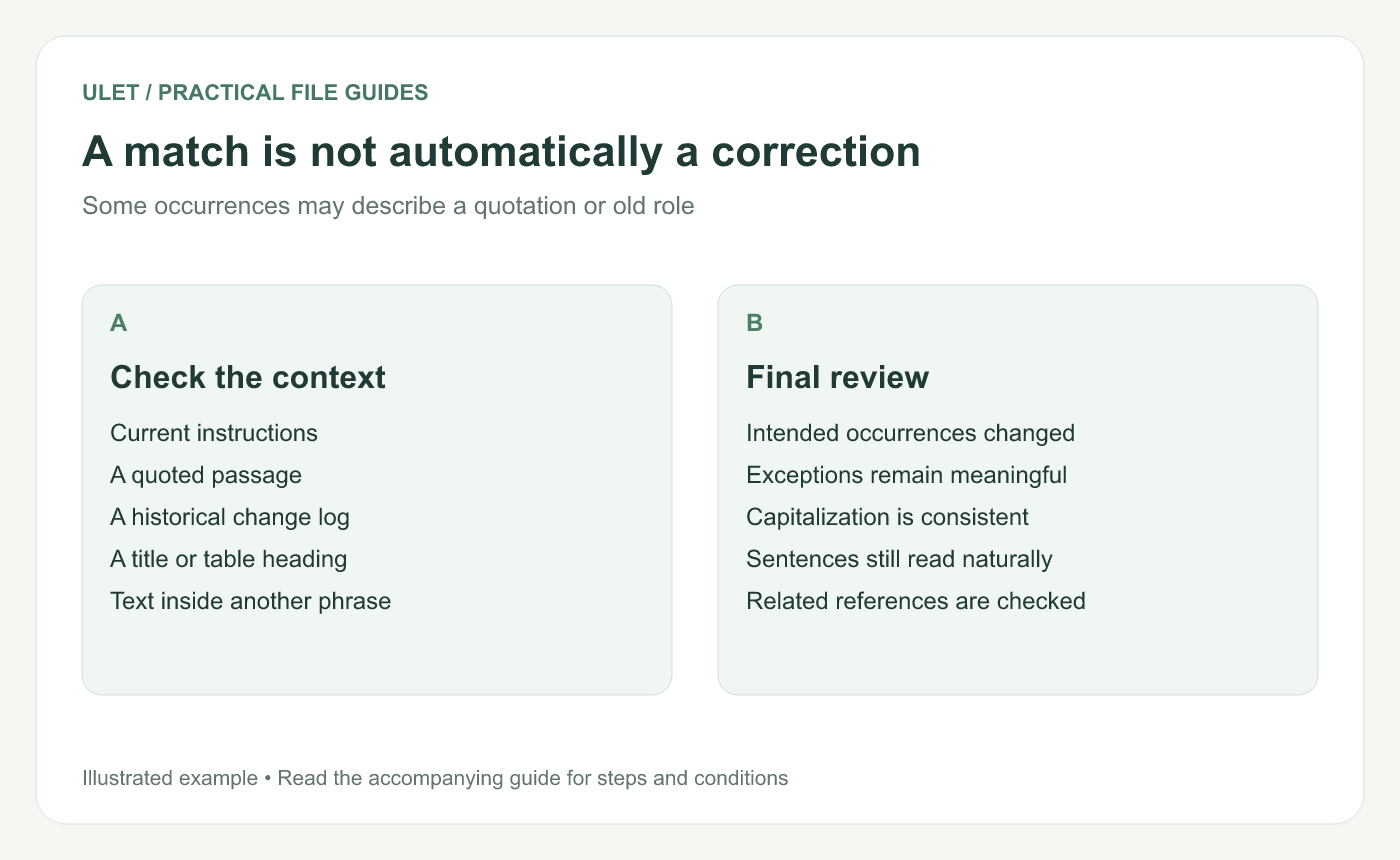
A match is not automatically a correction. Original instructional illustration; sample wording and outcomes to check are not software screenshots or observed test results.
Test one replacement
Replace one occurrence and read the whole sentence. Check spacing, capitalization and the meaning of the revised phrase.
If the label appears inside a quotation or a record of an older decision, decide whether that passage should remain historically accurate instead. Record an exception when it matters to the review.
Apply the wider change only to the intended scope
Use Replace All when the reviewed matches truly share the same rule. Otherwise, step through the occurrences and replace them individually.
Check related titles, tables and references afterward. Also inspect the document areas relevant to your task rather than assuming a search panel covers every possible object or document part.
Search again in the saved file
Save and reopen the result. Search for the old term to inspect what remains, then check a sample of the new wording in context.
Keep the requirement clear: every intended occurrence should change, while justified exceptions remain understandable. Ulet supports this local DOCX editing workflow on Windows and macOS with free basic editing.


