
Change line spacing when the lines inside a paragraph are too close or too far apart. Change paragraph spacing Before or After when the gap between separate paragraphs is wrong.
Start with a small sample and adjust one setting at a time. Adding empty paragraphs can hide the real setting and make later edits harder to maintain.
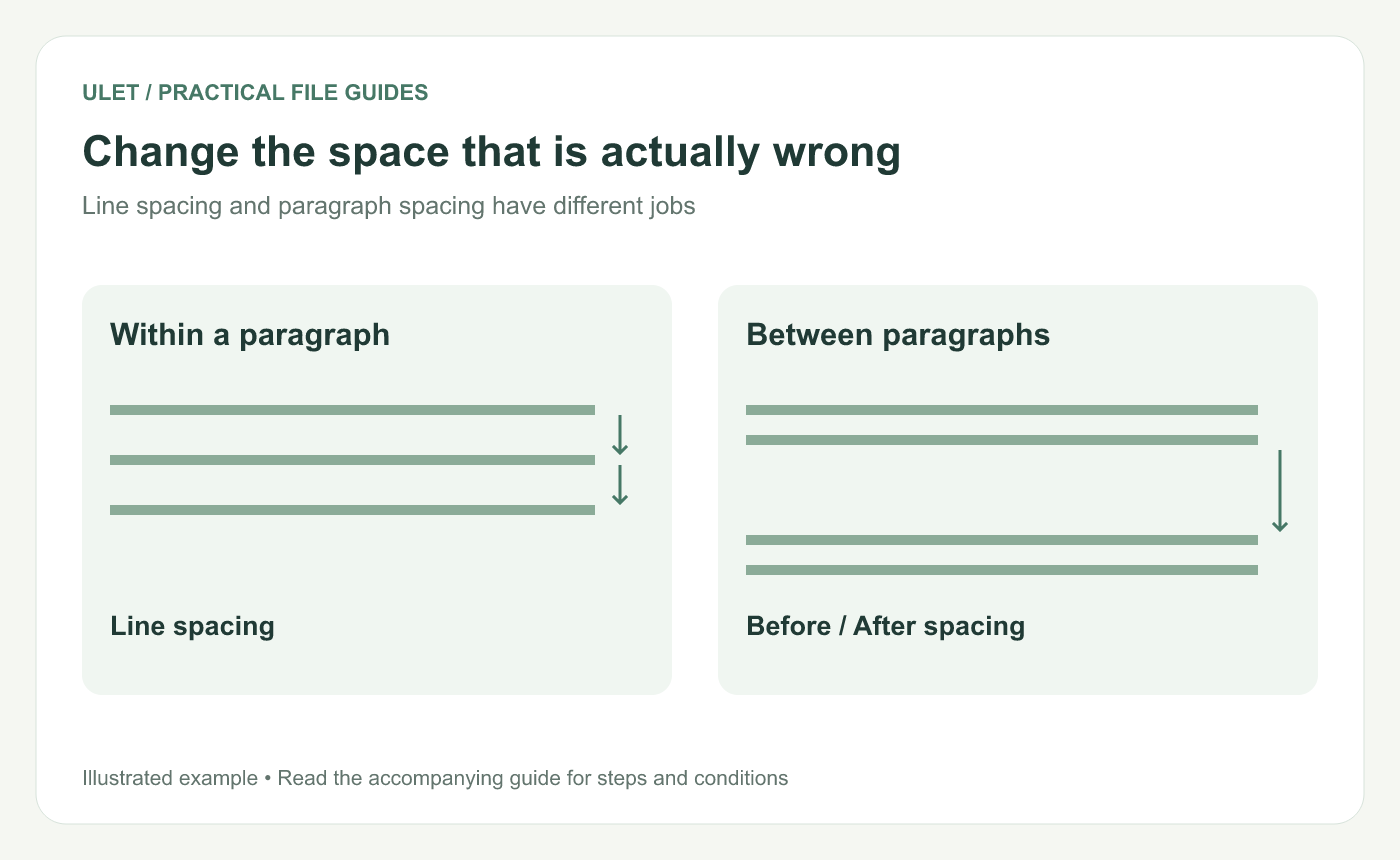
Change the space that is actually wrong. Original instructional illustration; sample wording and outcomes to check are not software screenshots or observed test results.
Identify the paragraph boundary
Click inside the affected text and inspect whether the visible gap is between lines of one paragraph or between two paragraphs. If formatting marks are available, use them to locate the paragraph ends.
A wrapped line is not a new paragraph. Pressing Enter creates a different structure from letting a long sentence wrap within the same paragraph.
Use the matching control
Visible issue | Setting to inspect |
|---|---|
Lines within a paragraph are too loose | Line spacing |
The next paragraph starts too far down | After on the first paragraph and Before on the next |
Only one heading has an odd gap | Its paragraph settings and relevant style |
Extra blank lines create the gap | Unneeded empty paragraphs, then the intended spacing |
Microsoft's paragraph-format guidance distinguishes these spacing controls. The concept applies here; the controls' exact placement depends on the editor. Paragraph spacing reference.
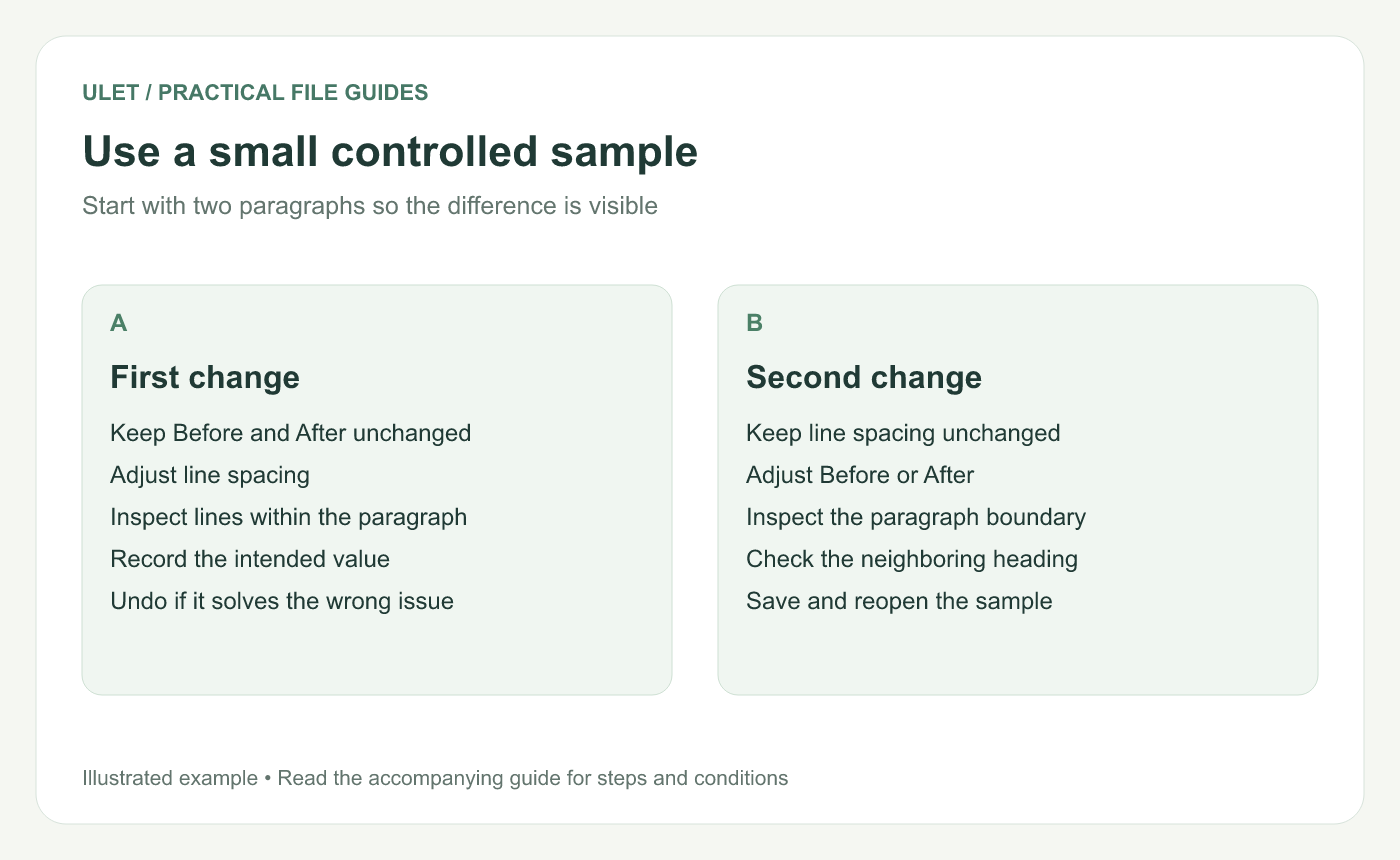
Use a small controlled sample. Original instructional illustration; sample wording and outcomes to check are not software screenshots or observed test results.
Try the change on two paragraphs
Open a working DOCX copy in Ulet.
Select or place the cursor in the paragraph to inspect.
Use the paragraph or line-spacing controls for the identified issue.
Change one value and inspect the whole sample.
Check the boundary with the next paragraph.
Use a specific requirement when the document has one. A report template may define line spacing and paragraph gaps separately.
Apply consistency deliberately
If several paragraphs serve the same role, inspect their formatting or style before correcting each by eye. Avoid applying a body-text setting across headings and captions without considering their purpose.
Check the resulting page breaks too. A spacing change can move text to another page, so inspect the affected area after saving.
Reopen the saved result
Verify the same paragraph and its neighbor in the saved DOCX. Compare with the requirement rather than relying on a remembered appearance.
Ulet provides free basic local document editing on Windows and macOS. Keep the small sample available while deciding which setting should be used across the document.


