
Package a local project by compressing its containing folder into a ZIP, then extracting a separate test copy and opening the files the recipient will need. Preserve the folder relationships used by linked notes and images.
A successful archive creation is only the first check. The useful result is a complete extracted project that the receiver can work with.
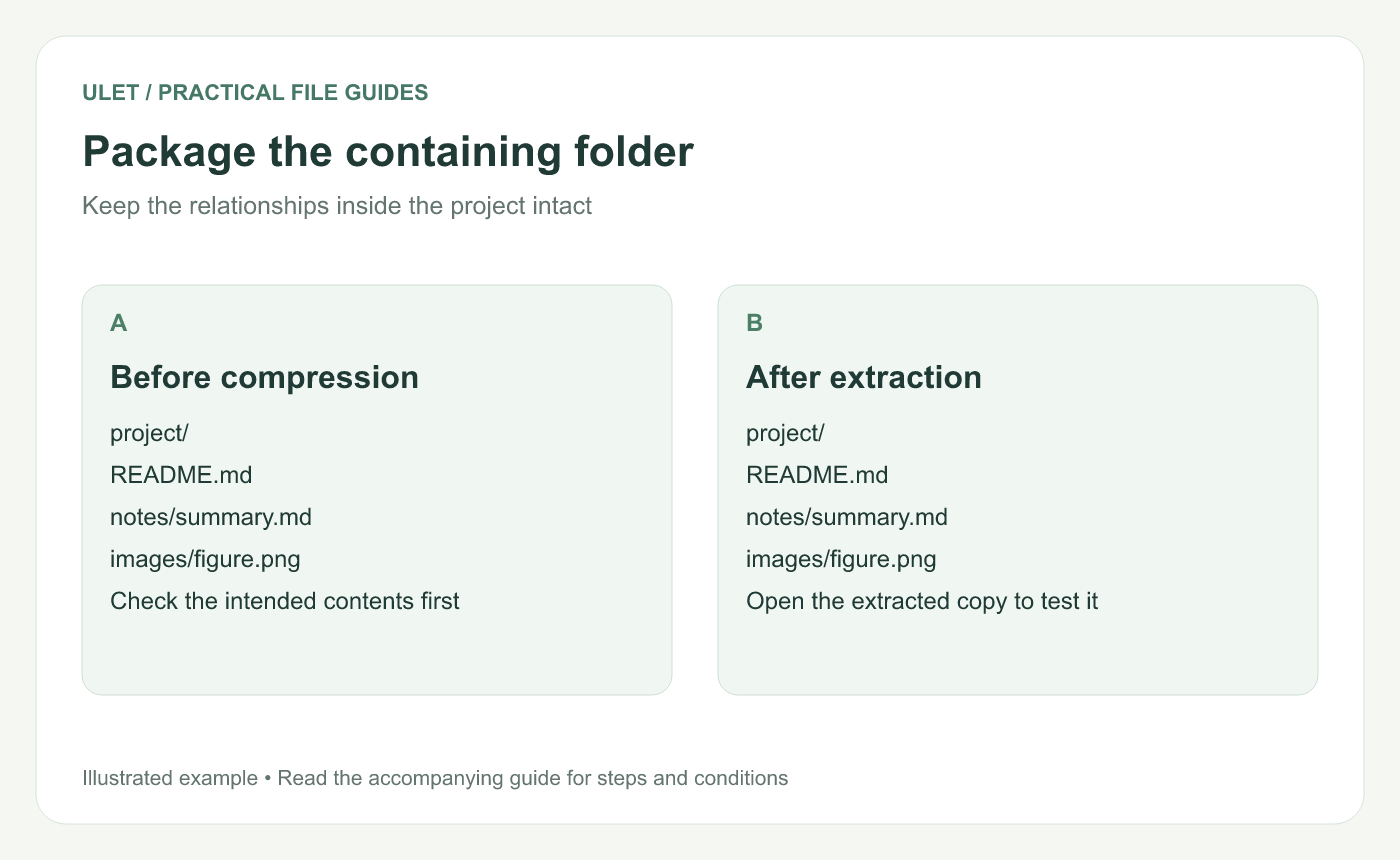
Package the containing folder. Original instructional illustration; sample records are examples, not product screenshots or observed test results.
Prepare the folder you intend to send
Save the current files and identify the main starting document. Remove unrelated temporary material from the delivery folder while retaining the working source elsewhere.
Keep relative resources inside the chosen project structure. For example, a note referring to images/figure.png needs the matching image at that relative location after extraction.
Create the ZIP with the system tools
In Windows, right-click the intended folder and use the ZIP compression command. Microsoft's documented route includes Show more options → Send to → Compressed (zipped) folder; menu wording varies with the Windows version. Windows ZIP guidance.
On macOS, Control-click the folder in Finder and choose Compress. Apple documents double-clicking the resulting ZIP to expand it. Mac ZIP guidance.
Give the archive a name that identifies the project and issued version. Do not assume compression will dramatically shrink files that are already compressed.
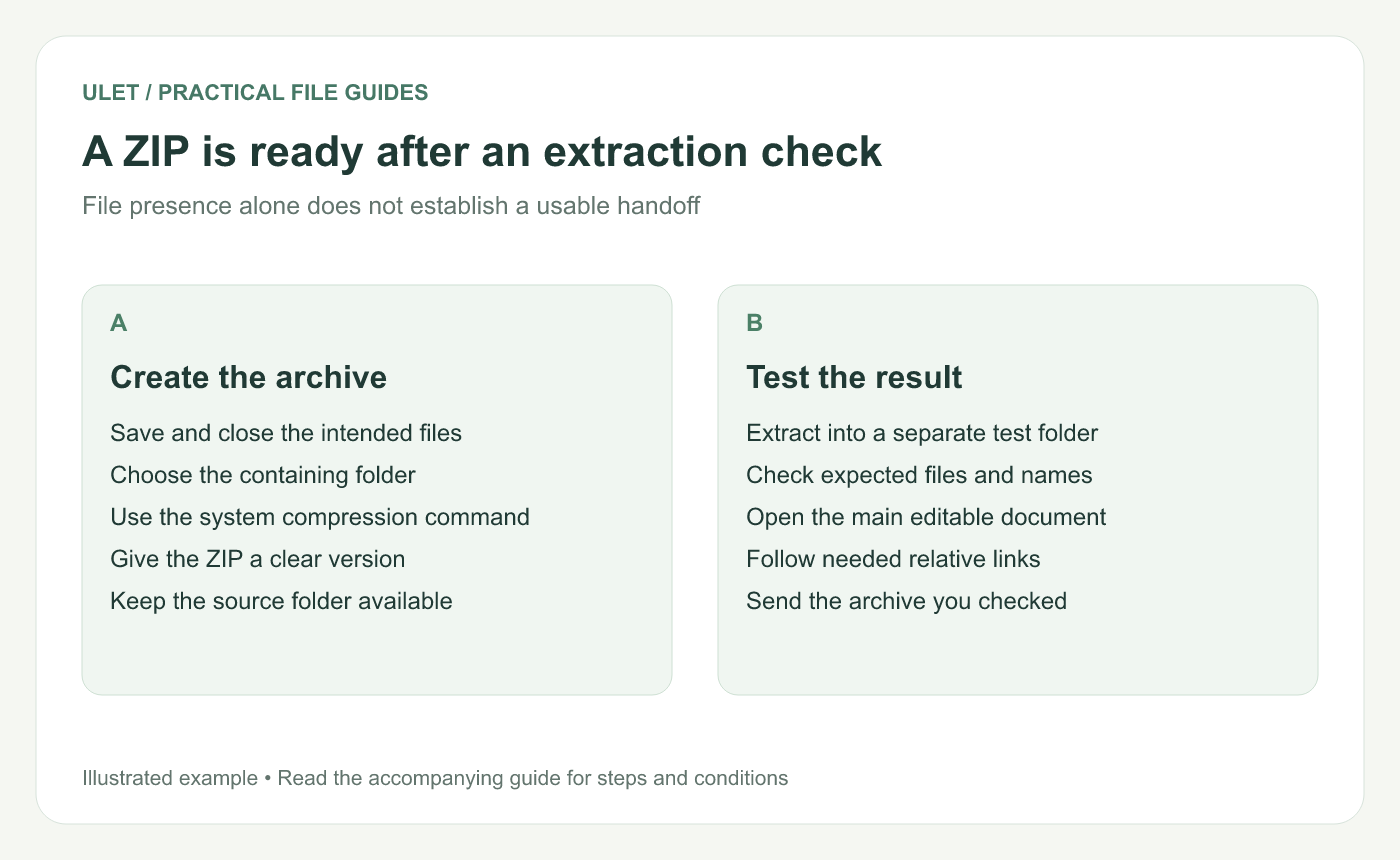
A ZIP is ready after an extraction check. Original instructional illustration; sample records are examples, not product screenshots or observed test results.
Extract a test copy
Put the ZIP in a separate test location.
Extract all its contents using the system tools.
Confirm the expected folder tree and filenames.
Open the main document from that extracted location.
Check linked notes, images and other required files.
In Windows, use Extract All for the complete archive. Avoid treating a document temporarily opened from inside the ZIP as the main editable working copy.
Check the handoff from the receiver's starting point
Follow the README or delivery instructions in the extracted copy. Confirm which files should be edited and which are references. If a resource still points to a location outside the package, decide how the recipient will obtain it.
When something changes after the test, rebuild the archive and check the affected parts again.
Ulet lets you open local office files and Markdown notes together on Windows and macOS. Use the extracted project to review the actual editable files before sending the checked ZIP.


