
Sort a DOCX paragraph list by selecting the complete standalone items, opening Sort and choosing the intended direction. Keep headings and unrelated paragraphs outside the selection.
Start with a small sample whose order you can check. Sorting is useful for independent names or terms; it can damage the meaning of instructions that must stay in a particular sequence.
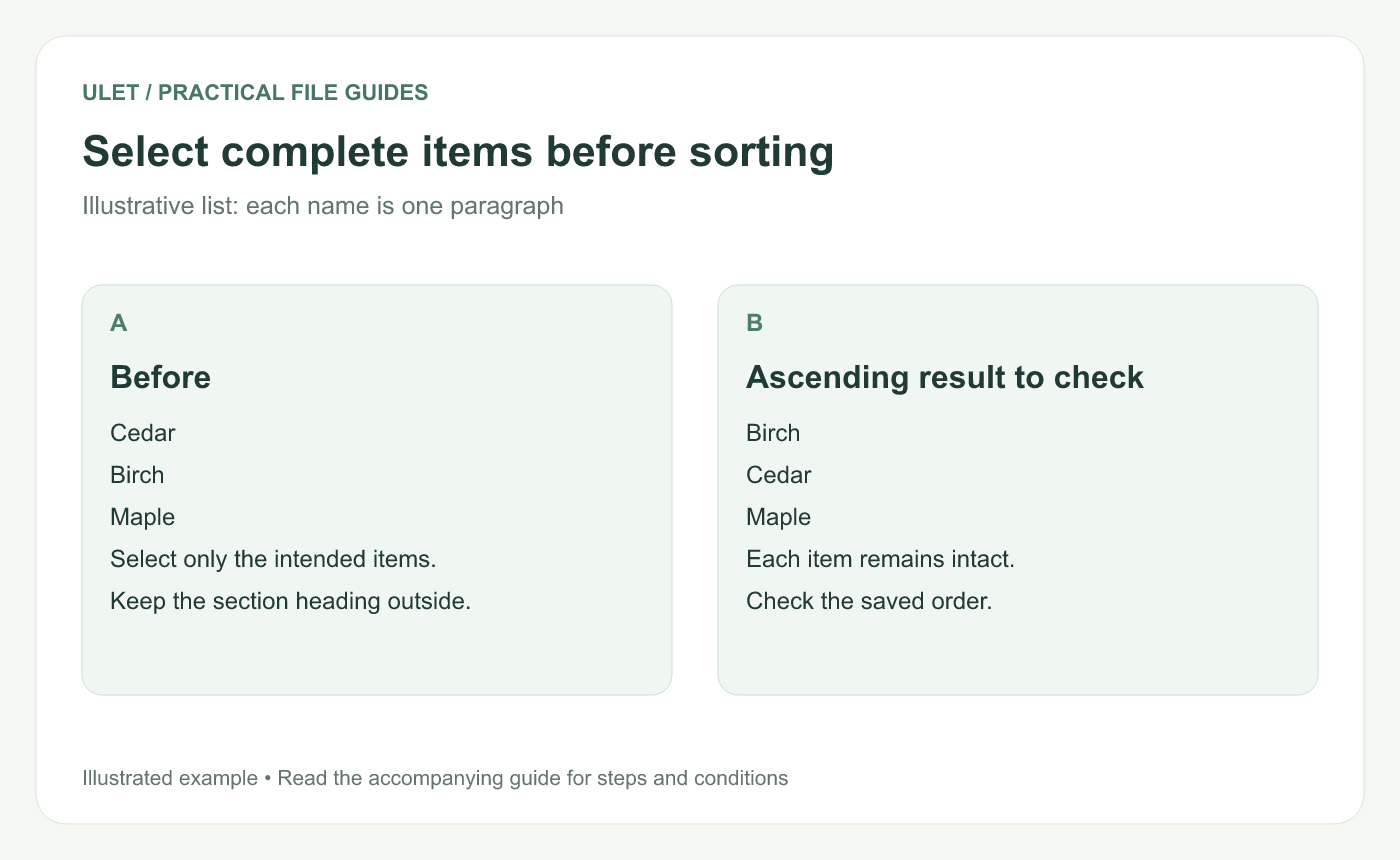
Select complete items before sorting. Original instructional illustration; fictional examples are not software screenshots or measured product results.
Make each item a complete unit
For a trial, create three separate paragraphs: Cedar, Birch and Maple. An ascending English-language result should place them as Birch, Cedar and Maple.
Each item should carry the content that needs to move with it. If a name's explanation sits in a separate paragraph, sorting only the names can detach that relationship.
Choose the selection carefully
Open a working DOCX in Ulet.
Select the adjacent paragraph items to reorder.
Leave the section title and surrounding prose outside the selection.
Open Sort and choose Ascending or Descending.
Inspect the first, middle and last items.
Ulet's current paragraph-sort control requires two or more suitable adjacent paragraph blocks. If it is unavailable, inspect the selected structure rather than applying a spreadsheet-style sort to the whole document.
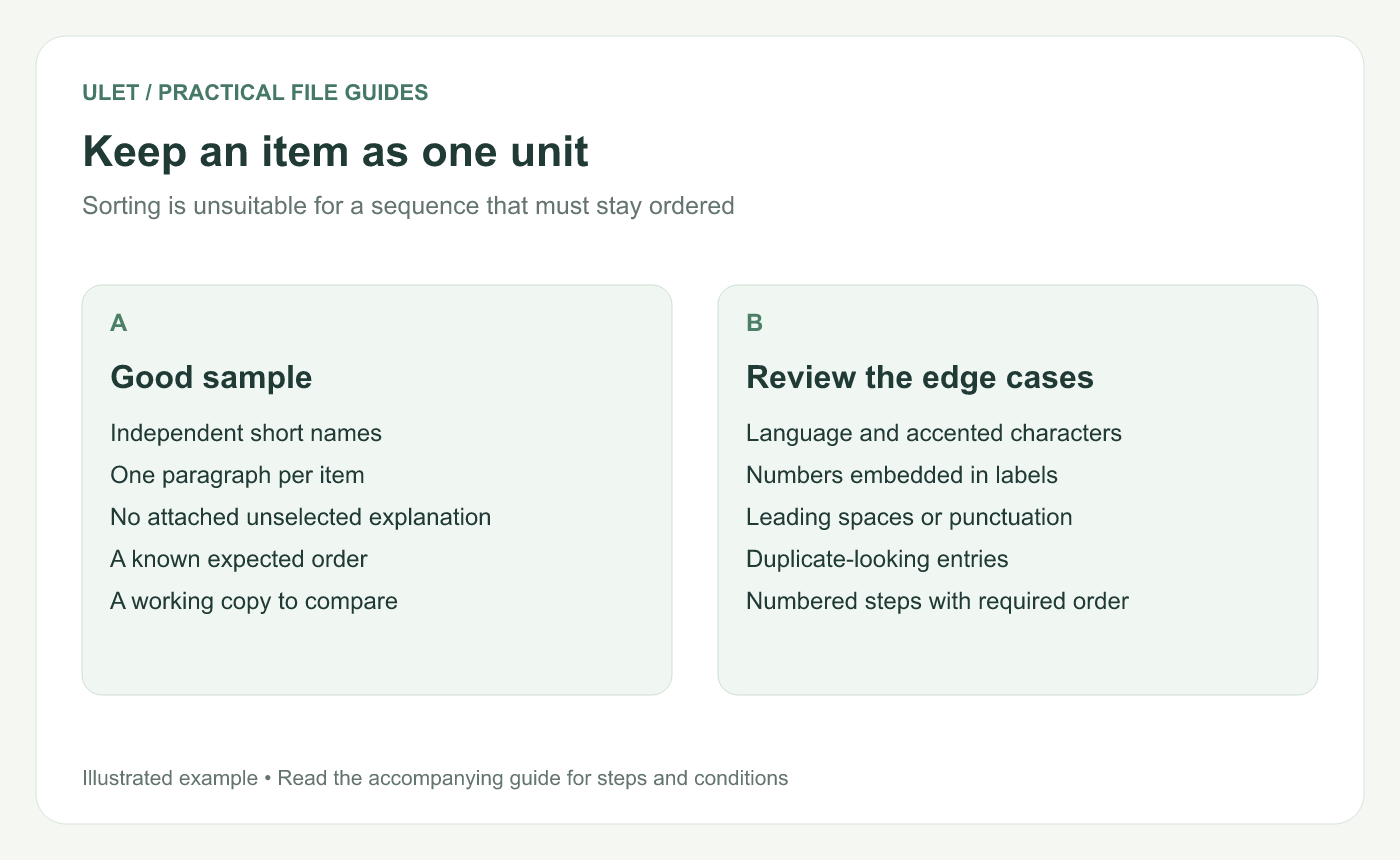
Keep an item as one unit. Original instructional illustration; fictional examples are not software screenshots or measured product results.
Check language and label conventions
Accents, punctuation, leading spaces and numbers can affect an order. Ulet's current sorting implementation uses language-aware comparison with numeric handling, so inspect a representative sample when those cases matter.
Do not assume every publishing system or receiving editor will use the same sorting rules. Record a required ordering convention when the list must follow one.
Keep ordered procedures in their intended order
A numbered setup sequence should follow its dependencies. Alphabetizing its steps would produce a tidy-looking list that no longer describes the task.
For a glossary, check whether a term and its definition are separate paragraphs. If they are, choose a structure that preserves the complete entry before attempting an automated sort.
Verify the saved result
Check | Expected result |
|---|---|
Selection boundary | Unrelated content stays in place |
Item content | Each complete item remains intact |
Count | No item was lost or duplicated |
Order | It follows the intended convention |
Save and reopen the DOCX. Ulet provides free basic local document editing on Windows and macOS; inspect the same list in the saved copy before issuing it.


