
Add a DOCX footnote with the actual footnote command so the body reference and note form one document structure. Then inspect the note text, its marker and the saved layout.
Typing a small number in the paragraph and a separate note at the bottom is harder to maintain because the two pieces are not necessarily connected.
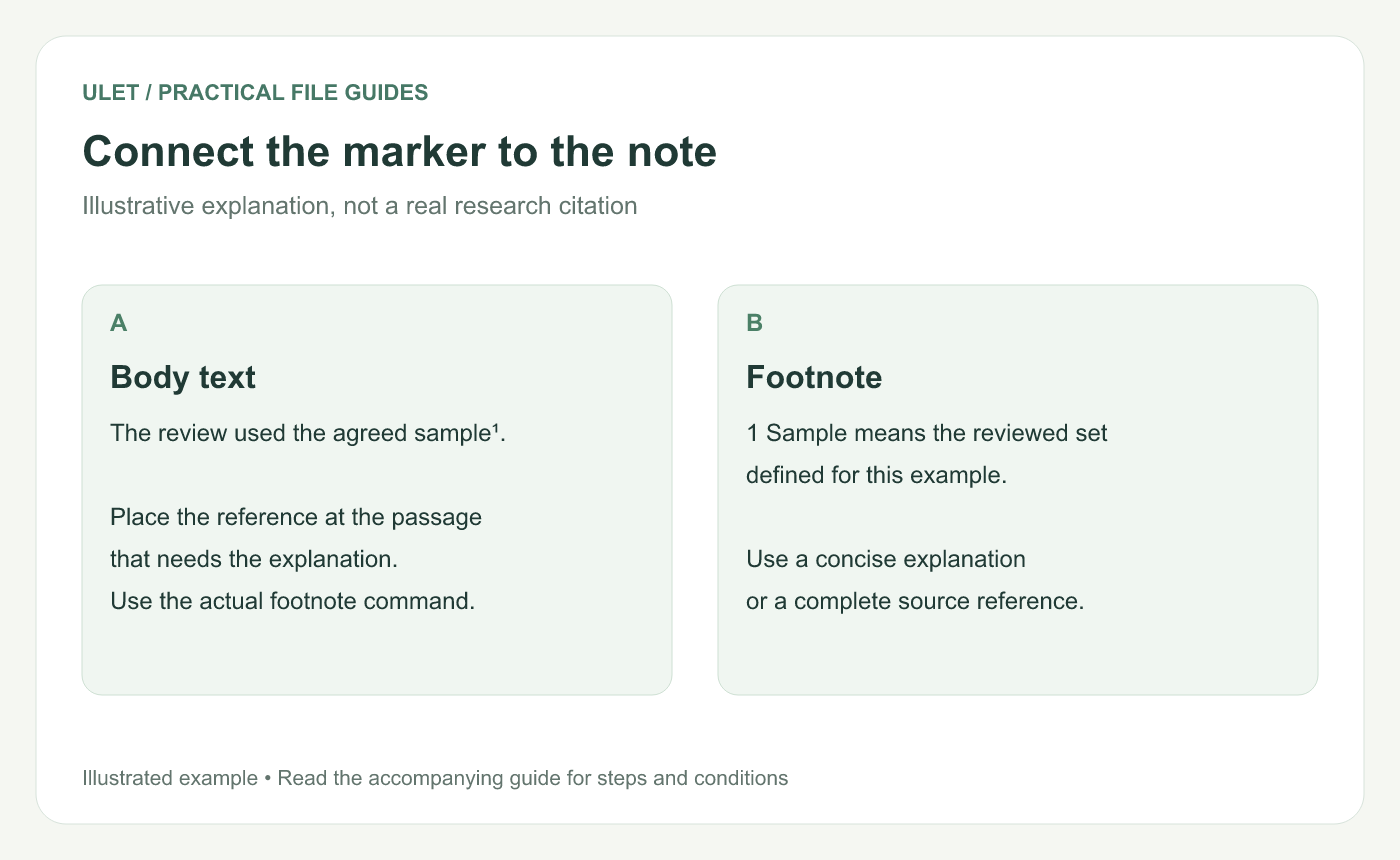
Connect the marker to the note. Original instructional illustration; sample wording and outcomes to check are not software screenshots or observed test results.
Choose the passage that needs the note
Use a footnote for a concise explanation or source reference that belongs with a particular passage. Keep information necessary to understand the main sentence in the body.
Footnotes normally appear at the bottom of the page, while endnotes collect at the end of the document or section. Microsoft explains that distinction in its reference guide. Footnotes and endnotes.
Insert the reference in Ulet
Open the DOCX and place the cursor at the intended reference position.
Open the References controls and choose Insert Footnote.
Enter the note content in the footnote dialog.
Confirm the insertion.
Inspect the marker in the body and the corresponding note.
Ulet's current note dialog identifies the insertion location and accepts the note text before adding the reference. Check the displayed context before confirming.
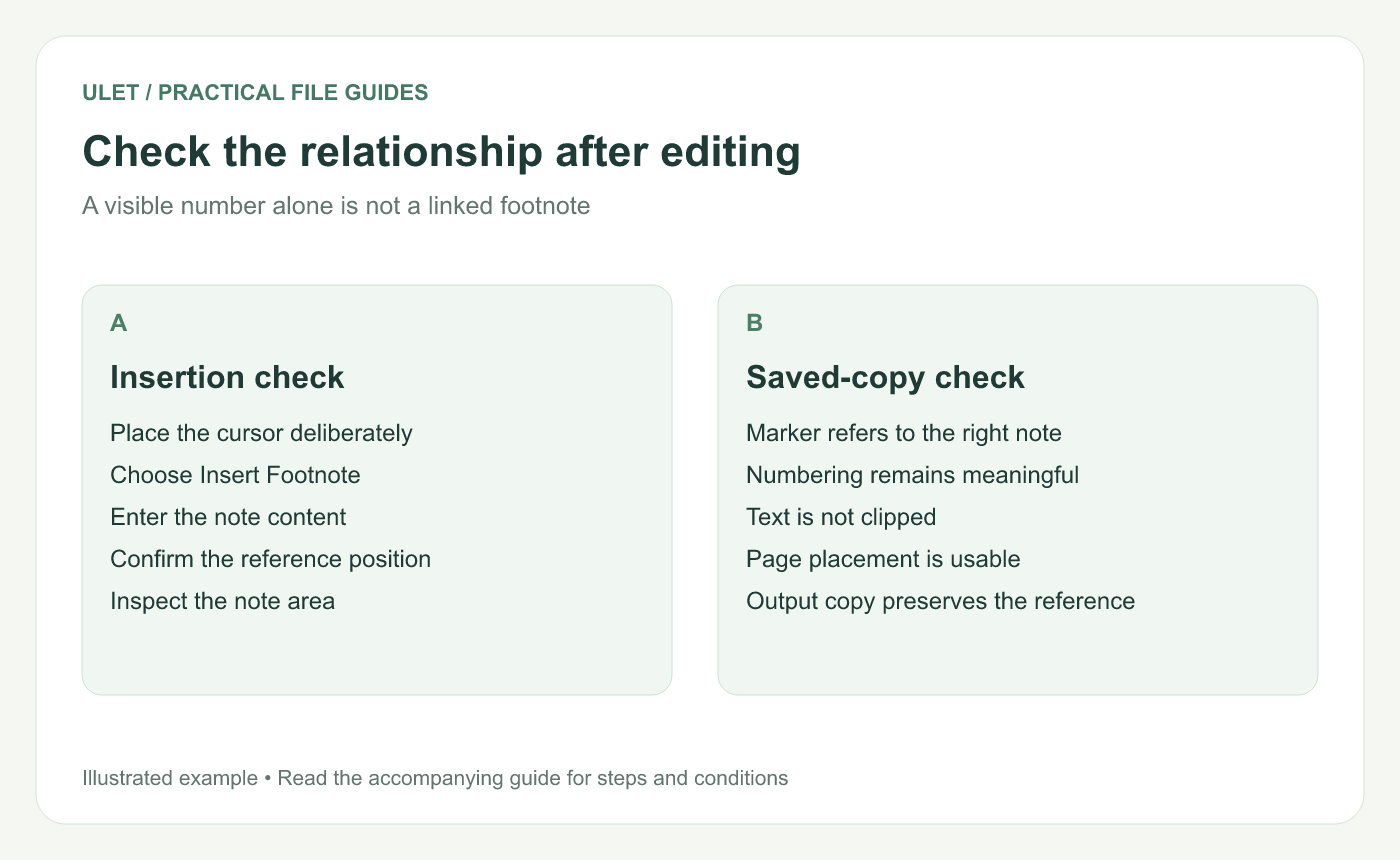
Check the relationship after editing. Original instructional illustration; sample wording and outcomes to check are not software screenshots or observed test results.
Write enough context to be useful
For an illustrative definition, a note might explain what “sample” means in the local review. Label it as a definition and use the agreed wording.
For an actual source, include the information required by the document's citation style. A bare “see report” is difficult to follow when several reports are in use.
Check the document after changes
When adding or moving references, inspect the resulting numbering and note connection. Click or navigate through the available reference controls to confirm the correct note is attached.
Check the page area around the note too. Long note text can affect pagination, and the body passage should still be readable in its context.
Review the saved and delivered copies
Check | Expected result to verify |
|---|---|
Reference marker | It identifies the intended note |
Note text | It is complete and readable |
Numbering | The sequence makes sense after editing |
Output layout | The issued file preserves usable note placement |
Save and reopen the DOCX, then inspect a PDF separately if one is produced. Ulet supports local document work on Windows and macOS with free basic editing; use the actual saved copy for these final checks.


