
Keep original image assets in a separate folder and create named copies for document-specific crops or resizing. Record which prepared image appears in which document so a later revision can start from the right source.
A picture embedded in a DOCX, PPTX or PDF is a delivery asset. Retain the original file when you may need to prepare the figure again.
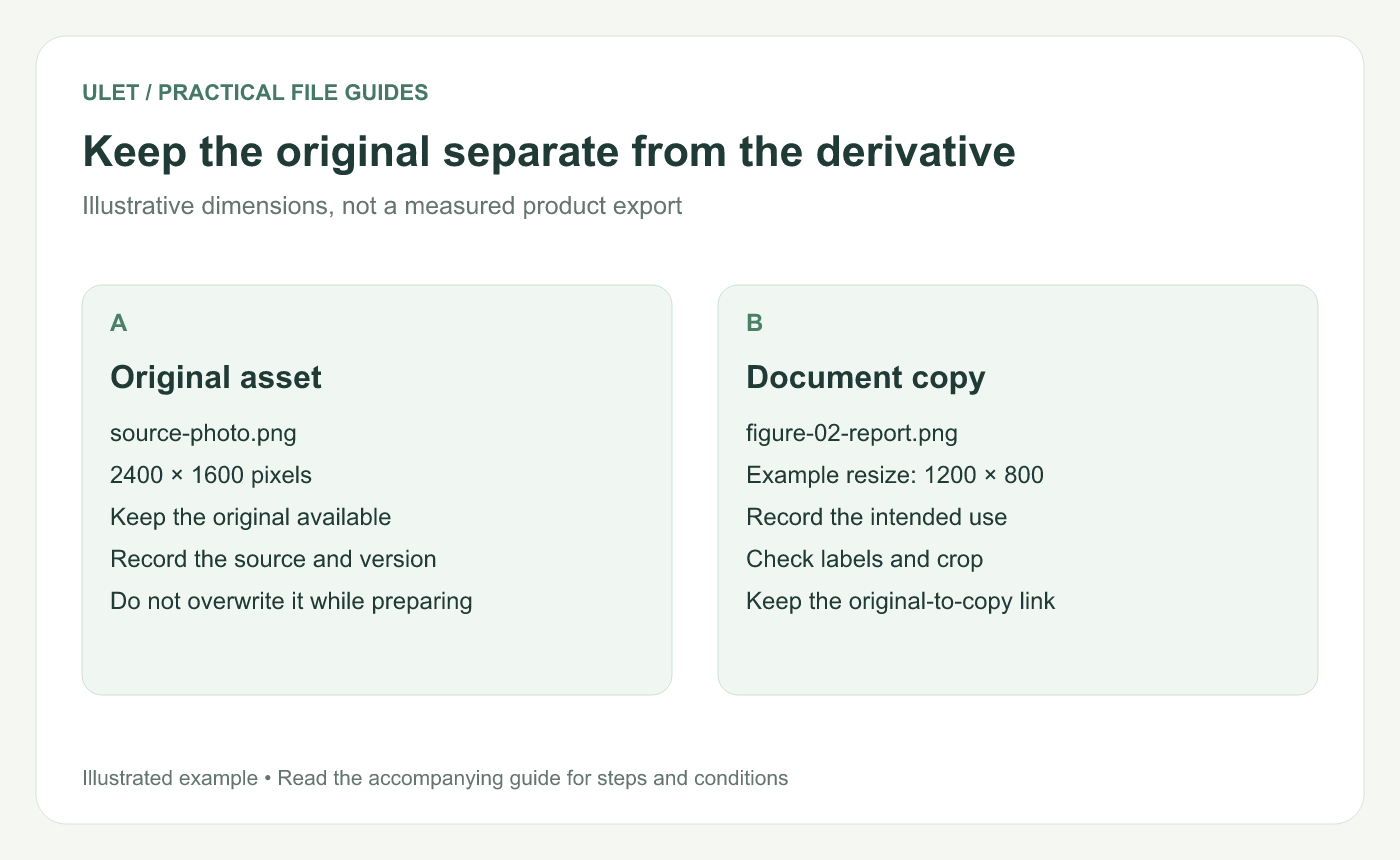
Keep the original separate from the derivative. Original instructional illustration; sample wording and outcomes to check are not software screenshots or observed test results.
Give originals and prepared copies different roles
For example, keep source-photo.png in originals/ and figure-02-report.png in prepared/. The names and folders are illustrative; use a consistent scheme that identifies the figure's purpose.
Record the image's origin, creator or source reference and any credit needed for its use. Keep that information with the asset rather than relying on a filename alone.
Distinguish pixel dimensions from placement
An illustrative original measuring 2400 × 1600 pixels can have a proportionally resized copy at 1200 × 800. Those dimensions preserve the same aspect ratio.
Resampling changes the image's pixel data. Placing an image at a smaller size on a document page is a separate layout decision. Adobe explains the relationship between image size, resolution and resampling. Image-size and resampling guidance.
Use the image tool appropriate to the preparation task. This workflow does not assume your office editor offers every image-processing control.
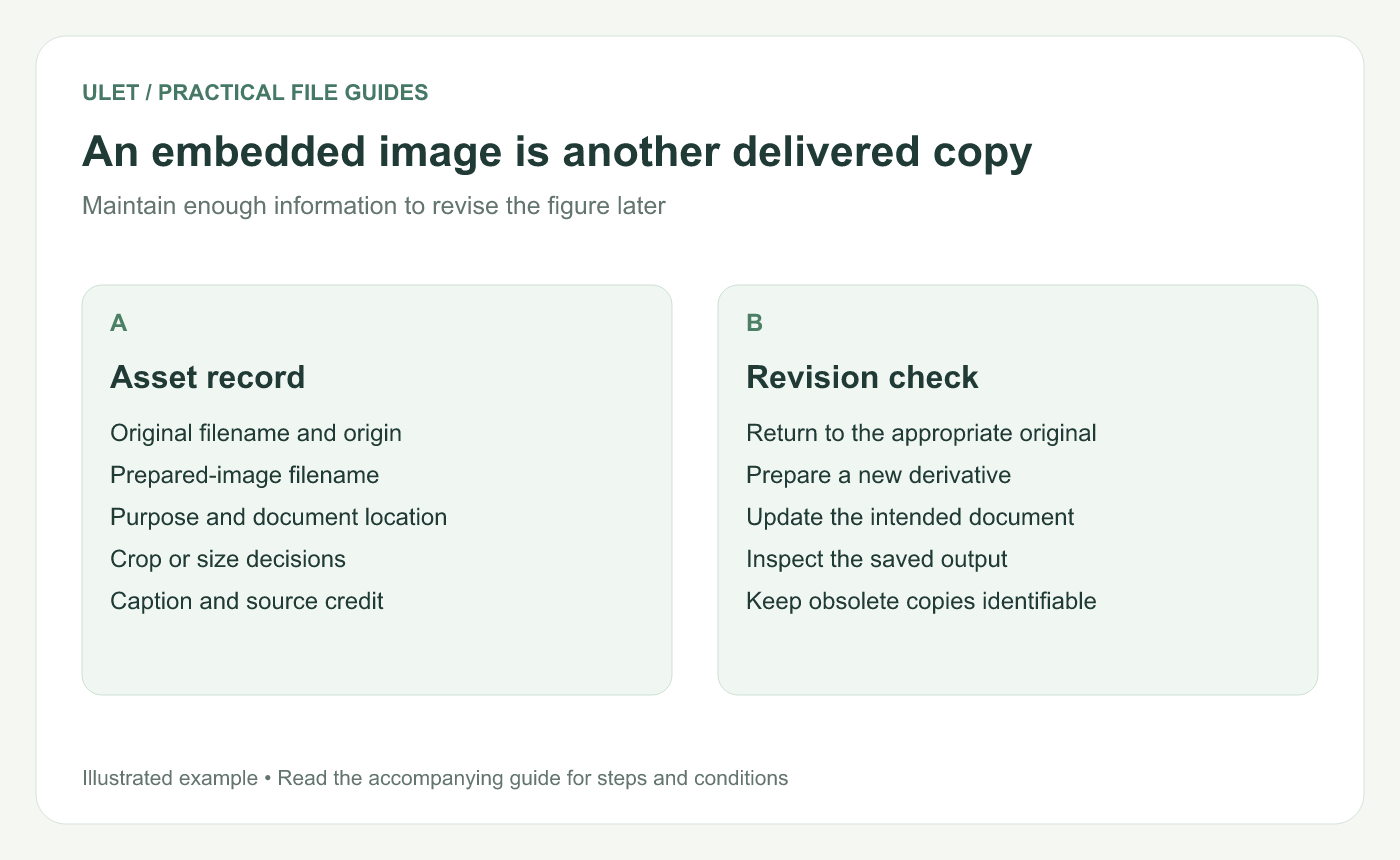
An embedded image is another delivered copy. Original instructional illustration; sample wording and outcomes to check are not software screenshots or observed test results.
Record why the derivative exists
Asset field | Example role |
|---|---|
Original | The retained source image |
Prepared copy | The crop intended for figure 2 |
Document location | The report section and caption |
Edit note | The size or crop decision to preserve |
Check the crop against the intended meaning. A prepared copy should retain the labels and context the figure needs to support the text.
Review the embedded result
Open the saved office document and inspect the figure at reading size. Check small labels, proportions, caption wording and any reference to the figure in the body text.
When replacing it, confirm you updated the intended document version. Keep the superseded prepared copy identifiable until the new output has passed review.
Ulet keeps local documents, presentations and PDFs in one app on Windows and macOS. Maintain the original asset files alongside that project so future changes do not depend on extracting a picture from an old output.


