
To check whether a PDF has usable text, try selecting a short sentence, copying it into a plain-text note and searching for a distinctive phrase. Repeat on more than one page.
A scanned appearance is not enough to decide. A PDF can show an image of a page while also carrying a searchable text layer, and different pages in one file can behave differently.
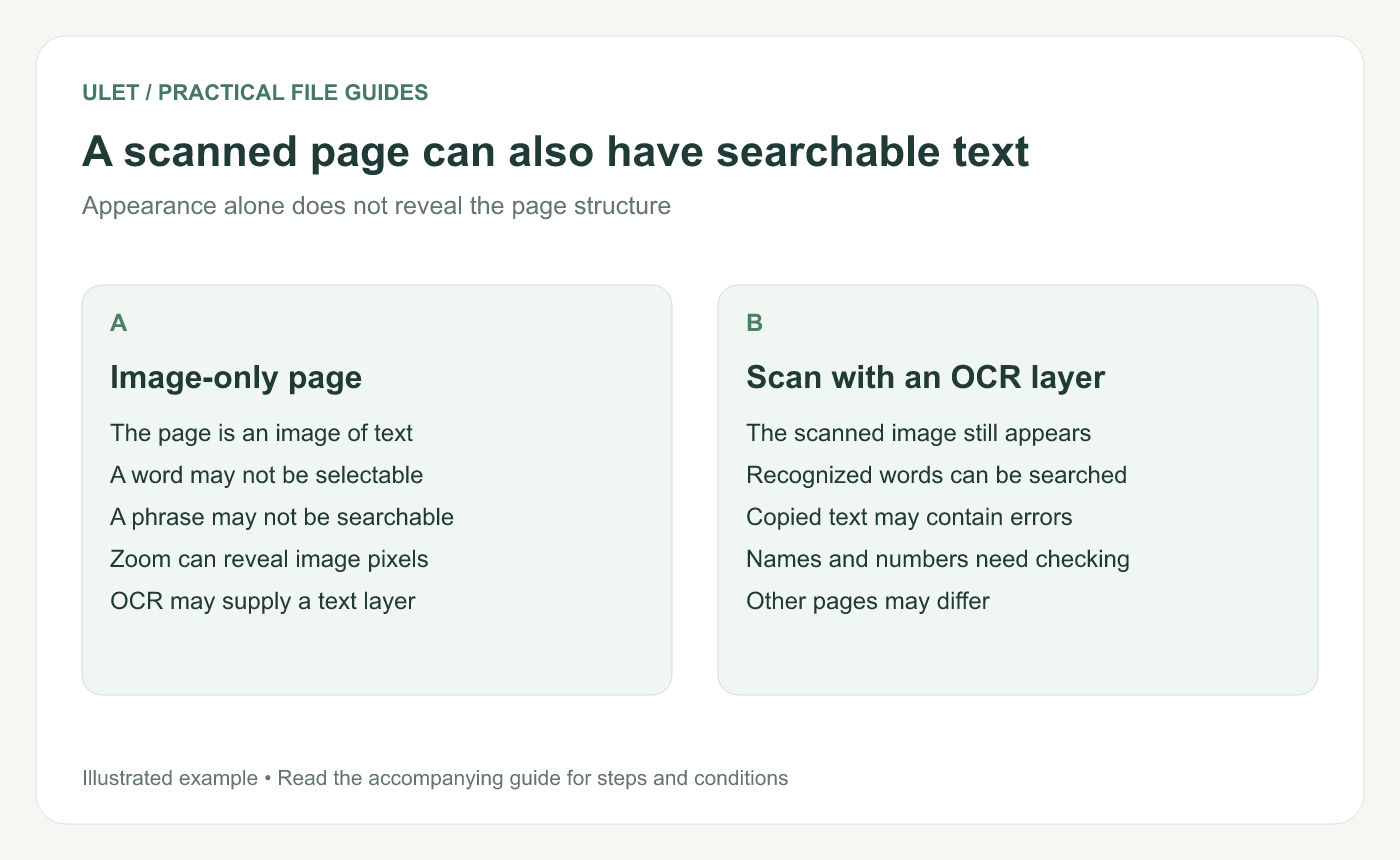
A scanned page can also have searchable text. Original instructional illustration; sample records and layouts are examples, not software screenshots.
Distinguish the visible page from its text
An image-only scan contains a picture of the words. OCR can add recognized text that selection and search tools use. Adobe describes this as creating a searchable text layer for scanned documents. Adobe's OCR explanation.
That layer can contain recognition errors. Being able to select a name or amount does not establish that the copied characters match the page image.
Use a passage you can verify
Choose a short, clearly visible sentence.
Try selecting the words rather than a rectangular image area.
Copy the selection into a plain-text note.
Compare the words, punctuation, names and numbers.
Search the PDF for a distinctive part of that sentence.
Use a second passage on another page, especially if the document combines scans, generated pages and attachments.
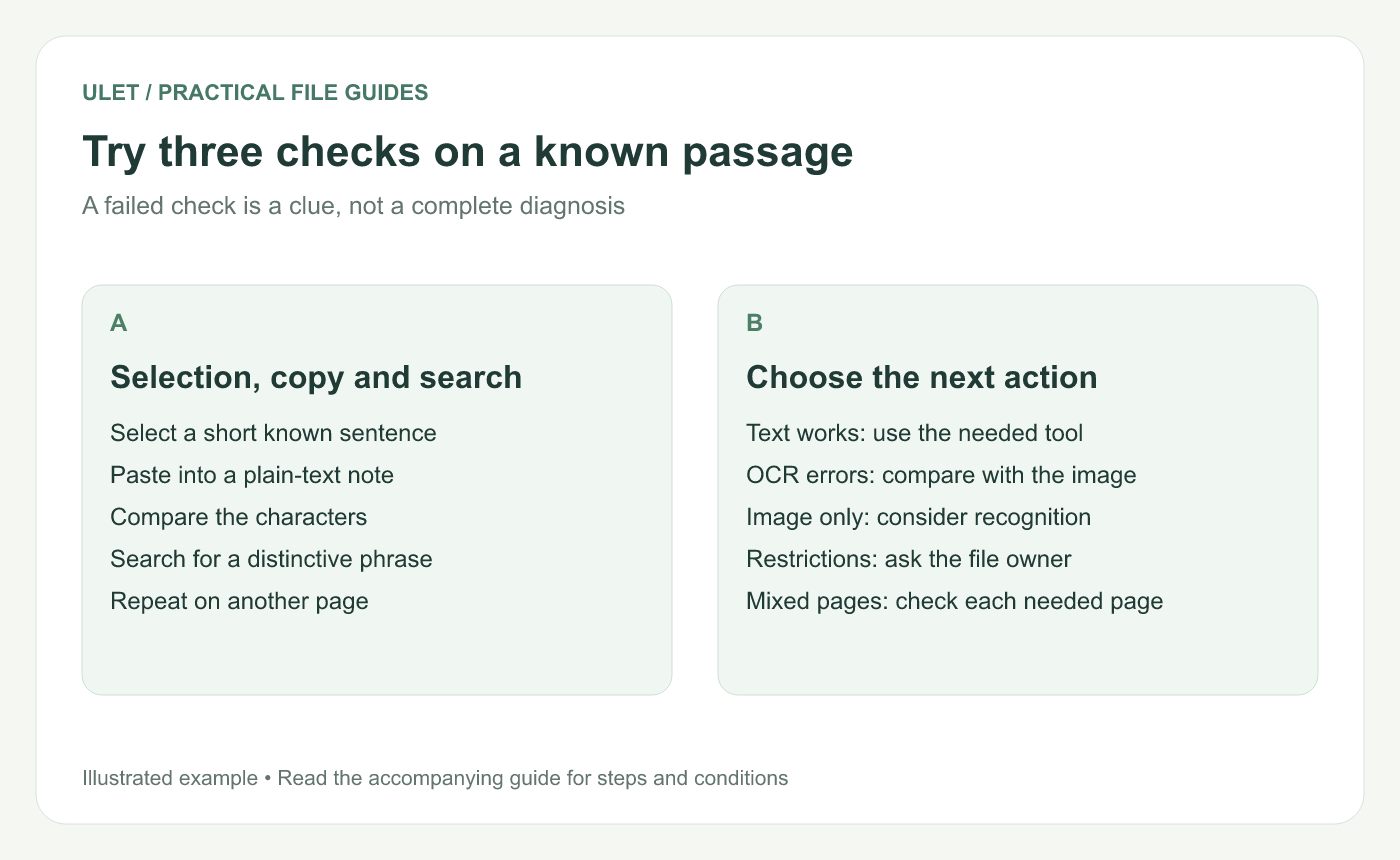
Try three checks on a known passage. Original instructional illustration; sample records and layouts are examples, not software screenshots.
Interpret the result carefully
Observation | What to check next |
|---|---|
Text selects and copies correctly | Try the actual search, annotation or edit task you need |
Text copies with wrong characters | Compare the text layer with the visible source |
A whole page image is selected | Check whether the page has a usable text layer |
Nothing copies or searches | Check the selected tool, file restrictions and another viewer before concluding it is image-only |
Zooming can provide a clue, but it is not a definitive structural test. Vector outlines can look sharp without behaving like ordinary selectable text.
Choose the next step for the task
If you need search or text extraction from an image-only page, use a suitable OCR workflow and inspect its output. For a visual review, a note anchored to the relevant area may be enough.
Keep the original PDF until the processed copy is checked. If permissions block the required action, ask the owner for an appropriate copy rather than treating OCR as a way around the restriction.
Ulet lets you inspect and review local PDFs on Windows and macOS. Use the same passage when checking the saved result so you can compare what actually changed.


