
Before sharing a workbook, check the exact file your recipient will open: its reporting period, included records, important formulas and starting view. Add a short note explaining what you want them to do with it.
Work through the check on a saved delivery copy. That gives you one file to review and send, instead of making a last-minute change to a different copy.
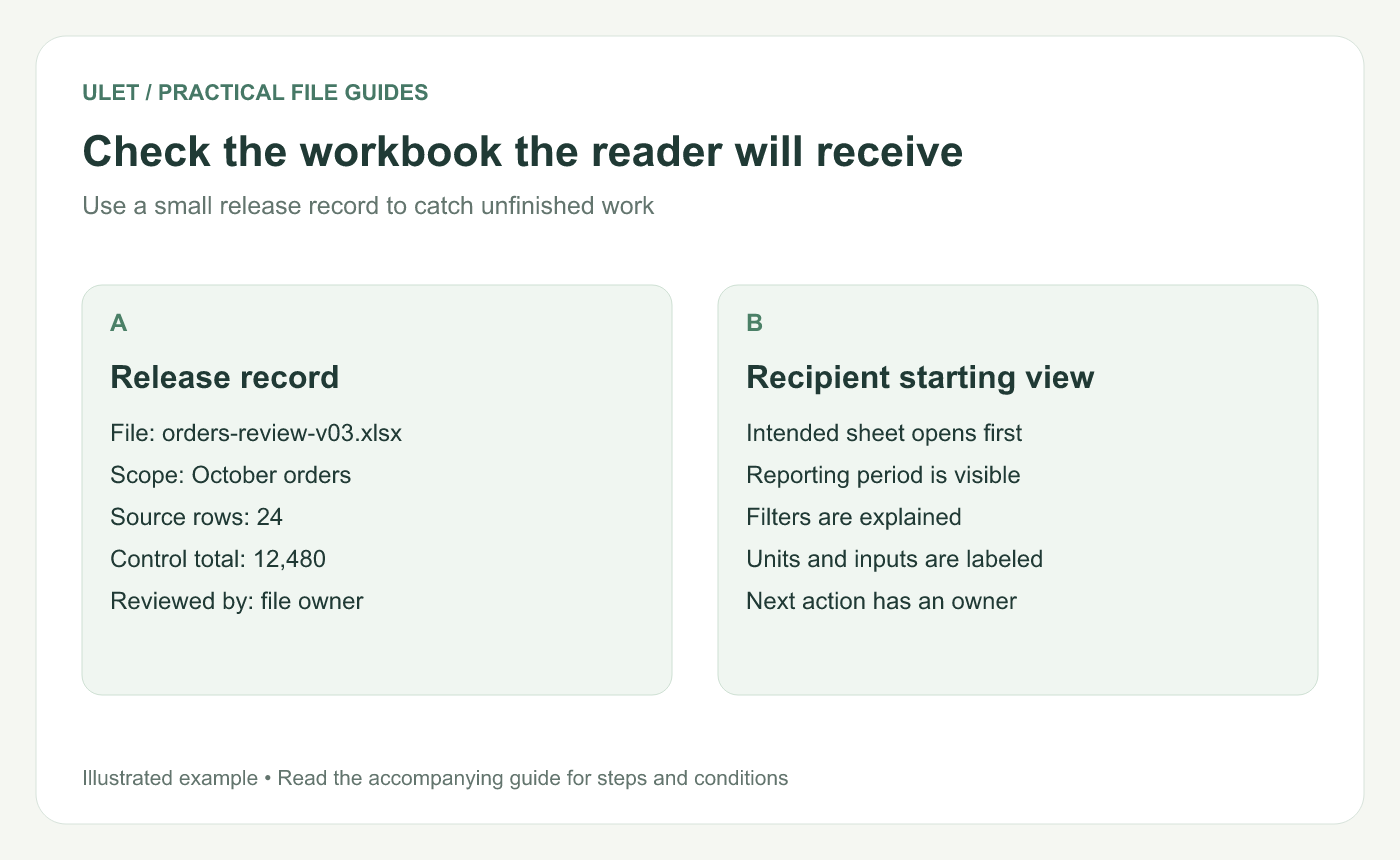
Check the workbook the reader will receive. Original instructional illustration; the examples are not software screenshots.
Write a three-line handoff note
For example: “October order review, through 31 October 2026. Compare the flagged records with the source order list. Return corrections to Maya by 12 November.” Add the units and source location if those are not obvious in the workbook.
A reader should be able to tell whether this is an editable working file, a review request or a finished report. If only certain cells should be changed, identify those cells in plain language.
Reconcile the scope before checking the layout
Use something independent of the workbook's own summary as a reference. Suppose the source contains 24 order records totaling 12,480 in the stated currency. Confirm those two controls against the delivery copy, then trace a few order IDs and amounts.
Matching totals alone do not prove that the rows are correct. A missing record and an extra record can offset each other. Check the first and last dates, the newest record and any unusual adjustments.
Inspect the formulas that drive the result
Look at the range in each important total. Does it include the last row you added? Does a copied formula point to the right inputs? Make a small, reversible input change in a separate check copy and confirm the dependent result changes as expected.
Write down unresolved errors or unsupported workbook features before delivery. A displayed number is not enough evidence that the underlying calculation is ready for the recipient's workflow.
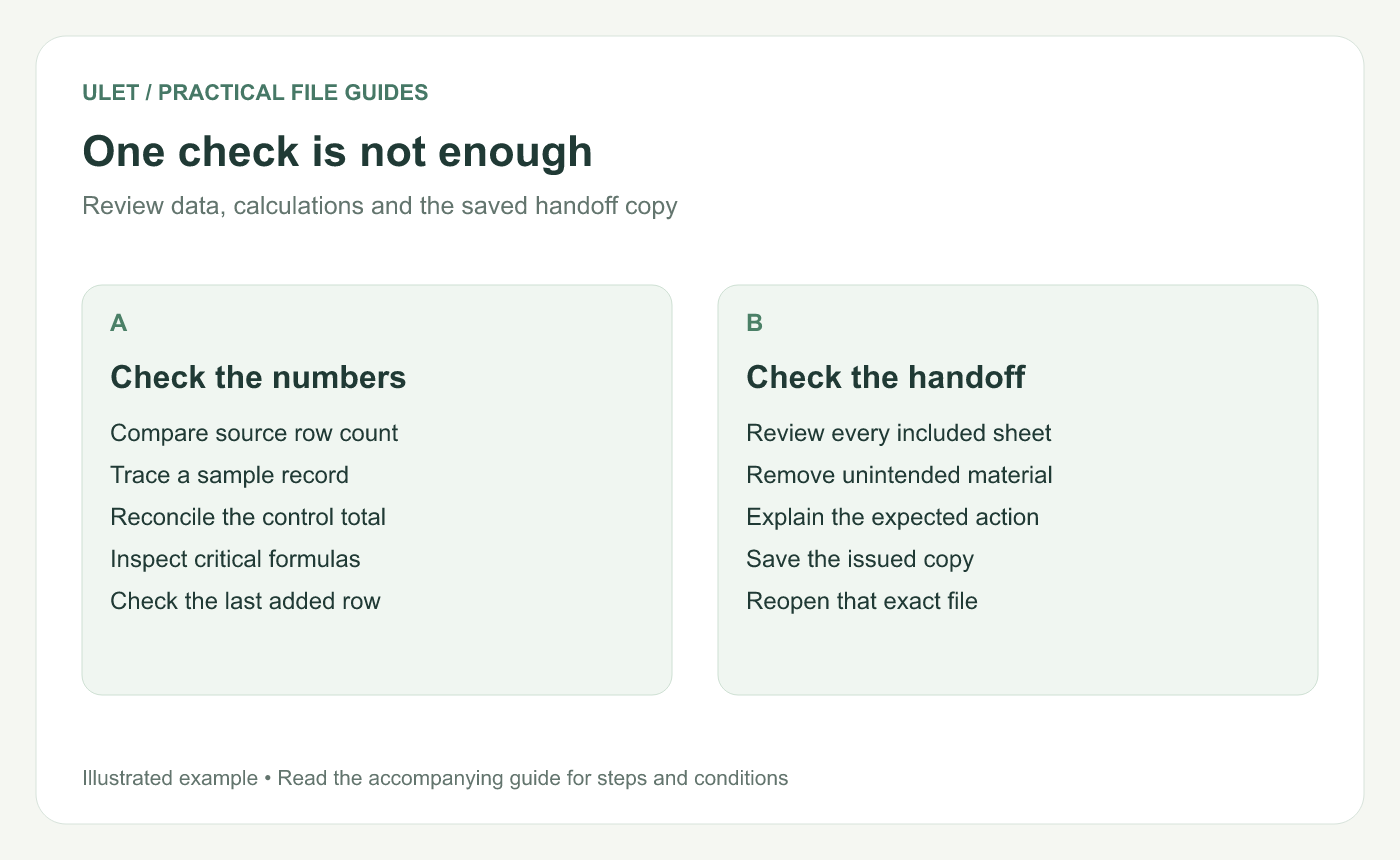
One check is not enough. Original instructional illustration; the examples are not software screenshots.
Review everything you are including
Open each sheet and inspect notes, comments and hidden material using the controls available in your editor. Hiding a row or sheet does not remove it from the file. If a recipient needs only a subset, prepare and inspect a separate delivery copy containing the intended material.
Choose a useful opening sheet and explain active filters. The filtering guide can help you check a review view; retain the complete source separately.
Reopen the file you plan to send
Save the delivery copy in the intended format.
Close and reopen that file.
Check the key total, reporting period and starting view.
Confirm the recipient instructions refer to this version.
Ulet's free basic spreadsheet editing lets you prepare a local XLSX on Windows or macOS. Keep the review record beside the issued workbook so the next person can see what was checked.



