
For a plain-text-friendly resume, use a clear reading order, familiar section headings and experience entries that keep the role, employer and dates together. Then copy the text into a plain-text view and check whether it still makes sense.
This is a readability check. Different screening systems handle documents differently, so it cannot promise a particular parsing or hiring result.
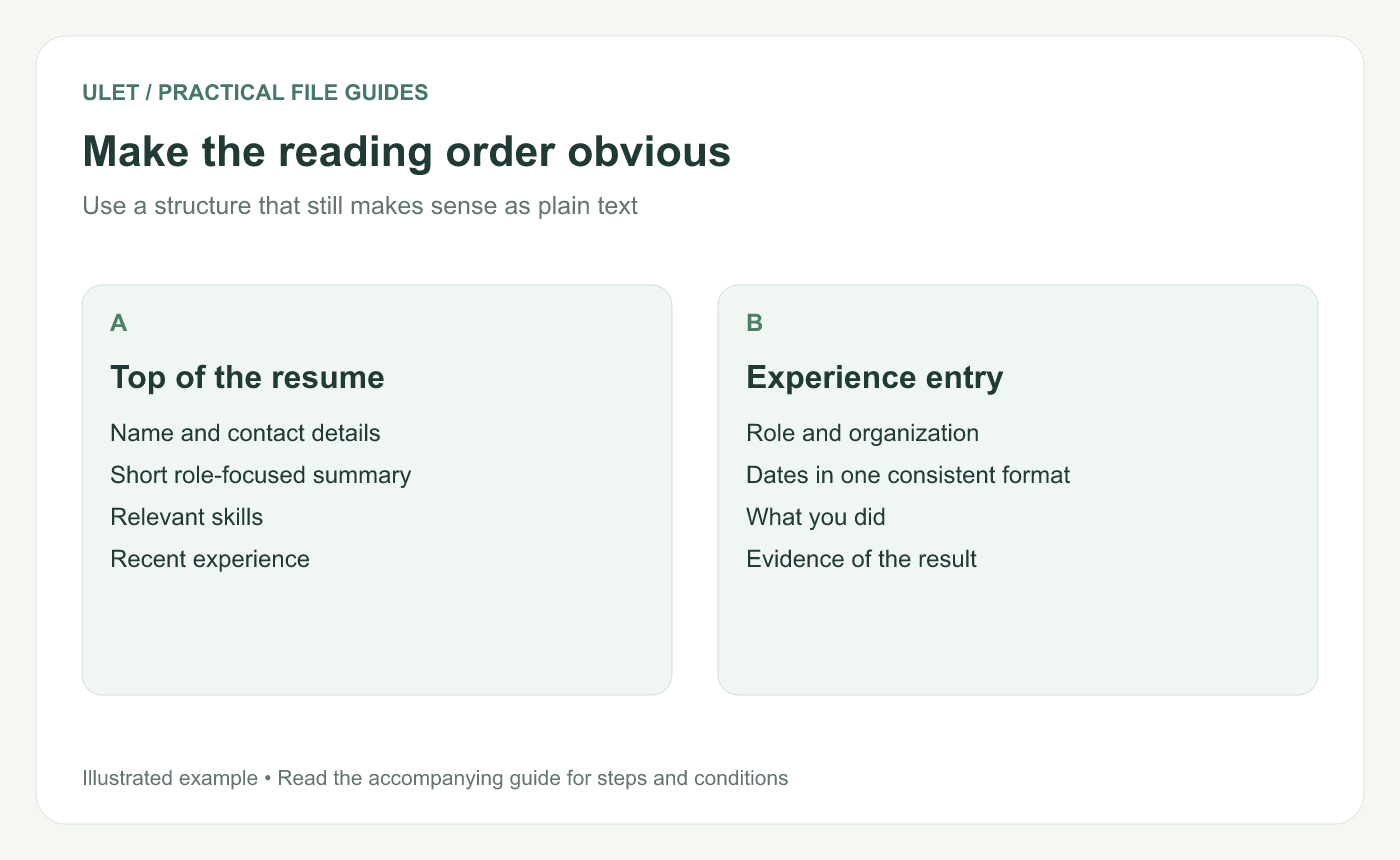
Choose a layout readers can follow in the intended order.
Start with a simple structure
Put your name and useful contact details first. Follow with a short summary if it adds context, relevant skills, experience and education. Choose the order that makes your strongest relevant evidence easy to find.
Use straightforward section headings. If the reader expects “Experience,” an unusual heading can make the section harder to spot.
Keep each role together
An experience entry needs the role, organization and dates, followed by concise descriptions of the work. Be specific about what you did and the result you can support.
For example, “Maintained the team's weekly reporting spreadsheet and checked submissions before review” tells a reader more than “Responsible for reporting.” Add a verified result or scale when you have one. Avoid inventing a metric just to make the sentence look stronger.
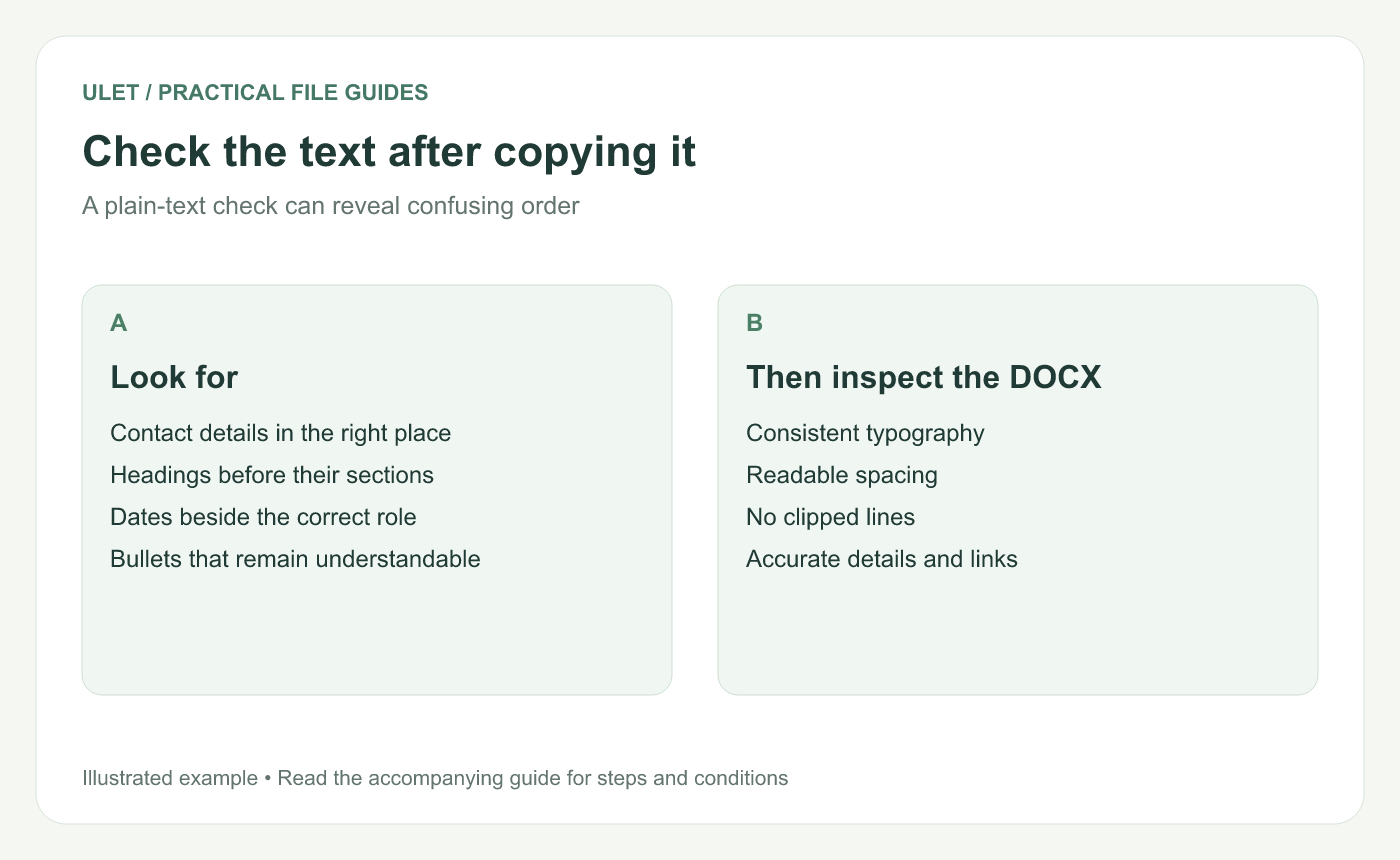
A plain-text check does not guarantee any screening-system result.
Test the reading order
Copy the resume's text.
Paste it into a plain-text editor or note.
Read from top to bottom.
Check that dates stay with the correct role and bullets remain understandable.
Return to the DOCX and fix anything that became confusing.
Columns, text boxes and decorative elements can make reading order harder to predict. Use them only when you can check the result in the formats requested by the recipient.
Review the file you will send
Check contact details, spelling, dates and link destinations. Keep the text readable at a normal viewing size and make sure important content is not clipped.
Follow the recipient's requested format. Keep an editable DOCX for revisions, and inspect any PDF export separately. Ulet lets you prepare and save the local document on Windows or macOS. Edit your resume in Ulet.



