
Before reusing staging folders for a new delivery, check which ones are empty. A folder that looks blank in File Explorer might hold a hidden marker or a nested folder that your process expects.
Scan one parent folder without changing it
In PowerShell, replace the path with your staging folder. The outer command selects immediate child folders. The inner command checks for any entry inside each child, including hidden entries.
Get-ChildItem -LiteralPath 'C:\Staging\Expo' -Directory -Force -ErrorAction Stop |
  ForEach-Object {
    $folder = $_
    try {
      $entry = Get-ChildItem -LiteralPath $folder.FullName -Force -ErrorAction Stop |
        Select-Object -First 1
      if ($null -eq $entry) { $folder.FullName }
    } catch {
      Write-Warning "Could not inspect $($folder.FullName)"
    }
  }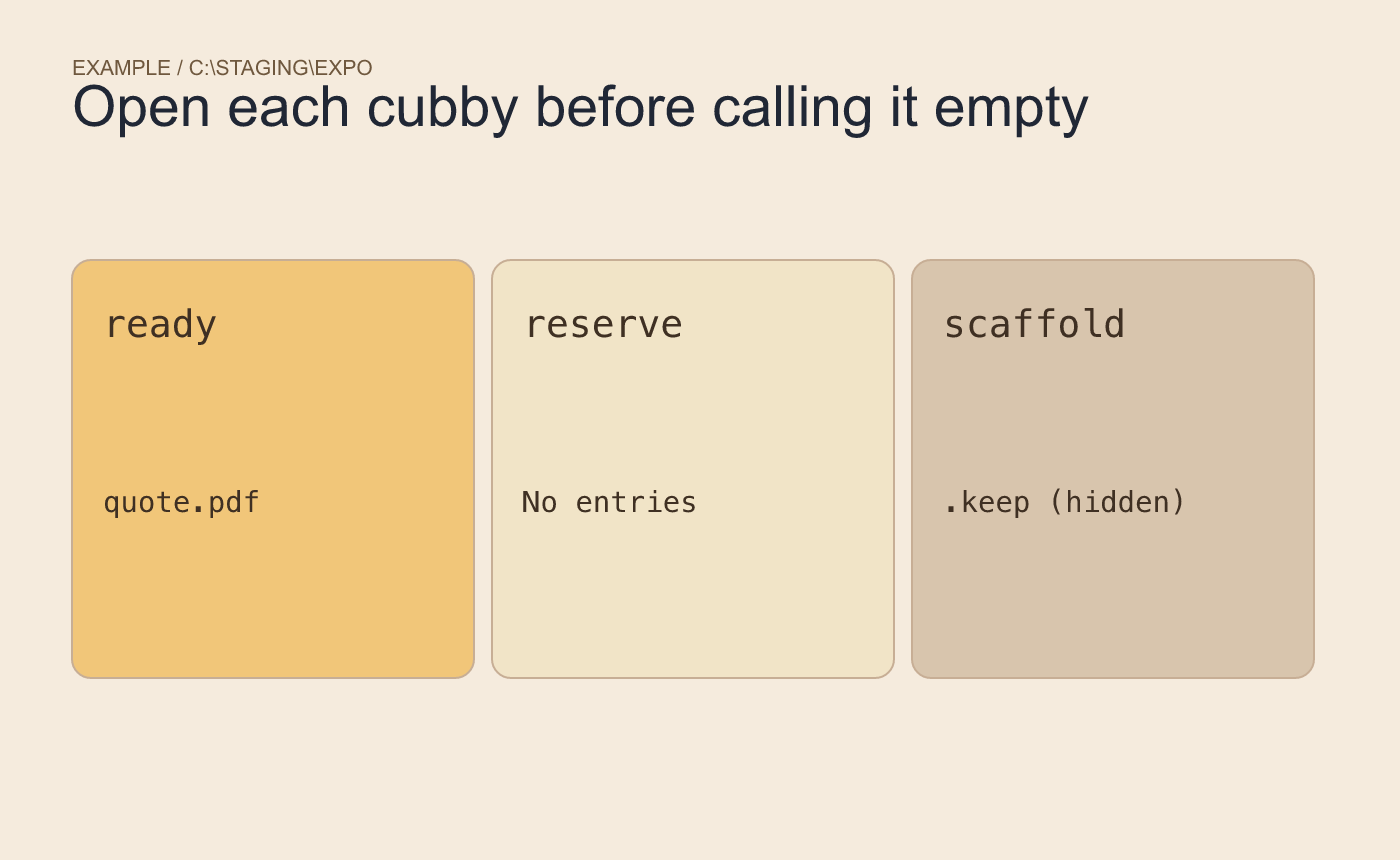
Example fixture. Only reserve should be reported as empty.
In this example, ready contains quote.pdf, scaffold holds a hidden .keep, and reserve contains no entries. Expect only the full path to reserve. A folder containing an empty subfolder still has an entry and should stay out of the result.
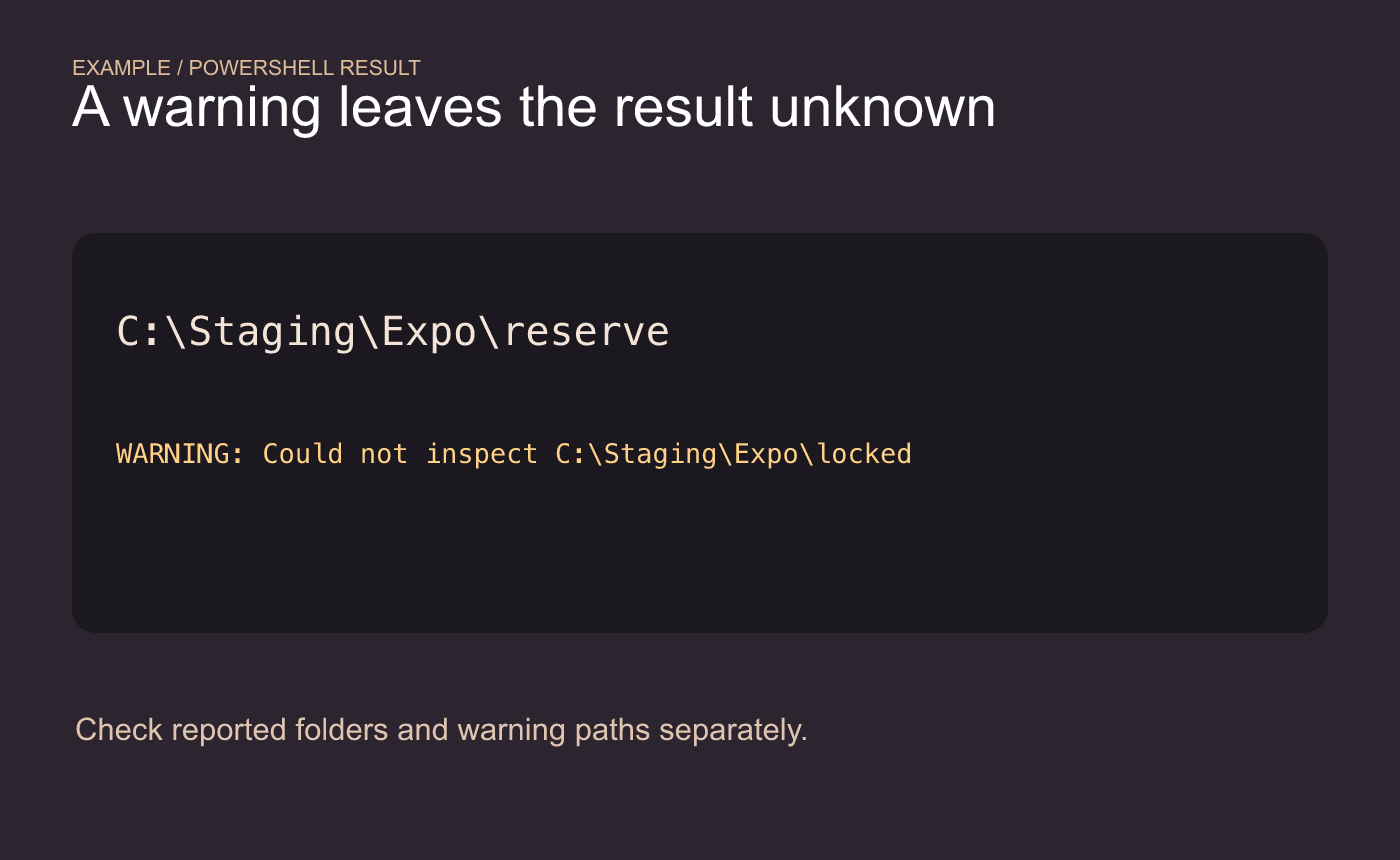
Example result. Treat a scan warning as an unknown state.
Open one reported folder and check its exact path before reusing it. If the scan issues a warning, investigate that path separately. The listing itself leaves the folders and their contents in place.



