
A clear formatting-problem report explains what you did, what you expected and what actually appeared. Include the file format, application version and a small sample that reproduces the behavior.
Describe the visible difference before naming a suspected cause. “The final column wraps after reopening” is evidence; “the font engine is broken” is a theory that still needs investigation.
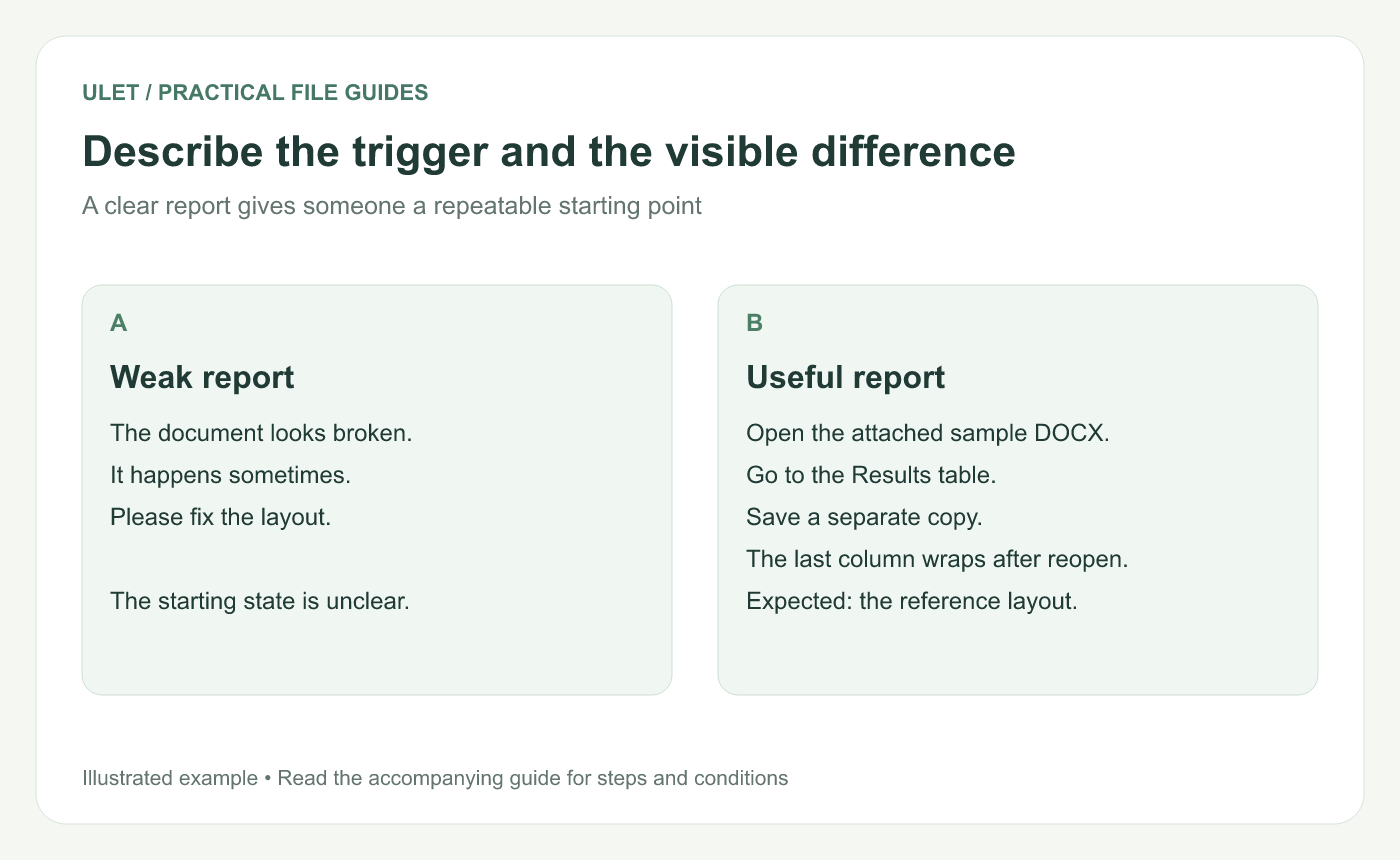
Describe the trigger and the visible difference. Original instructional illustration; sample wording and outcomes to check are not software screenshots or observed test results.
Write the shortest repeatable sequence
For an illustrative report, start with a known DOCX sample, open the Results table, save a separate copy and reopen it. Identify the first step at which the layout differs from the intended reference.
If the problem appears only after a particular edit, include that edit. If it appears immediately on opening, say so rather than adding unrelated steps.
Record the environment and the result
Field | Useful detail |
|---|---|
Input | Sample filename, format and version |
Environment | Application version and operating system |
Expected result | The intended text or layout, with a reference |
Observed result | The specific difference and its location |
Frequency | What happened in the attempts you actually made |
Do not invent a success rate or test count. If you tried once, report that one observation.
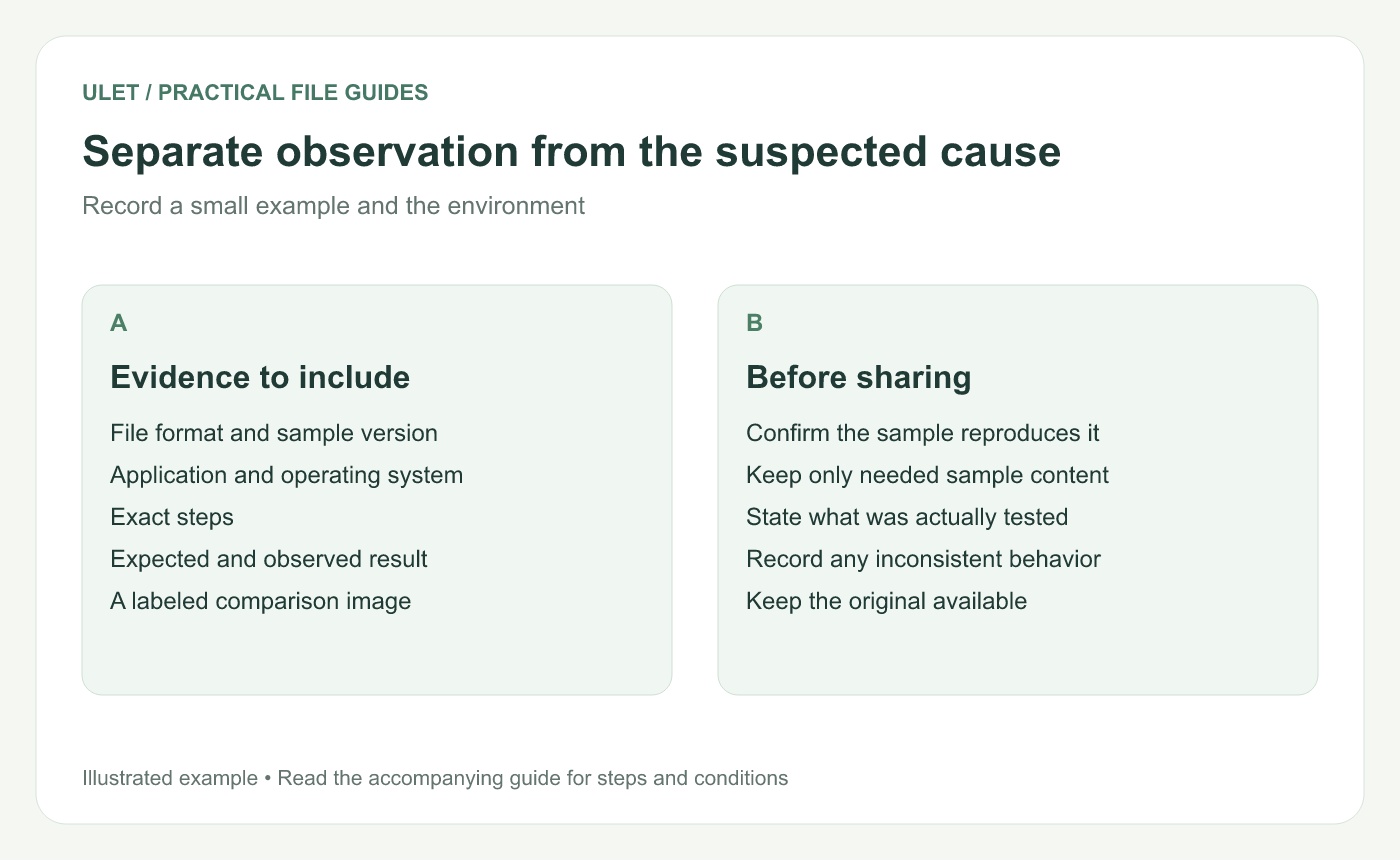
Separate observation from the suspected cause. Original instructional illustration; sample wording and outcomes to check are not software screenshots or observed test results.
Prepare a small useful sample
Work on a separate copy and remove content unrelated to reproducing the issue. Then run the same steps again: removing a section can also remove the trigger.
If the sample no longer reproduces the problem, narrow the difference between it and the original. Keep the original intact while doing that investigation.
Label the visual evidence
Use images labeled Expected and Observed, showing the same passage at a comparable scale. Include enough surrounding heading or table structure to identify the location.
A screenshot explains appearance; the editable sample can reveal the structure behind it. State which evidence is available rather than assuming one replaces the other.
Keep the report actionable
End with the question that needs investigation and any known workaround you actually checked. Distinguish an untested suggestion from a verified workaround.
Ulet provides local office editing on Windows and macOS. A report containing the exact file format, trigger and observed result is useful when discussing a problem with a teammate or through the product's feedback route.


