
A document can be edited locally while its folder is synchronized by a separate service. To understand the workflow, check both the editor's save path and the storage service managing that folder.
“Saved on this computer” and “available on another device” describe different states. Verify each state when the distinction matters to your work.
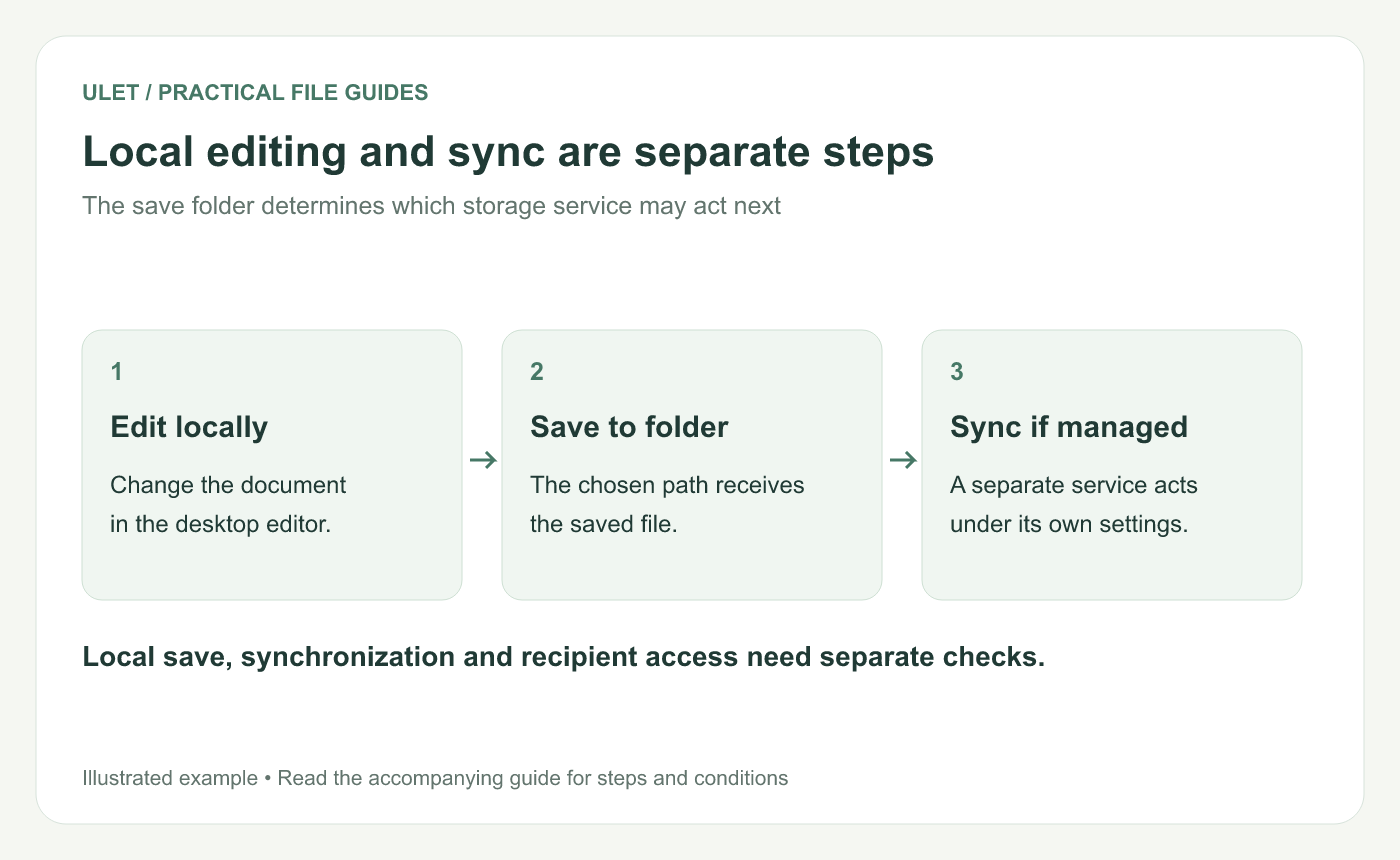
Local editing and sync are separate steps. Original instructional illustration; sample records are examples, not product screenshots or observed test results.
Follow the actual file path
Find the file in Finder or File Explorer and inspect where it lives. Check whether that location belongs to OneDrive, iCloud Drive or another configured storage service.
A folder called Documents or Desktop does not, on its own, establish whether synchronization is configured. Inspect the actual setup rather than inferring it from the folder's familiar name.
Separate the two operations
Operation | What to verify |
|---|---|
Local editing | The editor changed and saved the intended file |
Folder synchronization | The service propagated the file according to its settings |
Recipient handoff | The intended recipient can access the correct version |
Microsoft describes changes inside a synchronized OneDrive folder being reflected online and vice versa. Apple documents the separate download and file-management behavior of iCloud Drive. OneDrive synchronization, iCloud Drive files.
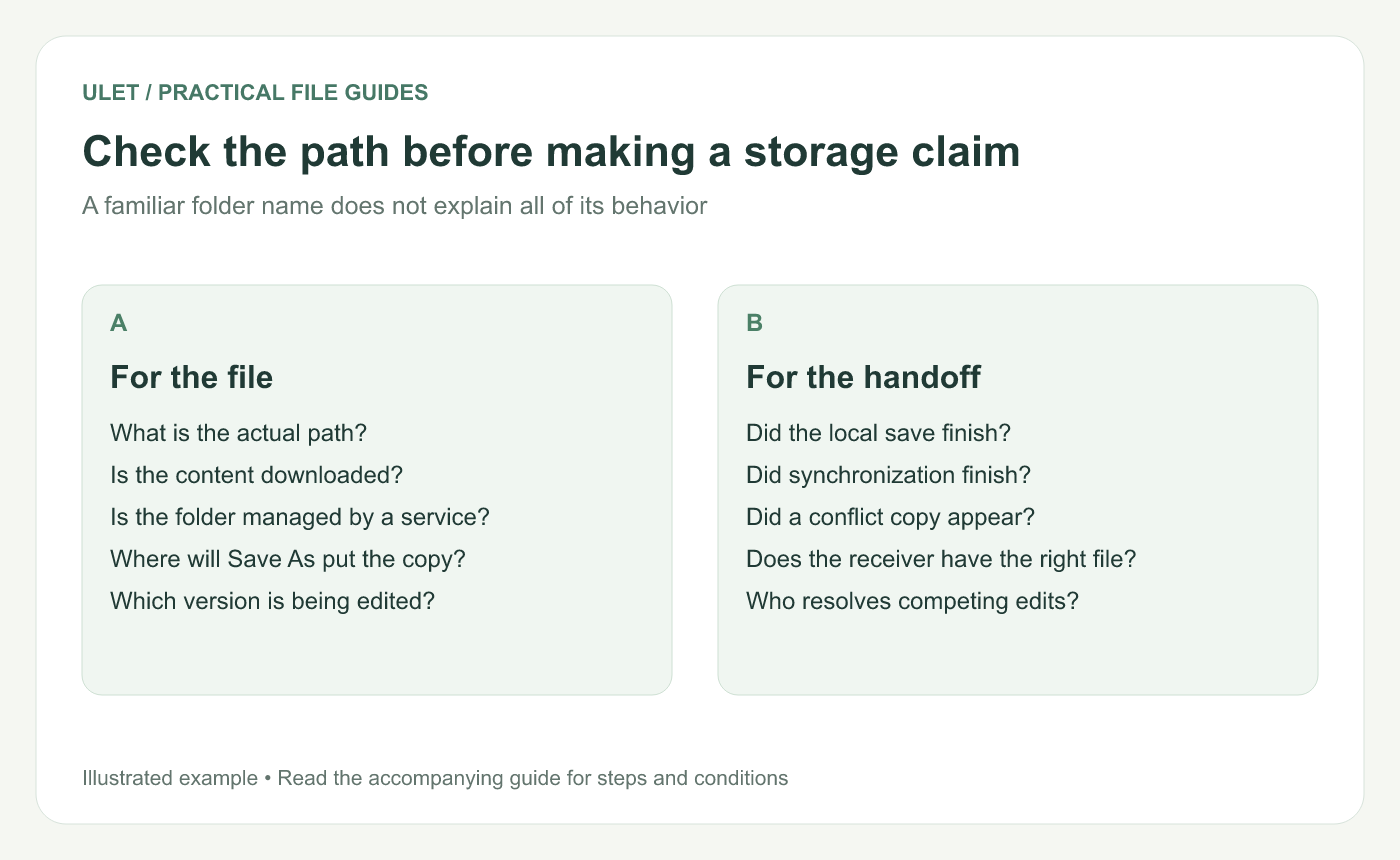
Check the path before making a storage claim. Original instructional illustration; sample records are examples, not product screenshots or observed test results.
Choose the save location deliberately
If you want to work in a folder outside the services you use, identify an appropriate local location and check its actual management settings. If the task needs synchronization, use the agreed managed location and inspect its sync state.
Do not assume pausing a sync client changes the folder's long-term role. Check the service's documented behavior when changing its settings, especially before moving or deleting managed content.
Check conflicts as a separate issue
If two people edit different local copies, synchronization does not necessarily decide how their document changes should be merged. Identify the current file, any conflict copy and the person responsible for reconciling the work.
Confirm a local save before checking synchronization. Then check what the receiver actually opens rather than treating one status icon as proof of the entire handoff.
Apply the distinction to Ulet
Ulet's document editing is local on Windows and macOS, with free basic editing across its office workflow. A separate folder-sync service still follows its own configuration when a file is saved into a location it manages.
Choose the file location to fit the task, and keep the local-save check distinct from any later synchronization or delivery check.


