
Export Markdown to PDF, then inspect the generated pages rather than treating the Markdown preview as a page proof. Check page boundaries, wide content and the relationship between figures and their explanation.
Keep the editable .md source. Make corrections there when they belong in the content, export a new PDF and repeat the same checks.
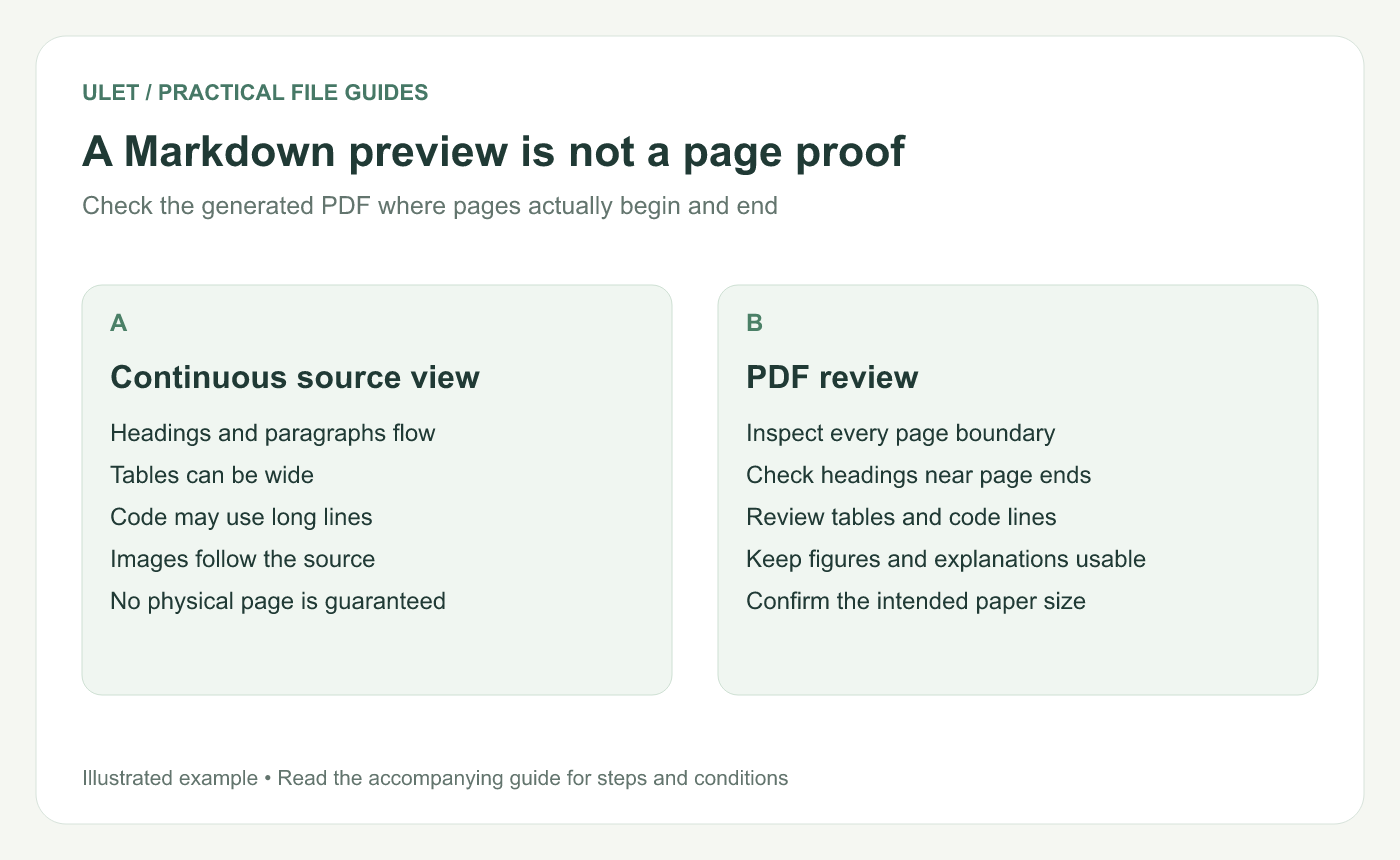
A Markdown preview is not a page proof. Original instructional illustration; examples are not software screenshots or product test results.
Save the source and check its resources
Confirm the headings, lists, tables and images are correct in the Markdown preview. Required local images should load before export. A missing picture in the source workflow needs attention before you judge page layout.
Use the current PDF export command in Ulet and choose a clear destination filename. Open the saved PDF itself when export finishes.
Inspect the difficult boundaries first
Content | What to inspect in the PDF |
|---|---|
Section heading | Enough following context to understand the section |
Wide table | All columns and labels remain visible |
Code block | Long lines are visible or handled deliberately |
Image | The figure, caption and nearby explanation remain usable |
Final page | No unexpected blank page or clipped ending |
Check the page size in the output before planning a print job. Do not assume every export workflow offers the same paper and margin controls.
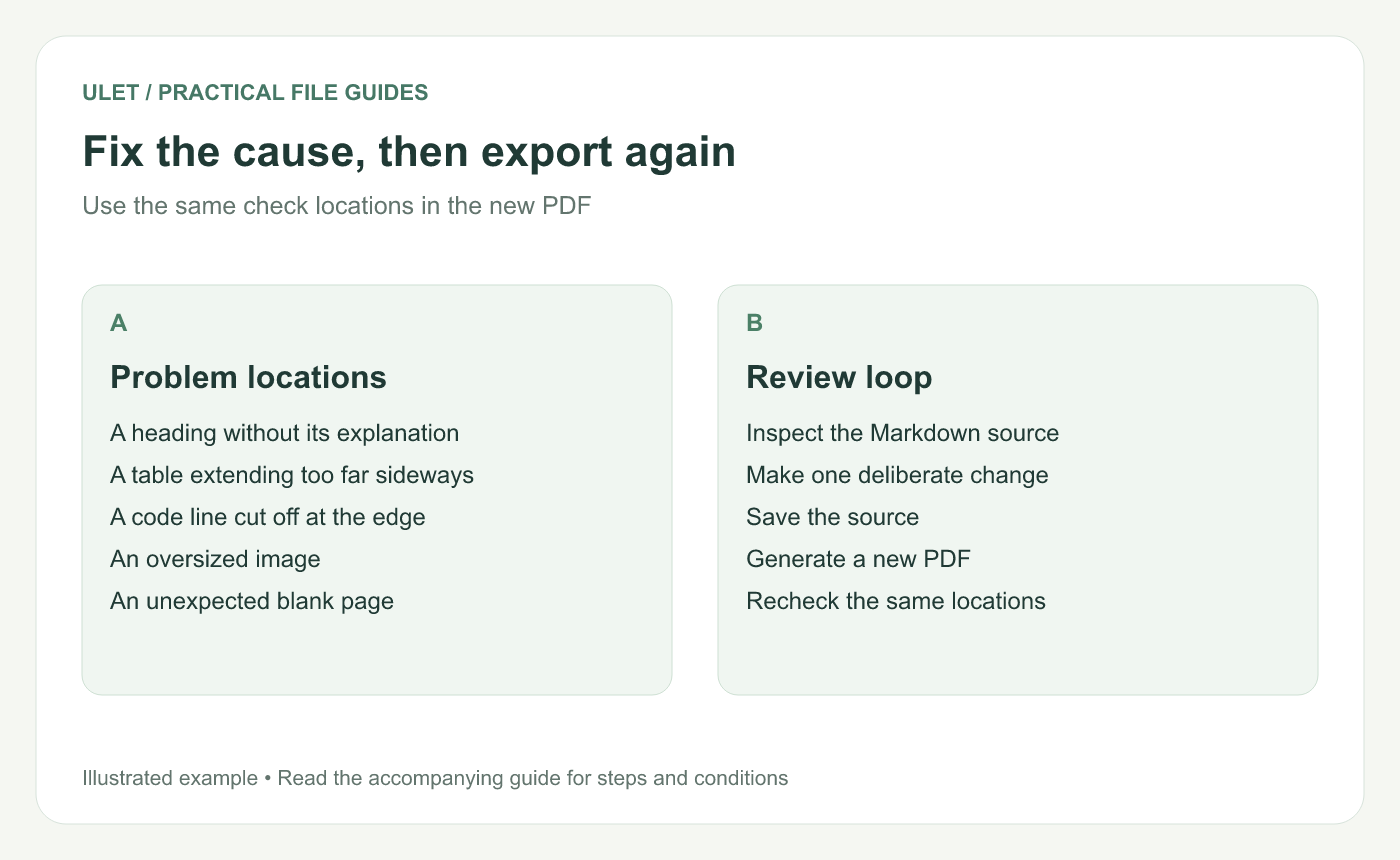
Fix the cause, then export again. Original instructional illustration; examples are not software screenshots or product test results.
Change one cause at a time
For a table that is too wide, consider shorter labels or moving detailed prose outside the cells. For an oversized image, review its intended size and the content it needs to show.
Do not insert many blank lines to push content toward an imagined page boundary. The result can change with fonts, export styling or a later edit.
There is no universal Markdown page-break instruction that every renderer must honor. Use only controls or syntax supported by the particular workflow and verify the generated result.
Recheck the new export
Save the corrected source.
Export a newly identified PDF.
Open it and revisit the problem locations.
Check neighboring pages for side effects.
Confirm the copy that will actually be delivered.
If exact page composition is central to the task, use a workflow with the page-layout controls it requires rather than relying on source spacing alone.
Ulet supports local Markdown editing and PDF export on Windows and macOS. Its free basic editing lets you keep the source and output in the same local project while reviewing the final pages.


