
Organize PDF pages by making a short page map before reordering or removing anything. Identify pages by their content and version, then compare the finished packet with an explicit intended sequence.
Work on a delivery copy. Keep the source PDF available until you have checked that the new packet contains the right pages in the right order.
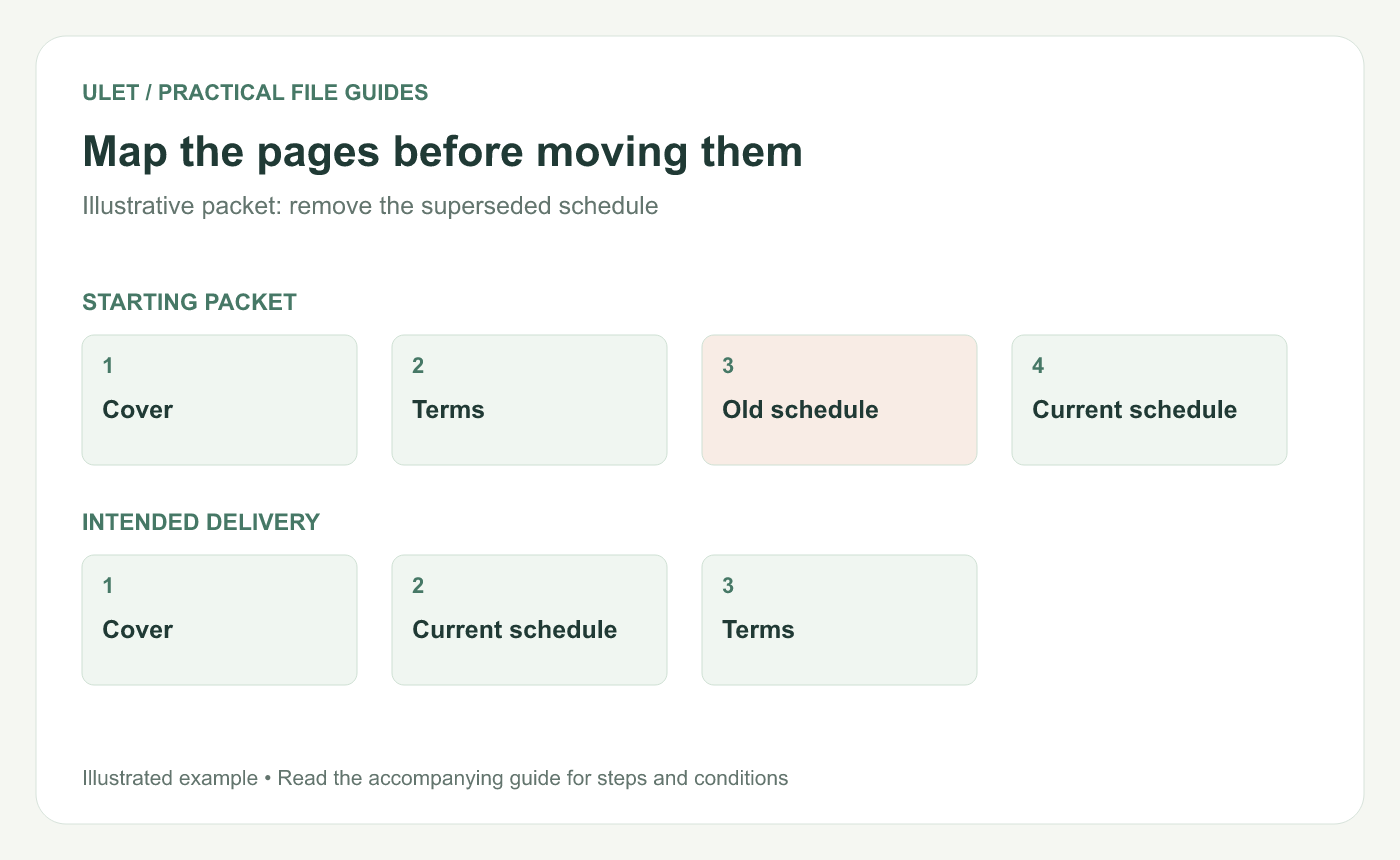
Map the pages before moving them. Original instructional illustration; sample records and layouts are examples, not software screenshots.
Name the pages before changing their positions
For an illustrative packet, suppose the current order is Cover, Terms, Old schedule and Current schedule. The intended delivery is Cover, Current schedule and Terms.
Record the heading and date that distinguish the two schedules. Their position in the current file is not a reliable way to recognize which one is current after you start moving pages.
Use a simple page map
Current position | Identity | Action in this example |
|---|---|---|
1 | Cover | Keep first |
2 | Terms | Move after the current schedule |
3 | Old schedule | Remove from the delivery copy |
4 | Current schedule | Place after the cover |
Include printed page labels if the packet uses them. A page labeled “A-1” can occupy a different numeric position in the viewer.
Apply one type of change at a time
Use Ulet's PDF page controls to inspect thumbnails, move the identified pages and remove the superseded page from the delivery copy. Check the selection before each action.
If a page is sideways, use the page rotation control and verify the saved orientation. Rotating the view alone is not enough evidence that the file's page orientation changed.
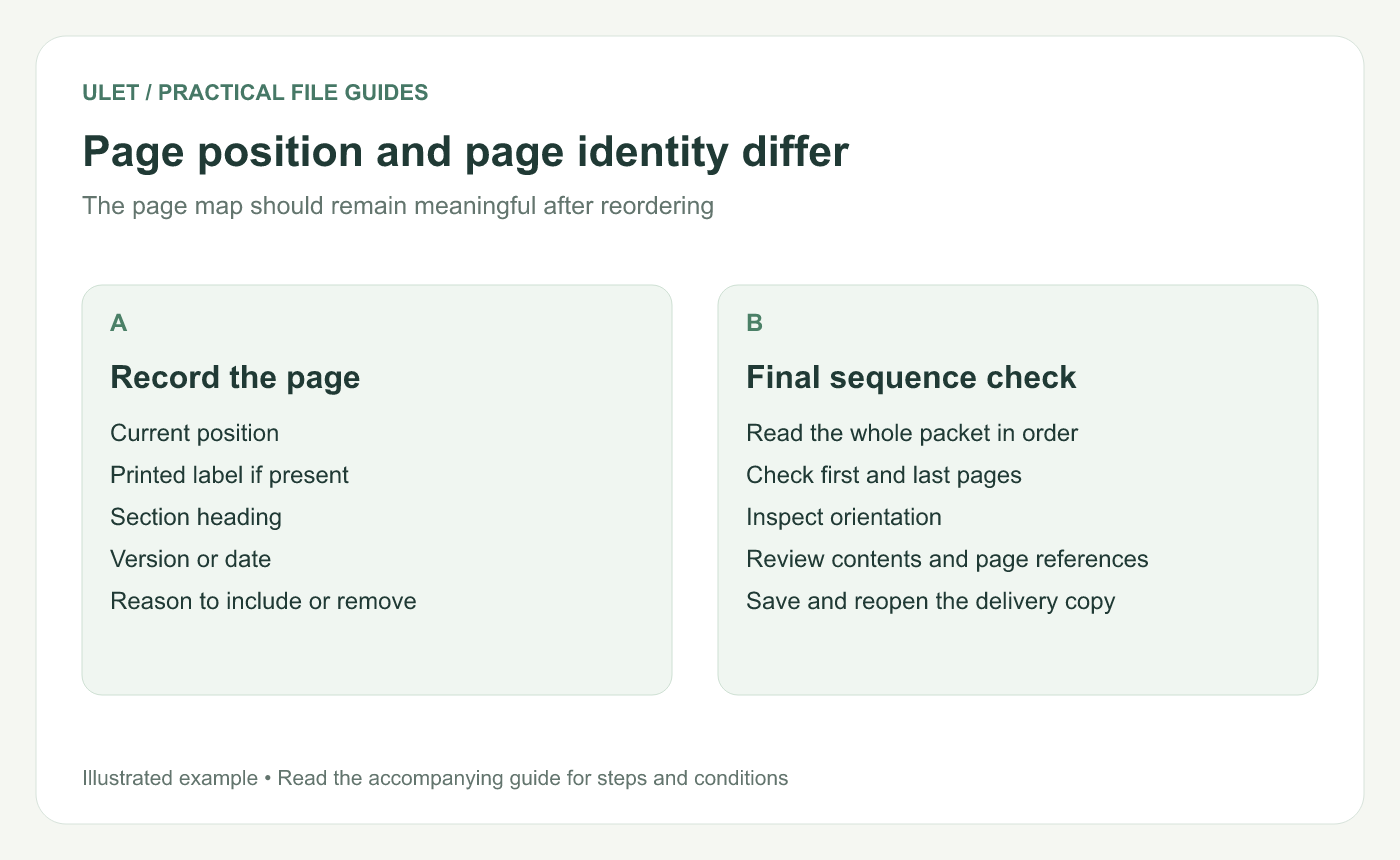
Page position and page identity differ. Original instructional illustration; sample records and layouts are examples, not software screenshots.
Read the assembled packet from beginning to end
Confirm the expected count of three pages in this example. Check the content of every remaining page, not just the thumbnail count.
Look for broken continuations: a heading that refers to a removed page, a sentence continuing from the wrong predecessor or a contents entry that now points to the wrong position. Reordering pages does not automatically rewrite printed cross-references.
Check navigation and the final saved file
If bookmarks, links or a contents page matter to the packet, test them after the page changes. Fix their destinations with appropriate tools or return to the source document where necessary.
Save and reopen the delivery copy. Compare its order with the page map, check the first and last pages and confirm that the obsolete schedule is absent.
Ulet's all-in-one local workflow lets you keep the source, delivery PDF and page map together on Windows or macOS. Basic editing is free; retain the original until the recipient's intended packet is checked.


